

Running an online store without tracking performance is like driving a car with your eyes closed—you might move forward, but you won’t know where you’re going or how fast. That’s exactly why WooCommerce reporting & analytics plugins are essential. These tools help you monitor your store’s performance, understand customer behavior, and make smarter decisions based on real data.
These tools help you understand what’s working, what’s not, and where you should focus next. From sales trends to customer behavior, the right plugin can turn raw data into clear, actionable insights. In this guide, I will give you an overview of some of the WooCommerce reporting & analytics plugins that can help you to take smarter decisions and to grow store faster.
What is Reporting & Analytics?
Reporting and analytics is all about collecting, understanding, and using data to make better decisions. In a WooCommerce store, this means tracking things like sales, customer behavior, product performance, and traffic sources.
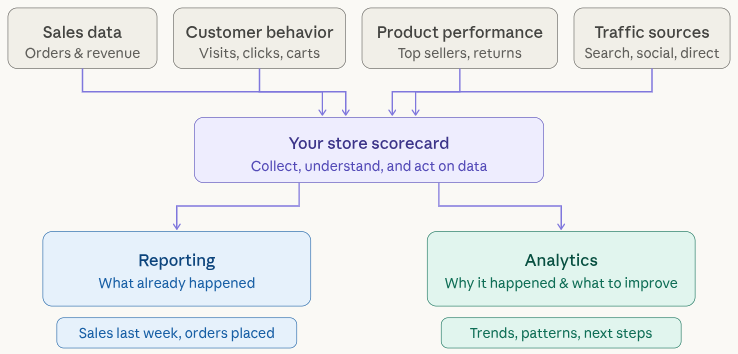
Think of it like checking your business “scorecard.” Reports show you what has already happened, like how many sales you made last week, while analytics helps you understand why it happened and what you can improve next. Together, they give you a clear picture of your store’s health and direction.
Why WooCommerce Analytics Matters
Running a WooCommerce store without analytics is like trying to improve something you can’t see. You might be making sales, but you won’t know what’s driving them or what’s holding you back.
Analytics helps you understand your customers, what they like, how they shop, and why they leave. It shows you which products perform well and which ones need attention.
More importantly, it helps you make informed decisions instead of guessing. Whether it’s pricing, marketing, or product selection, analytics gives you the confidence to move in the right direction. Simply put, if you want to grow your store, you need to understand your data.
Key Features to Look for in Analytics Plugins
Not all analytics plugins are created equal. Some offer basic reports, while others provide deep insights. That’s why it’s important to know what features actually matter.
Here are some key features you should look for:
- Real-time reporting: Helps you track what’s happening in your store right now.
- Sales and revenue tracking: Gives you a clear picture of how your store is performing financially.
- Customer insights: Shows buying behavior, repeat purchases, and customer trends.
- Conversion tracking: Helps you understand how many visitors turn into customers.
- Traffic source tracking: Identifies where your visitors are coming from (Google, social media, ads, etc.).
- Easy-to-use dashboard: Makes data easy to understand without technical knowledge.
- Integration with marketing tools: Connects with platforms like Google Analytics, Facebook Ads, or email tools.
Choosing a plugin with these features ensures you get meaningful insights instead of just raw numbers.
How Analytics Improves Store Growth
Analytics plays a major role in growing your WooCommerce store because it helps you make smarter decisions. Instead of guessing what might work, you rely on real data.
For example, if analytics shows that a product is getting a lot of views but few sales, you can improve its pricing or description. If you notice most of your traffic comes from social media, you can invest more in that channel.
It also helps you understand customer behavior. You can see what they like, when they buy, and what makes them leave. With this information, you can improve user experience and increase conversions.
In simple terms, analytics turns your data into a growth strategy. The more you understand your store, the easier it becomes to scale it successfully.
9 Best WooCommerce Reporting & Analytics Plugins
Here are some of the top WooCommerce reporting and analytics plugins that help you track, analyze, and improve your WooCommerce store performance with ease.
1. Metorik
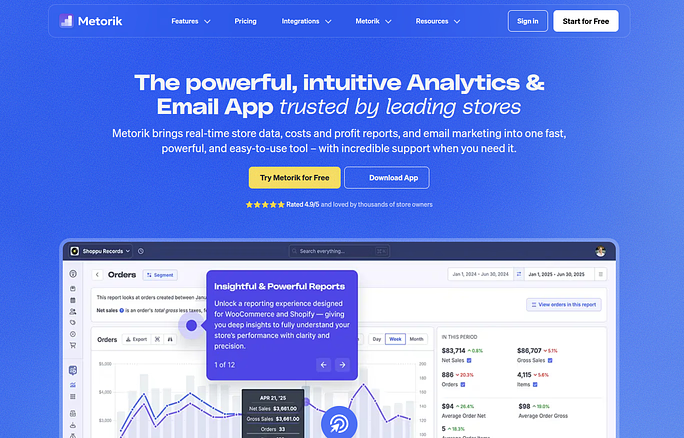
Metorik is a dedicated WooCommerce analytics platform that goes beyond basic reporting. It helps store owners understand customer behavior, revenue trends, and retention patterns with detailed insights. It’s like having a smart dashboard that tells you exactly how your store is performing.
Key Features:
- Real-time reporting dashboard
- Customer segmentation tools
- Subscription and retention tracking
- Automated email reports
Advantages:
- Deep and detailed analytics
- Clean and user-friendly interface
- Great for tracking long-term growth
Disadvantages:
- Requires a paid subscription
- Needs external account setup
Best For: Advanced WooCommerce store analytics and customer insights
2. MonsterInsights
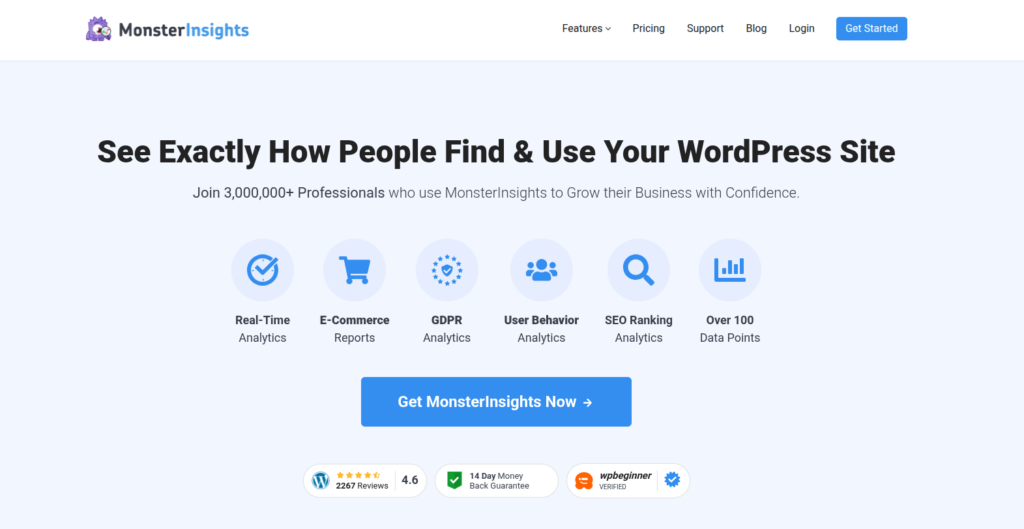
MonsterInsights makes Google Analytics easy to use within your WordPress dashboard. Instead of dealing with complex data, it shows simplified reports that help you understand your store’s performance quickly.
Key Features:
- Google Analytics integration
- eCommerce tracking reports
- Conversion tracking
- Real-time stats
Advantages:
- Beginner-friendly setup
- No coding required
- Detailed yet simple reports
Disadvantages:
- Many features are premium-only
- Can be costly for small businesses
Best For: Beginners who want easy Google Analytics integration
3. Analytify
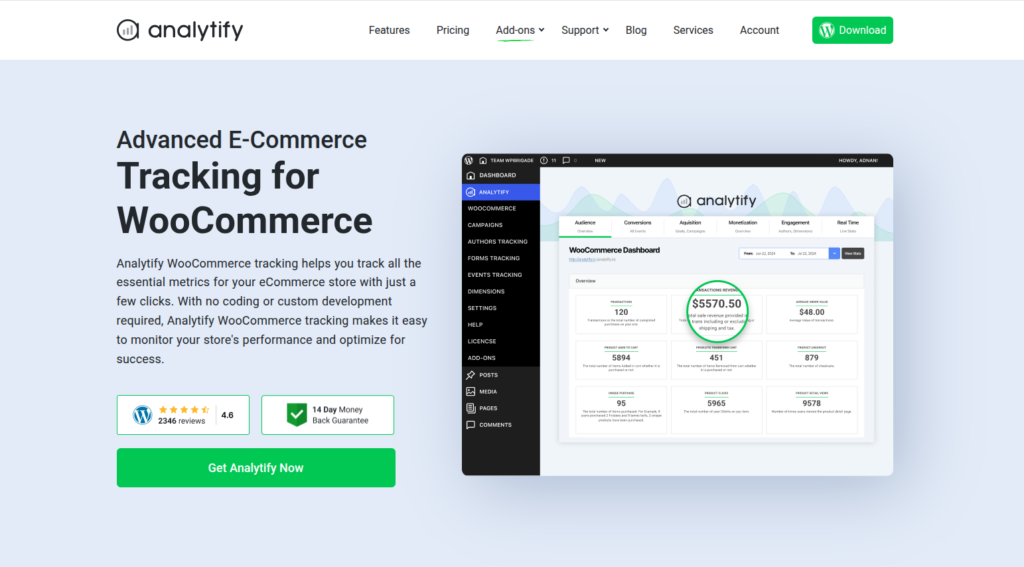
Analytify turns complicated Google Analytics data into simple, visual reports inside WordPress. It is ideal for users want insight without being dazed by number.
Key Features:
- In-dashboard analytics reports
- Real-time visitor tracking
- Campaign performance tracking
- Social media stats
Advantages:
- Easy to understand interface
- Quick setup process
- Clean visual reports
Disadvantages:
- Limited features in free version
- Not ideal for deep analytics
Best For: Users prefer visual analytics and simple report
4. Putler
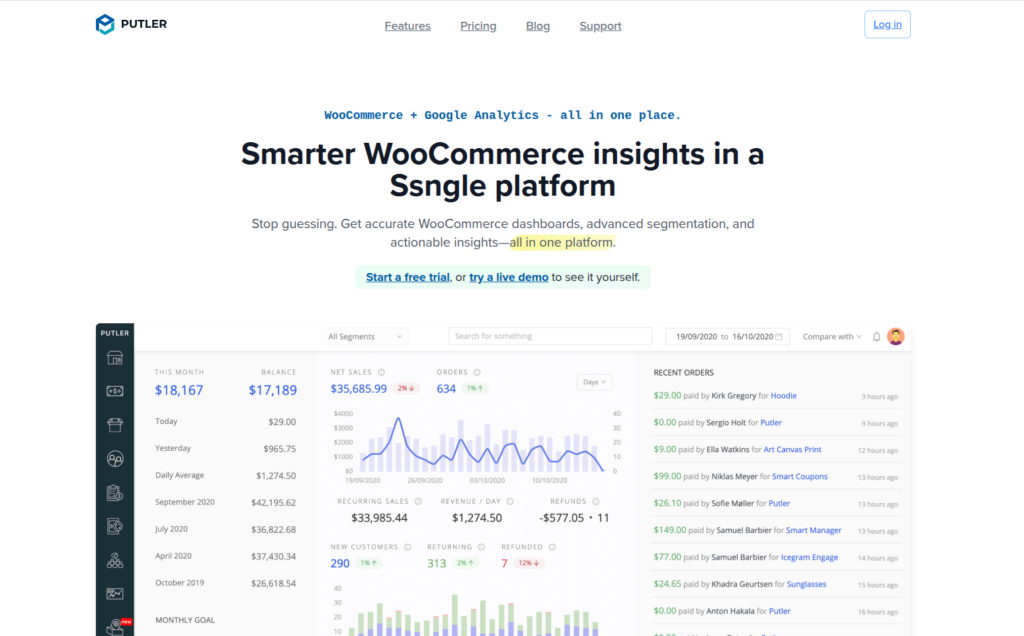
Putler is robust reporting and analytics tool which combines data from different platform to one place. It allows you to track customers, sales and growth with detailed insight.
Key Features:
- Multi-channel analytics
- Customer lifetime value tracking
- Sales forecasting
- Detailed reporting dashboard
Advantages:
- Advanced data analysis
- Supports multiple platforms
- Great for business growth tracking
Disadvantages:
- Steeper learning curve
- Premium pricing
Best For: Businesses needing advanced, multi-channel analytics
5. Conversios
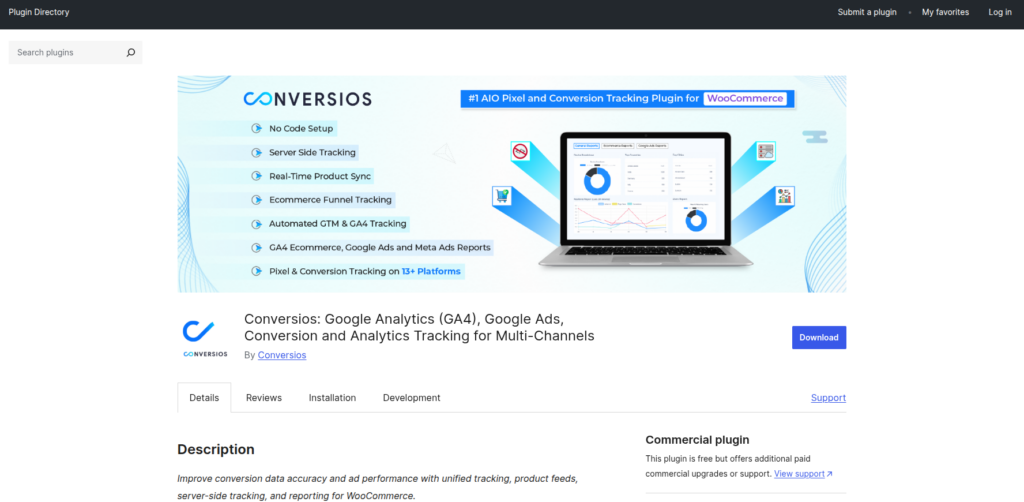
Conversios is developed to connect WooCommerce store with marketing platform such as Facebook and Google Ads. It also helps to track and optimize conversions and ad performance.
Key Features:
- Google Analytics and Ads integration
- Facebook Pixel tracking
- Conversion tracking
- Automated data syncing
Advantages:
- Strong marketing integration
- Helps improve ad performance
- Easy tracking across platforms
Disadvantages:
- Setup can be complex
- Advanced features require payment
Best For: Store owners who focuses on ad tracking and marketing
6. WP Statistics
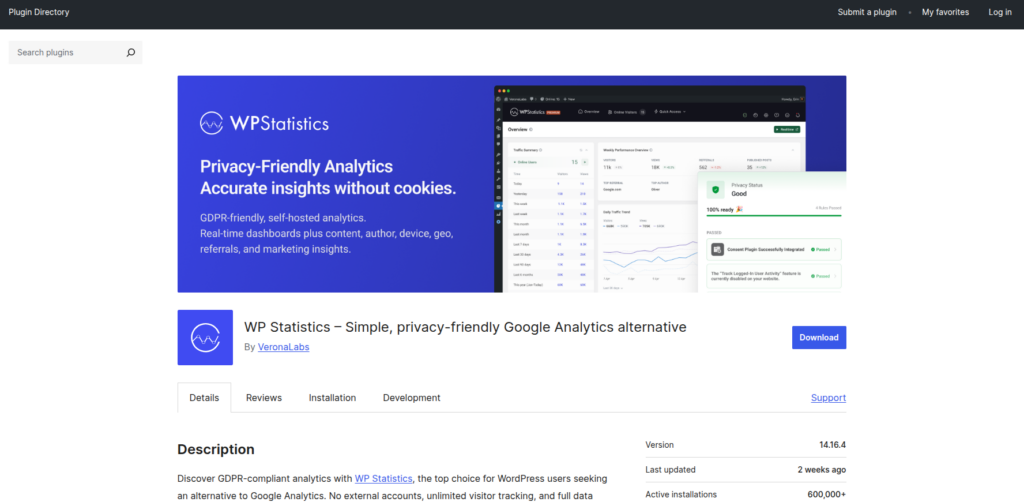
WP Statistics is a analytics plugin focuses on privacy and keep all data within your website. It’s best for users who do not want to rely on third-party services such as Google Analytics or any else.
Key Features:
- Visitor tracking
- Traffic source analysis
- GDPR-friendly tracking
- Real-time statistics
Advantages:
- No external data sharing
- Completely free
- Privacy-focused
Disadvantages:
- Limited WooCommerce-specific insights
- Basic reporting features
Best For: Privacy-conscious users who want local analytics
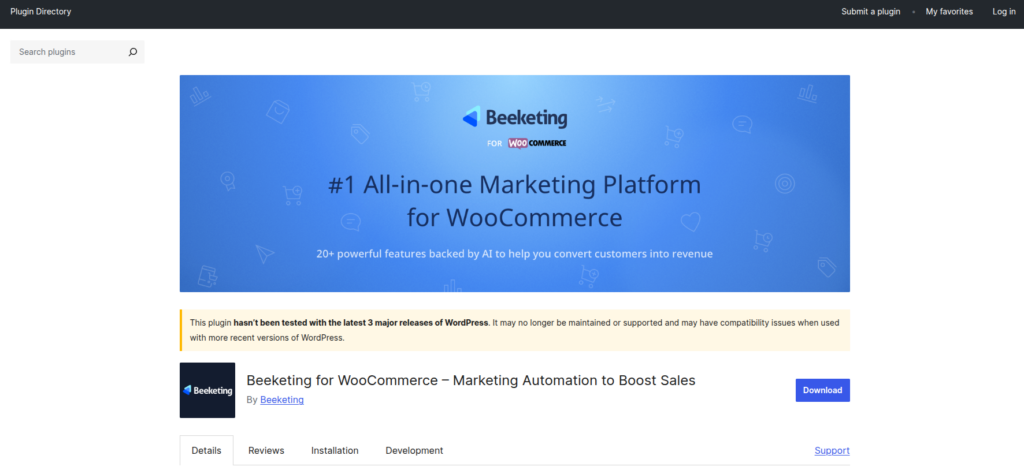
7. Beeketing
Beeketing focus on increasing sales via automating with offering useful analytics. It helps you to understand improve conversions and customer behaviors.
Key Features:
- Sales tracking tools
- Customer behavior analysis
- Marketing automation features
- Conversion optimization tools
Advantages:
- Helps increase sales
- Easy to use
- Good automation features
Disadvantages:
- Limited deep analytics
- Many features are paid
Best For: Store owners focused on increasing conversions
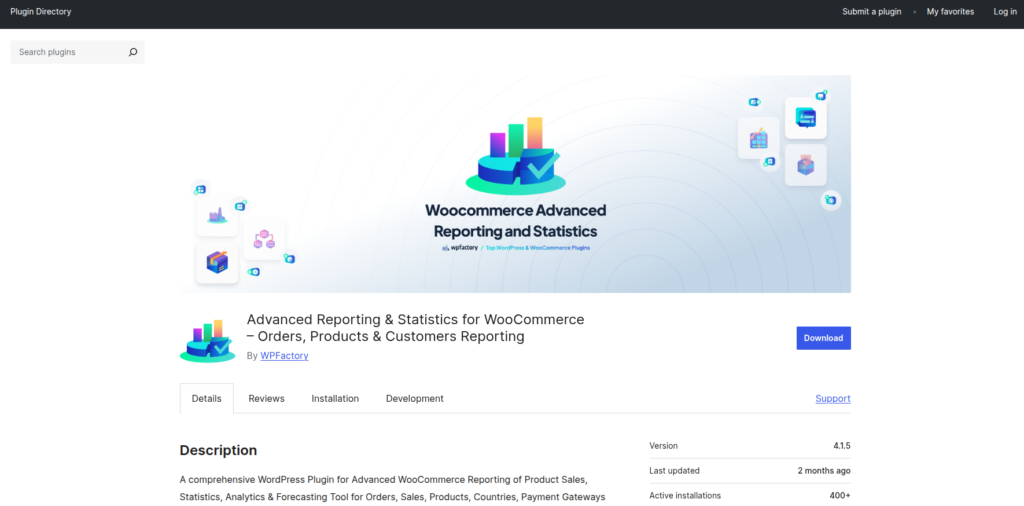
8. Advanced Reporting & Statistics for WooCommerce
Advanced Reporting & Statistics for WooCommerce plugin enhances the default reports by adding better visual reports and filters. It allows you explore deeper into store data without requiring complex tools.
Key Features:
- Advanced filtering options
- Detailed sales reports
- Export data options
- Visual charts and graphs
Advantages:
- Enhances built-in WooCommerce reports
- Easy to use
- Affordable solution
Disadvantages:
- Interface feels outdated
- Limited integrations
Best For: Users wanting better WooCommerce default reporting
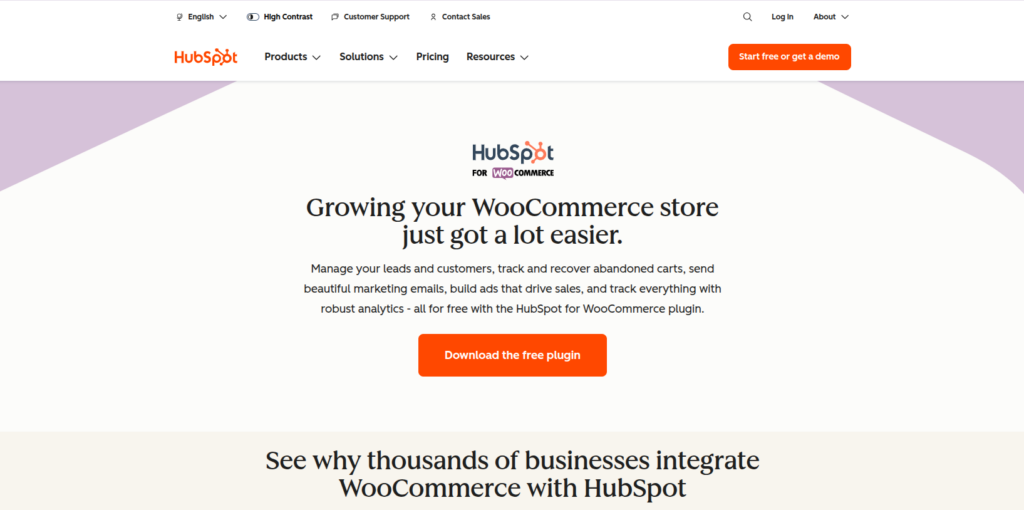
9. HubSpot for WooCommerce
HubSpot for WooCommerce connects CRM with analytics and other marketing tools. It allows you to track customer interactions, run marketing campaigns, and manage contacts, all from one platform.
Key Features:
- CRM integration
- Customer tracking
- Email marketing tools
- Analytics dashboard
Advantages:
- All-in-one platform
- Free plan available
- Powerful customer insights
Disadvantages:
- Can be complex to set up
- Advanced features are paid
Best For: Users who needs analytics, CRM, and marketing all in one tool
Quick Comparison of WooCommerce Analytics Plugins
Selecting the right plugin can be difficult when these many options available. However, the below comparison table gives you quick overview to compare and find the best fit for your store.
| Plugin | Ease of Use | Analytics Depth | Integrations | Best For |
| Metorik | Easy | Advanced | Medium | Advanced analytics |
| MonsterInsights | Very Easy | Medium | High | Beginners |
| Analytify | Easy | Basic | Medium | Visual reports |
| Putler | Medium | Advanced | High | Multi-channel |
| Conversios | Medium | Medium | High | Marketing tracking |
| WP Statistics | Easy | Basic | Low | Privacy users |
| Beeketing | Easy | Medium | Medium | Conversion boosting |
| Advanced Reporting | Medium | Medium | Low | Better reports |
| HubSpot | Medium | Advanced | High | CRM + analytics |
How to Choose the Right Plugin
Picking a WooCommerce analytics plugin isn’t about going for the one with the longest feature list. It’s more about finding something that actually makes sense for how you run your store.
Before installing anything, take a step back and think about what you really need. Are you just trying to see how many sales you’re getting each day? Or do you want deeper insights like customer behavior, repeat purchases, and marketing performance? Your answer will narrow down your options quickly.
It’s also worth thinking about how comfortable you are with data. Some tools are packed with advanced reports but can feel overwhelming, while others keep things simple and easy to follow. On top of that, check if the plugin fits your budget and works smoothly with the tools you already use.
At the end of the day, the right plugin is the one that helps you make decisions faster, not one that leaves you staring at confusing charts.
Tips to Maximize Your Analytics Insights
Having access to data is great, but what really matters is how you use it. Many store owners collect tons of data but don’t actually turn it into action. Here are a few practical ways to make your analytics more useful:
- Pay attention to what truly matters: Instead of tracking every number, focus on a few important ones like sales trends, conversion rate, and returning customers.
- Make it a habit, not a one-time task: Checking your analytics once in a while won’t help much. Set aside time every week to review what’s happening in your store.
- Have a clear goal in mind: Whether it’s increasing sales or improving engagement, knowing your goal makes your data easier to interpret.
- Break your audience into smaller groups: Not all customers behave the same way. Looking at different segments can reveal patterns you might otherwise miss.
- Experiment and learn from results: Try small changes, like adjusting pricing or product pages, and see how they affect your numbers.
- Keep things simple: It’s easy to get lost in too many reports. Focus on insights that actually help you take action.
Best Practices for Using Analytics
To truly benefit from reporting and analytics, it’s important to follow some proven best practices:
- Track the right KPIs (Key Performance Indicators): Focus on metrics that directly impact your business goals, such as sales growth and customer lifetime value.
- Ensure data accuracy: Make sure your tracking tools are set up correctly. Wrong data leads to wrong decisions.
- Combine multiple data sources: Use insights from different tools (like sales, traffic, and marketing platforms) for a complete picture.
- Turn insights into action: Data is only useful if you act on it. Use your findings to improve products, pricing, or marketing strategies.
- Keep your dashboard clean and simple: A cluttered dashboard can confuse you. Keep only the most important reports visible.
- Monitor trends, not just numbers: Instead of focusing on one-day data, look at patterns over time to understand real growth.
- Stay consistent: Regular tracking and analysis will give you better long-term insights than occasional checks.
Conclusion
In today’s competitive e-commerce world, relying on guesswork is no longer an option. WooCommerce reporting and analytics plugins give you the clarity you need to understand your store’s performance, customer behavior, and growth opportunities. Whether you choose a simple tool for basic insights or a powerful platform for advanced tracking, the key is to consistently use your data to make smarter decisions. When you start listening to what your analytics is telling you, improving conversions and scaling your store becomes much more achievable.
FAQs
1. What is the best WooCommerce reporting and analytics plugin?
The best plugin depends on your needs. Tools like Metorik and Putler are great for advanced insights, while MonsterInsights and Analytify are better for beginners.
2. Are free WooCommerce analytics plugins enough?
Free plugins are useful for basic tracking, but premium tools offer deeper insights, automation, and better reporting features for growing stores.
3. How often should I check my WooCommerce analytics?
It’s recommended to review your analytics at least once a week to track trends and make timely improvements.
4. Can analytics plugins help increase sales?
Analytics plugins help you understand customer behavior and identify what works best, allowing you to optimize your store and improve conversions.
5. Do analytics plugins affect website performance?
Most well-optimized plugins have minimal impact, but using too many heavy plugins at once can slow down your website.
Stop Wasting Time on Servers. Start Building Instead.
You didn’t start your project to babysit servers. Let ServerAvatar handle deployment, monitoring, and backups — so you can focus on growth.
Deploy WordPress, Laravel, N8N, and more in minutes. No DevOps required. No command line. No stress.
Trusted by 10,000+ developers and growing.