

Managing WordPress website generally means switching between different tools. I often rely on an AI assistant for brainstorming and daily workflows, such as launching WordPress to draft a post, verifying metadata via an SEO plugin, or checking product details inside WooCommerce. That’s why I’m interested in MCP Plugins for WordPress and how they can bring these tasks into a more connected workflow.
Whereas, what if AI assistant could work directly within WordPress?
By setting up an MCP bridge, your preferred AI utilities gain a safe, structured route to pull files, fetch data, and run operations right inside WordPress. Depending on plugin and permissions you grant, you can ask assistant to find posts, prepare drafts, work with media, or help with other site management tasks.
But every WordPress MCP plugin not work same way. Different WordPress plugins cater to distinct user needs and offer varying sets of features. Some plugins are built with developers in mind, while others make it easier to connect AI services or support page design and agency operations. Choosing from the given plugins is depend on different aspects such as price, security features,your requirements over its functionality.
In this guide,Throughout this article, I evaluate several WordPress MCP plugins, breaking down their core capabilities, drawbacks, and pricing models, to help you choose the ideal fit for your platform.
What Is an MCP Plugin for WordPress?
A WordPress MCP plugin acts as the bridge that links your website directly to an AI assistant using the Model Context Protocol framework. Plugin provide required functionality, your account has proper access rights, AI assistant will get requested data through MCP connection.
For example, rather than manually clicking through your WordPress dashboard to find drafts, you can simply instruct your connected AI: “Find all unpublished articles about WordPress security and give me a quick summary of each.”
Provided the plugin supports the command and your user profile holds the correct access rights, the AI can seamlessly fetch that data via the MCP link.
Depending on plugin, you may also be able to ask it to:
- Create or update posts and pages
- Find media files
- Review comments
- Inspect installed plugins
- Work with WooCommerce products
- Interact with supported page builders
- Access development tools or custom WordPress abilities
Available actions with MCP is depend on plugin, your AI client, and permissions you grant. Simply installing an MCP plugin does not grant an AI unrestricted access to every single feature on your WordPress site.
How Does a WordPress MCP Connection Work?
Generally, connection has three parts:
- Your AI Assistant: The artificial intelligence application you interact with to issue commands and automate tasks.
- MCP Server / Plugin: An intermediary system enabling external AI models to issue requests, run scripts, and pull information across external applications.
- Your WordPress website: The core web ecosystem where your site’s assets are managed and remote operations are applied.
When you ask AI assistant to perform any task, it uses available MCP tools to retrieve information or make changes. Every incoming request must be thoroughly authenticated and checked against predefined security permissions.
MCP Plugins vs. Traditional WordPress AI Plugins
Traditional WordPress AI extensions tend to stay confined to your admin panel, handling basic creative chores like drafting copy, building headlines, or generating graphics.
MCP plugin has completely different role: it connects an external AI assistant to supported WordPress tools and information.
For example,While a typical AI writing tool can generate a brand-new draft from a prompt, an MCP-enabled assistant can locate existing posts, recommend edits, and save revisions, assuming permissions and plugin support allow it.
Some solutions bring both approaches together, by providing AI chat interface inside WordPress and MCP server that allows external clients to connect and interact with supported features.
Side-by-Side Comparison of WordPress MCP Plugins
| Plugin | Key features | Best for | Free or paid? |
|---|---|---|---|
| WordPress MCP Adapter | Exposes WordPress Abilities as MCP tools and resources | Developers building custom AI integrations | Free |
| WPVibe | Management posts on the website, manage media files, installed plugins, arranged page layout, custom theme design following the above given procedure | Users who want to manage WordPress through AI assistants | Free plugin; usage limits and paid plans apply |
| Easy MCP AI | 300+ tools advertised, OAuth, permission controls, audit history, and plugin integrations | Users wanting a self-hosted MCP server | Free core features |
| Smart MCP | WordPress dashboard chat, content updates, media handling, approval workflows, and activity tracking through audit logs | Users who prefer to interact with an AI assistant directly from the WordPress admin dashboard. | Free plugin; other paid plans available |
| Respira | Built-in page builder editing, version snapshot, change restoration | Users who edit pages with visual builders | 7-day free trial; paid plans |
| Royal MCP Pro | page-building tools, bulk content actions, activity logs, advance rollback capability | Developers and agencies needing advanced integrations | Free version available, additional features included in paid plan |
| Novamira | PHP execution, WP-CLI, database queries, file editing, and builder-specific expertise in Pro | Developer that build, test, maintain project in development and staging environment | Free core; Pro paid plans available |
How I Evaluated These WordPress MCP Plugins
When comparing plugins, I focused on the below questions:
- What can it do? Content management, WooCommerce, page builders, development, or other workflow
- How does it connect? Self-hosted MCP server, hosted service, or another setup
- Who is it for? Beginners, developers, website owners, or agencies
- What does it cost? Complimentary tiers, premium upgrades, rate caps, and independent service charges.
- What controls are available? Authentication, permissions, approvals, and recovery option
- What are the limitations? System prerequisites, compatibility options, and permission scopes.
Having available tools does not mean plugin is best fit for requirements. I would prioritize the actions I actually need, the permissions I can control, and how comfortable I am with the connection method.
Best MCP Plugins for WordPress in 2026
1. WordPress MCP Adapter
WordPress MCP Adapter is official WordPress project that connects WordPress Abilities API with Model Context Protocol.
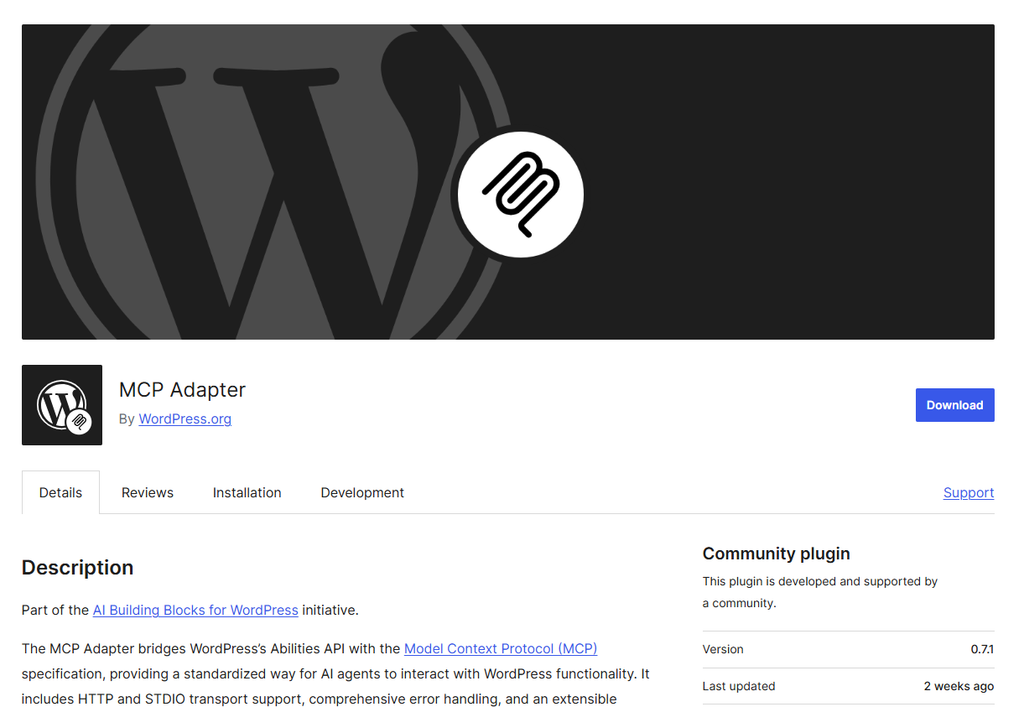
For developers looking to create custom WordPress connections or expand existing integrations, an MCP adapter can be a practical solution. The features it offers are determined by the actions exposed by WordPress and the installed plugins. However, relying solely on this adapter doesn’t give you complete authority over every part of your site’s administration.
Key features
- Bridges WordPress abilities to MCP
- Supports building custom AI-accessible WordPress functionality
- Designed as part of WordPress AI building blocks
- Can be used alongside compatible plugins that register abilities
Advantages
- Free and open source
- Official WordPress project
- Useful starting point for custom integrations
Limitations
- More technical than some ready-to-use alternatives
- Available tools depend on abilities registered and exposed on site
- Users should check WordPress and PHP requirements before installation
Pricing: Free
Best for: Developers building AI-ready WordPress functionality with Abilities API.
My take: I would consider WordPress MCP Adapter when building custom integration or working with plugins that use Abilities API.
2. WPVibe
To bring AI functionality to self-hosted WordPress sites, WPVibe pairs an on-site plugin with an external MCP server setup.
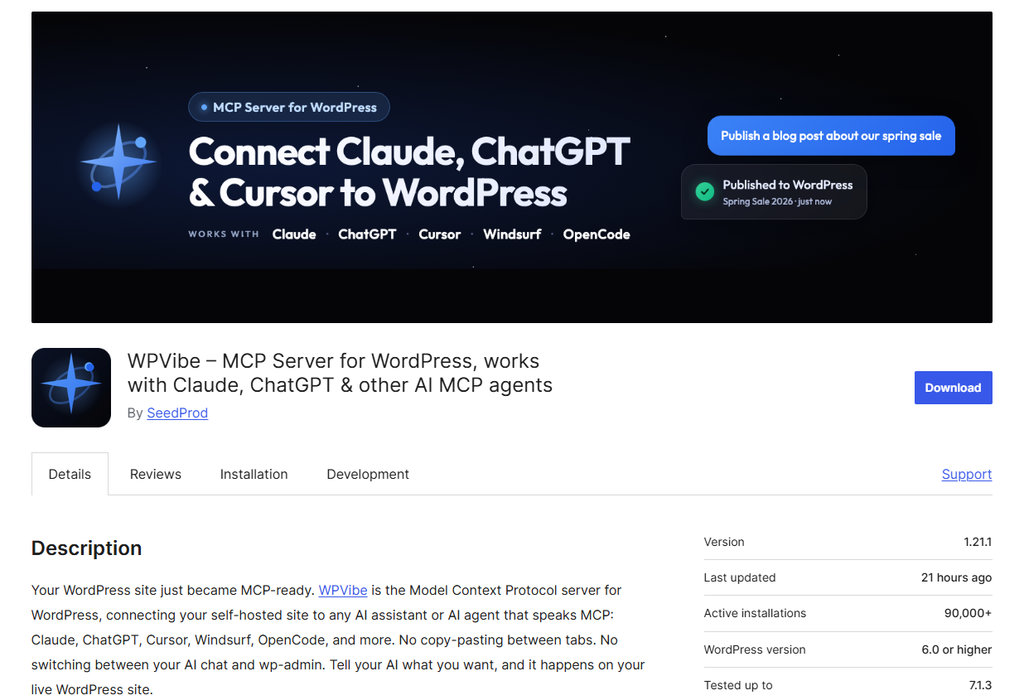
WPVibe says requests pass through its service before reaching your site. WPVibe advertises workflows for managing content, uploading media, inspecting site information, and working with supported WordPress functionality.
Key features
- Connects WordPress to compatible MCP clients
- Supports content and site management workflows
- Provides tools and skills for selected WordPress tasks
- Offers agency features on eligible plans
Advantages:
- Free plan available
- Designed for users who want hosted connection
- Supports multiple WordPress sites
Limitations:
- Connection runs through an externally hosted service, it is able to not align with each internet site owner’s privacy regulations or statistics control necessities.
- Plans have daily tool-call allowances
- Usage across connected sites counts toward the account allowance
Pricing: Free plan includes 100 tool calls per rolling 24-hour period, according to WPVibe’s documentation. Additionally, different plans with minimum Pro plan at $19/month or $99/year, with higher plans available.
Best for: Site administrators who choose a controlled MCP setup to allow them to manipulate their WordPress web sites using AI-powered gear.
My take: WPVibe is worth considering if wanting hosted service and straightforward way to connect AI assistant to several WordPress sites.
3. Easy MCP AI
Easy MCP AI is designed to connect compatible AI assistants to site without hosted relay between assistant and WordPress.
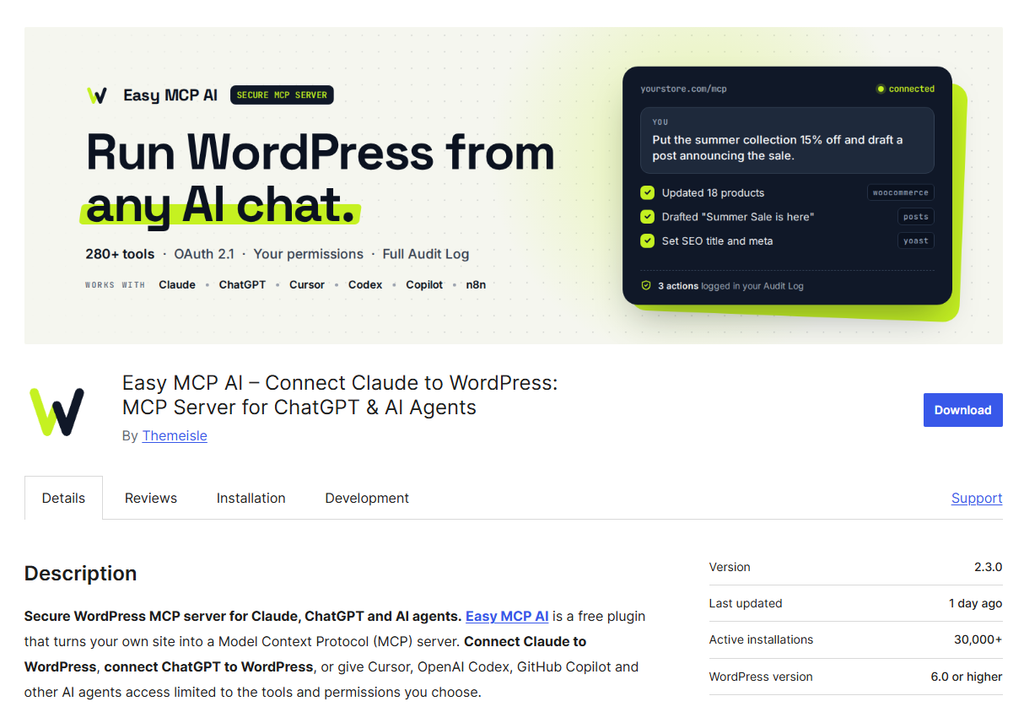
Developer says plugin runs its MCP server inside WordPress and provide tools for content, site management, and supported integration. It also advertise permission controls, audit log, and optional approval for destructive actions.
Key features
- Self-hosted MCP server inside WordPress
- Tools for supported content and site management tasks
- Integration with selected WordPress plugins and outside statistics services
- Permission controls and activity history
Advantages
- Free to install and use
- No separate hosted relay is required, according to the developer
- A broad range of advertised tools
Limitations
- Third-party integrations might also required their accounts or paid plans
- The moves to be had rely upon related WordPress user’s permissions and hooked up integrations
- Site administrators must audit what sensitive areas and data streams the AI tool is allowed to reach
Pricing: Free
Best for: Website owners looking for a free MCP plugin native to WordPress.
My take: Easy MCP AI is good option I would investigate for free, direct WordPress connection.
4. Smart MCP
Smart MCP integrates a chat-based AI workspace within the WordPress admin, powered by its own server. That makes it different from tool focused only on connecting external assistant.
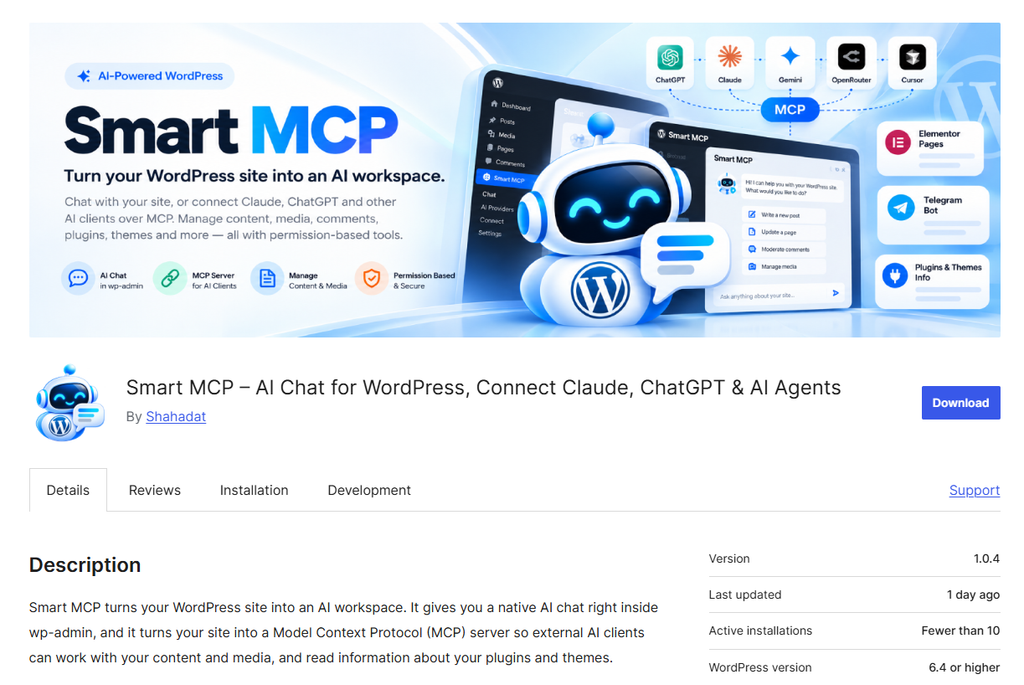
Free WordPress extension, featuring integrated permission management, WordPress features, a server and chat system. Smart MCP Pro adds more tools for site management and maintenance.
Key features
- AI chat workspace inside WordPress dashboard
- Built-in MCP server for compatible external clients
- Tools for supported WordPress content and administration tasks
- Permission and approval controls
- Optional Pro add-on with additional tools
Advantages
- Combines dashboard chat and MCP in one product
- Free core plugin available
- Offers permission-based approach to site actions
Limitations:
- Pro features require separate purchase
- AI provider usage may have its own cost
- Check what features and integrations are enabled in different versions of your WordPress tool
Pricing: Smart MCP has free plugin and other paid plans available.
Best for: Users who want AI chat inside WordPress as well as MCP connection for external assistants.
My take: Smart MCP makes sense to explore if want to use AI from WordPress dashboard while also connecting external assistant.
5. Respira
Respira for WordPress connects compatible AI tools to WordPress and focuses on working with page builders and website tasks.
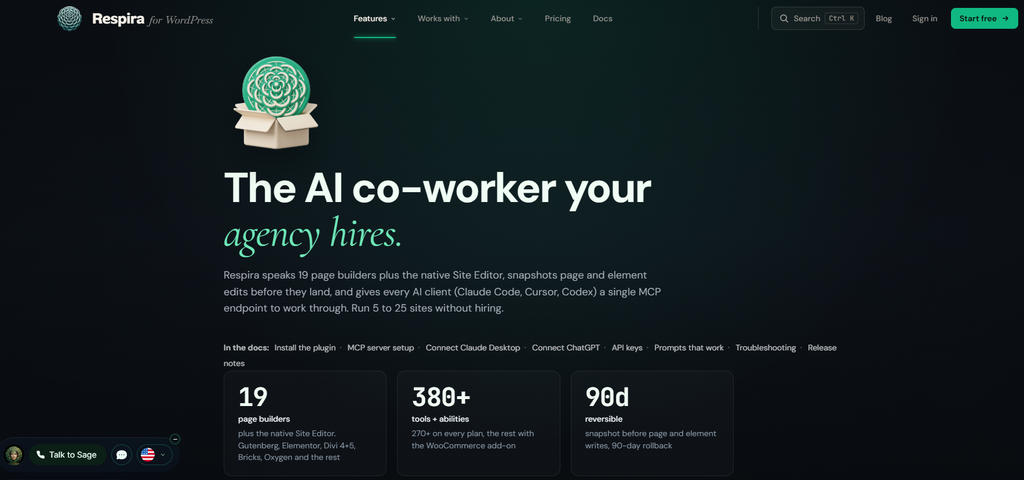
The vendor describes support for multiple builders and editing workflow that create copy before changes are applied. It also advertises approval and undo features. Go through your supported builder list, and capability set in the documentation, to check if any modifications to existing settings need to be applied.
Key features:
- MCP connection for compatible AI clients.
- Support for selected WordPress page builders.
- Page editing and site management tools.
- Approval and recovery features described by provider.
- WooCommerce capabilities on applicable plans or add-ons.
Advantages:
- Focuses on visual and page builder workflows.
- Offers trial.
- Provides features aimed at reviewing and recovering changes.
Limitations:
- Respira for WordPress is paid product.
- Some functionality may depend on plan or add-on.
- The provider’s claims about builder compatibility should be checked for your specific setup.
Pricing: Starting plan for Respira is for one WordPress site for €9 per month, with seven-day free trial.
Best for: Agencies and digital managers seeking AI-driven page building and workflow optimization.
My take: Respira shines brightest on complex sites relying on visual page builders, rather than basic blogs that only require standard text management.
6. Royal MCP
Royal MCP operates on a freemium model for WordPress users. According to the creator, it connects with e-commerce platforms like WooCommerce, visual page builders, SEO suites, and various site add-ons.
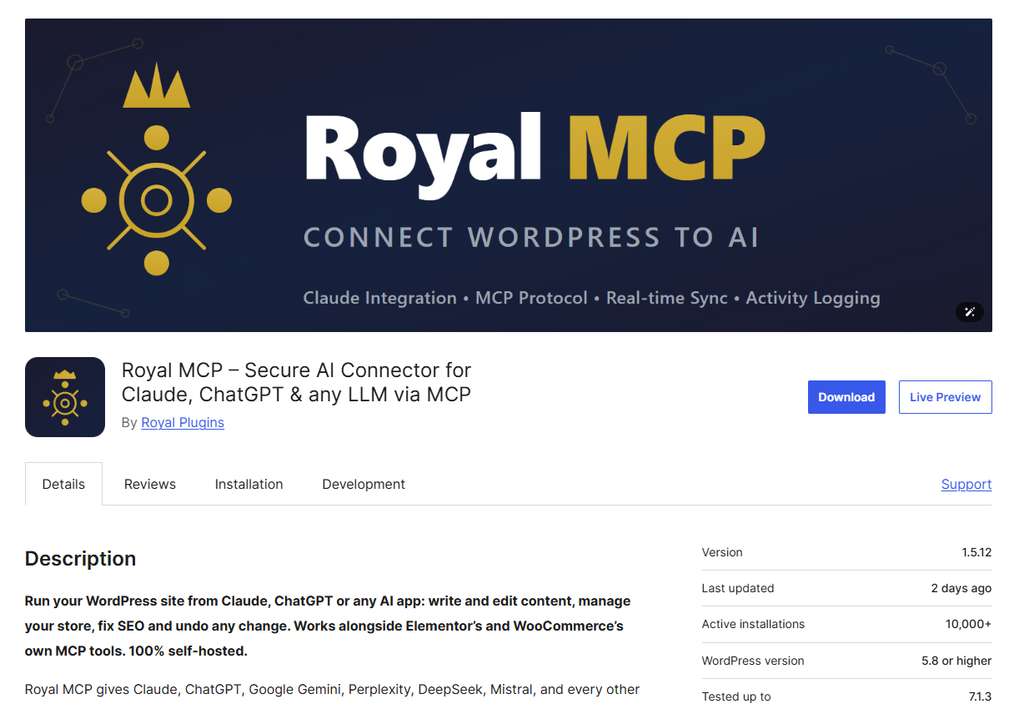
The Pro offering adds more advanced workflows and management features, including endpoint profiles, audit history, and undo options for supported actions. Exact coverage can vary by tool, so I would check documentation rather than assume every change can be reversed.
Key features:
- Direct MCP connection to WordPress site
- WordPress and third-party plugin integrations
- Content, WooCommerce, and page builder workflows
- Read-only and access control options
- Premium subscribers gain access to specialized diagnostics, backup restoration, and client management tools
Advantages:
- Free option available
- Broad range of advertised integrations
- Pro features are relevant to teams managing client sites
Limitations:
- Advanced features require Pro
- Supported actions vary by integration
- Standard rates on the vendor’s website can fluctuate, with localized promotions and limited-time discounts frequently shifting the entry-level price
Pricing: Royal MCP has free version. It also includes paid tier that starts at $79 per year for 1 site. Expands the features to 350+ tools, universal audit logs,etc.
Best for: Website owners and agencies looking for WordPress integrations and additional management controls.
My take: Royal MCP Pro is worth comparing if managing sites that use several supported plugins and need more control over AI-assisted workflows.
7. Novamira
Novamira is open-source WordPress plugin that connects AI agents to WordPress through MCP. Its developer describes capabilities including PHP execution, database queries, and file operations.
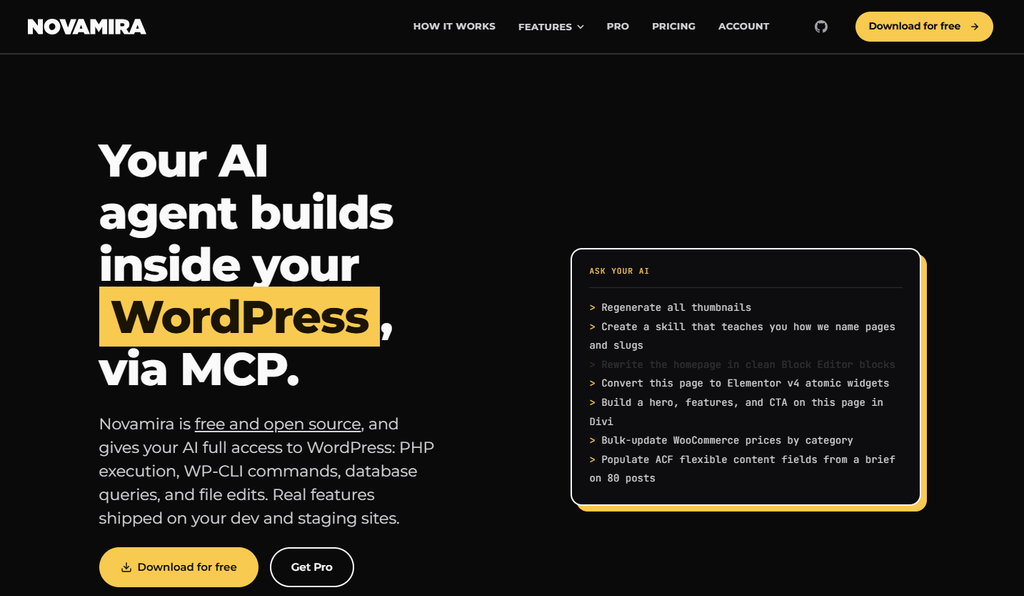
Unlike traditional plugins restricted to basic content editing, Novamira’s deep access permissions offer far greater operational freedom. It may be useful for experienced developers, but it also means connected agent can potentially affect more of site.
Novamira Pro adds features such as persistent memory and specializations for supported builders and plugins.
Key features:
- MCP access for compatible AI agents
- Developer-oriented PHP, database, and file capabilities
- Free and open-source core
- Optional Pro features for memory and supported integrations
Advantages:
- Free core for users who need developer-oriented capabilities
- Flexible access for advanced WordPress work
- Pro offers additional specializations
Limitations:
- Powerful capabilities require careful permission and environment management
- It may be more technical than structured content management plugin
- I would use development or staging environment for initial work and keep reliable backups
Pricing: You can start at zero cost with the open-source release, which provides standard AI features and community help. Premium plans launch at €69/year (covering three sites), alongside expanded multi-site tiers
Best for: Developers who want deeper AI-assisted access to WordPress environment.
My take: I would consider Novamira for developer workflows where deeper access is useful.
8. Other WordPress MCP Plugins Worth Considering
The WordPress MCP ecosystem is changing quickly, so seven options above are not only ones worth exploring.
Here are few additional solutions to investigate:
- AI Engine: A broader WordPress AI plugin that includes MCP functionality. Make sure to cross-reference which specific MCP utilities come standard and which demand a Pro upgrade.
- miniOrange Secure MCP Server: MCP solution with emphasis on authentication and governance.
- OneMCP: A WordPress MCP plugin with free core and paid plans for additional workflows.
- MainWP MCP Server: An option for users who manage multiple WordPress sites through MainWP Dashboard. It has its own setup requirements and operates through the MainWP workflow.
Do not forget to check each product’s current maintenance status, documentation, compatibility, and permissions before installing it.
How to Select Best MCP Plugin for WordPress site
The best MCP plugin depends on what you want AI assistant to do and how much access you are comfortable giving it.
1. Check Compatibility With Your AI Assistant: Start by checking whether plugin supports AI client you plan to use. Plugin may support one or more of following:
- Claude
- ChatGPT
- Cursor
- Claude Code
- Codex
- Other MCP-compatible applications
However, support can depend on client’s connection options, authentication method, account plan, or workspace settings.
2. Identify the Tasks You Want to Perform: Before comparing feature lists, write down the tasks you want to complete. For example:
- Are your requirements limited to basic article retrieval and text summarization?
- Do you want AI assistant to prepare drafts?
- Do you need WooCommerce product management?
- Do you work with page builder?
- Do you need developer-level access?
A plugin designed around content workflows may be better fit for editor, while developer working on staging site may need more advanced tools.
3. Review Security and Permissions: MCP connection can give AI assistant access to valuable website data and actions. I would review:
- How connection authenticates.
- Whether I can limit access to read-only actions.
- Whether changes require approval.
- Whether activity is logged.
- Whether credentials are stored locally or by a hosted service.
- How to revoke access.
A plugin’s security features help, but permissions you assign still matter.
4. Compare Free and Paid Features: Don’t assume all free plans are equal. You’ll find fully free software alongside freemium models that restrict daily quota or reserve flagship utilities for paying customers. You may also need to pay separately for:
- AI assistant subscription
- API usage
- Premium WordPress plugin
- WooCommerce extensions
- Additional site licenses
- Higher tool-call limits
I would calculate cost of complete workflow, not just MCP plugin.
5. Consider Setup and Maintenance: Check plugin’s WordPress and PHP requirements, documentation, update history, and support options. For client site, I would also confirm that plugin is compatible with existing hosting environment, security tools, page builder, and other important plugins.
Practical Ways to Use MCP Plugins for WordPress
Your exact mileage depends on site permissions and the plugin installed, yet these scenarios highlight how connecting through MCP fits practical WordPress routines.
1. Content Auditing: Prompt your linked AI to crawl published material and give you an overview of existing site assets.
Example prompt: “Search my published articles covering WordPress backups and provide a brief summary for each piece”
This can be useful when planning content update or looking for related posts.
2. Draft Generation: Provided your plugin enables post creation and editing, the AI assistant can help structure and generate post drafts within your admin area.
Example prompt: “Create draft post based on these notes. Do not publish it, and leave final review to me.”
I would review content, links, formatting, and factual claims before publishing.
3. Organize Media: Supported MCP tool may help you find existing media or identify files related to post.
Example prompt: “Find images in my media library related to WordPress security and list their filenames.”
4. Review WooCommerce Products: If plugin supports WooCommerce and your account has appropriate access, you might ask assistant to retrieve product information.
Example prompt: “Show me a list of WooCommerce items currently carrying zero stock.”
For anything involving orders, customers, or pricing, I would review the permissions and avoid sharing more information than task requires.
5. Assist With Page Builder Workflows: Some MCP solutions support selected page builders.
Example prompt: “Review this page and suggest changes to make service descriptions easier to scan. Show me suggestions before editing.”
Compatibility with visual page builders varies widely across tools, so make sure to double-check whether your target builder and required functions are explicitly supported.
6. Support Agency and Developer Workflows: Agencies and developers may use MCP connections to gather information, inspect supported site settings, or assist with repeatable tasks.
Example prompt: “Audit the active plugins on this staging environment and highlight any issues requiring manual review.”
For client websites, I would document who can access connection and what actions they can perform.

WordPress MCP Security Best Practices
Connecting AI to WordPress can save time, but connection should be treated like any other access to your website.
- Use Dedicated Account: Where supported, create separate WordPress account for connection instead of sharing your primary administrator login. This makes it easier to understand what access assistant has and revoke it later.
- Apply Least Privilege Access: Configure only the baseline permissions necessary for your intended tasks. For instance, if the AI merely needs to read articles, restrict it from publishing posts, installing plugins, or tweaking system settings.
- Inspect Work Prior to Publishing: Language models can misinterpret prompts or introduce unintended modifications, making manual review essential.
- Maintain Regular Site Backups: Always run full database and file backups before authorization an AI system to perform write or update operations on your platform.
- Test Sensitive Work on Staging: Use staging or development environment when testing, New MCP plugins, Page builder changes, WooCommerce workflows, File or database operations, or Automated site management tasks.
- Track Data Flows: Determine whether your AI interface communicates with your site via a direct API connection or relies on a third-party hosted intermediary.
- Remove Access When It Is No Longer Needed: If you stop using plugin or AI client, revoke its credentials and review connected account’s permissions.
Which WordPress MCP Plugin Should You Choose?
Based on available documentation, here is how I would narrow down the options:
| Your priority | Options to investigate |
| Building custom WordPress AI integrations | WordPress MCP Adapter |
| A free, self-hosted WordPress connection | Easy MCP AI |
| A hosted connection with a free plan | WPVibe |
| Combining a native control panel chatbot with remote Model Context Protocol connectivity | Smart MCP |
| Page builder workflows | Respira |
| WordPress integrations and agency controls | Royal MCP |
| Developer-oriented PHP, database, and file workflows | Novamira |
My recommendation is to choose one small task, test it with limited permissions, and evaluate result. Picking an add-on that solves your immediate routines beats installing a bloated tool packed with settings you will never open.
Key Takeaways
- WordPress MCP plugins connect compatible AI assistants to supported website tools and information.
- Available actions vary by plugin, AI client, integrations, and user permissions.
- WordPress MCP Adapter is free foundation for exposing registered WordPress abilities.
- Easy MCP AI delivers an open-source, self-managed link, whereas WPVibe runs on a managed cloud infrastructure featuring both free access and premium tiers.
- Smart MCP combines an in-panel conversation box directly with a built-in MCP server setup.
- Tailored around visual page editing tools, Respira functions as a commercial tool accompanied by a trial period.
- Royal MCP Pro and Novamira provide advanced features for different agency and developer needs.
- Start by enforcing minimal user permissions, run trials in a staging environment, and thoroughly verify AI-generated edits before deploying to production.
Conclusion
Best MCP plugin for WordPress depends on how you want to use AI.When writing assistance is your main goal, a simple add-on with transparent access controls usually fits the bill. If you manage builder-based websites, WooCommerce stores, or client projects, you may need more specialized integrations and stronger workflow controls.
I would start by listing tasks you want to perform, comparing free and paid options, and testing read-only connection. Once you understand what assistant can access and how plugin handles changes, you can gradually introduce it into your WordPress workflow with more confidence.
FAQs
What is best MCP plugin for WordPress?
There is no single best MCP plugin for every WordPress website. The right choice depends on your AI assistant, budget, technical experience, security preferences, and the tasks you want to perform.
Are WordPress MCP plugins free?
Some are free, while others have paid plans or optional Pro versions. Your AI assistant or third-party integrations may have separate costs.
Can I connect ChatGPT or Claude to WordPress using MCP?
Yes, some WordPress MCP plugins support connecting compatible AI clients, including ChatGPT or Claude. The exact setup, authentication method, and available features depend on plugin, AI client, and account or workspace settings.
What is the difference between an MCP plugin and an AI writing plugin?
AI writing plugin usually helps generate or edit content inside WordPress. MCP plugin connects compatible external AI assistant to supported WordPress tools and information. Some products provide both an in-dashboard AI interface and an MCP connection.
Is it safe to connect an AI assistant to WordPress?
Safety of connection depends on plugin, its configuration, permissions granted, and how you use assistant. Start with limited permissions, protect your credentials, use backups, and test changes on staging.
About the author
Meghna Meghwani is a technical writer focused on Linux, Ubuntu, VPS hosting, server management, WordPress, PHP, Node.js, cloud hosting, and DevOps. She creates beginner-friendly tutorials, practical hosting guides, troubleshooting articles, and server security content designed to help developers and businesses manage applications and servers more efficiently.