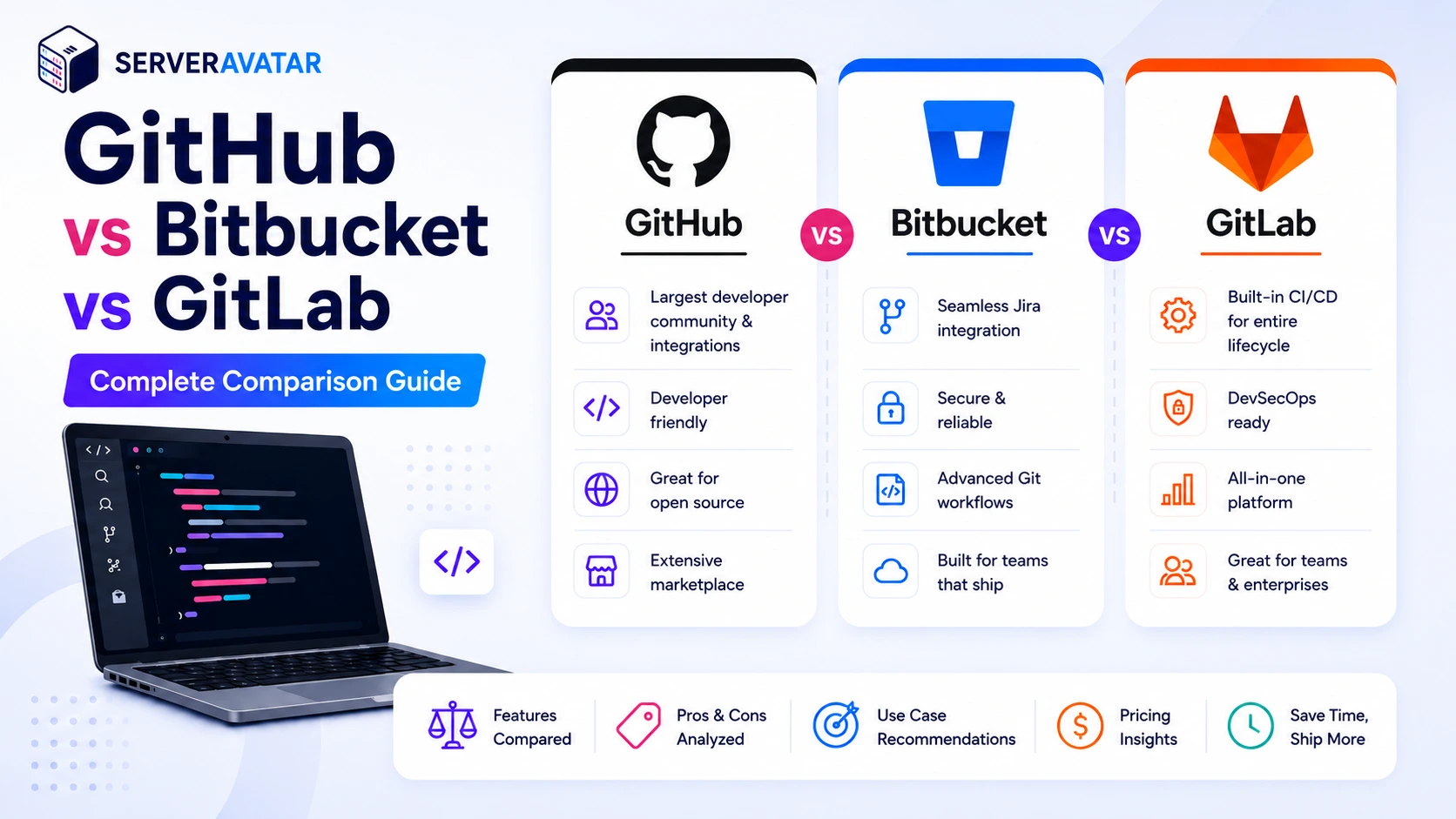

GitHub vs Bitbucket vs GitLab is one of the most common comparisons developers make when choosing a Git hosting platform. If you’ve spent time developing software, you’ve heard all three names thrown around. GitHub, Bitbucket, and GitLab all store code, support version control, and play a key role in nearly every developer’s workflow.
But picking the wrong one for your team can create real friction. Maybe your CI/CD pipeline ends up overcomplicated because your platform’s built-in tools aren’t great. Maybe your security team is drowning in compliance reports because the platform doesn’t have the controls you need. Or maybe you’re just leaving money on the table by paying for features you never use.
This guide cuts through the noise. We’re going to compare these three platforms honestly, what’s genuinely good about each, where each one falls short, and which situations suit each one best. By the end, you’ll know exactly which platform fits your team.
TL;DR
- GitHub remains the largest developer community with unmatched integrations, GitHub Copilot AI features, and a massive marketplace. Best for open-source projects, developer portfolios, and teams that prioritize community and ecosystem.
- Bitbucket works best for teams already deep in the Atlassian ecosystem, Jira, Confluence, and the rest. Less compelling if you’re not already using Atlassian tools.
- GitLab is an all-in-one DevOps platform with built-in CI/CD, security scanning, and compliance tools. Best for teams that want everything under one roof and don’t want to stitch together separate tools.
- The right choice depends on your team size, workflow, budget, and whether you need built-in CI/CD or prefer to bring your own.
What These Platforms Actually Are and Why the Distinction Matters
Let’s level-set quickly. All three platforms are built on Git, the distributed version control system that tracks changes to your code over time. Without getting into the Git internals, what you need to know is that these platforms take Git and wrap it with features that make collaboration, code review, automation, and security easier at scale.
Nowadays, they’ve all evolved well beyond just being “places to store code”.
- GitHub has GitHub Copilot and a massive Actions marketplace.
- Bitbucket is the glue that holds Atlassian’s ecosystem together.
- GitLab positions itself as a complete DevOps platform with security and compliance baked in.
Platform Overview: Where Each One Stands
GitHub
GitHub remains one of the most widely used platforms for version control and collaborative software development. Its massive developer community, extensive integrations, and AI-powered tools make it a preferred choice for both individual developers and large enterprises.
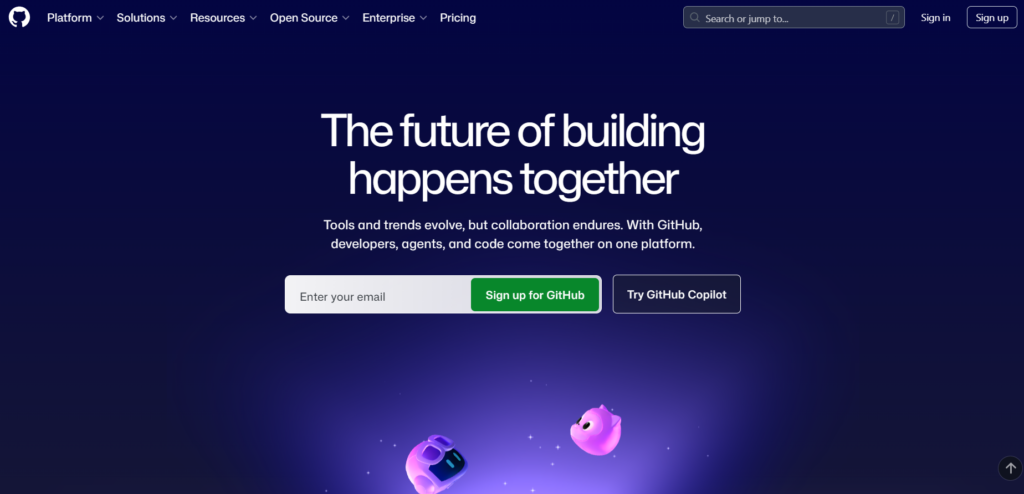
During my evaluation, GitHub was the quickest platform to get started with. Creating repositories, configuring branch protection, and enabling GitHub Actions required minimal setup, making it especially approachable for developers who want to move from code to deployment quickly.
Its polished interface and extensive documentation also reduced the learning curve compared to the other platforms.
Key Features of GitHub
- Massive Developer Community
- Trusted by over 100 million developers worldwide.
- Hosts 400+ million repositories, making it the largest code hosting platform.
- The go-to platform for most open-source projects and community collaboration.
- AI-Powered Development
- GitHub Copilot assists with code completion, code suggestions, and productivity.
- Helps automate pull request reviews, issue management, and documentation generation.
- Speeds up development while reducing repetitive coding tasks.
- Integrated CI/CD with GitHub Actions
- Automate testing, building, and deployment directly from your repository.
- Access a marketplace with 20,000+ reusable actions and workflows.
- Supports seamless DevOps automation without relying on third-party services.
- Browser-Based Development
- GitHub Codespaces lets developers create a complete cloud-based development environment.
- No local setup required, simply open a browser and start coding.
- Enterprise-Ready Security
- Offers enterprise features such as SAML Single Sign-On (SSO), custom roles, and audit logs.
- Built to meet the security and compliance needs of large organisations.
- Backed by Microsoft’s ongoing investment in infrastructure and AI innovation.
- Generous Free Plan
- Includes unlimited private repositories with unlimited collaborators.
- Ideal for personal projects, freelancers, and small development teams.
- Upgrade to paid plans only if you need advanced security, secret scanning, or organisation-level management features.
Advantages of GitHub
- Largest Developer Community
- Excellent Collaboration Tools
- Powerful AI Features
- Built-in CI/CD
- Cloud Development
- Robust Security
- Generous Free Plan
- Extensive Integrations
Disadvantages of GitHub
- Advanced Features Require Paid Plans
- Learning Curve for Beginners
- Limited Self-Hosting
- AI Features Can Increase Costs
- Resource Limits on Free CI/CD
- Public Repository Risks
- Dependent on GitHub Ecosystem
- Occasional Service Outages
This version is easier to scan, improves readability, and is well-suited for SEO-focused blog content while avoiding close similarity to the original text.
Bitbucket
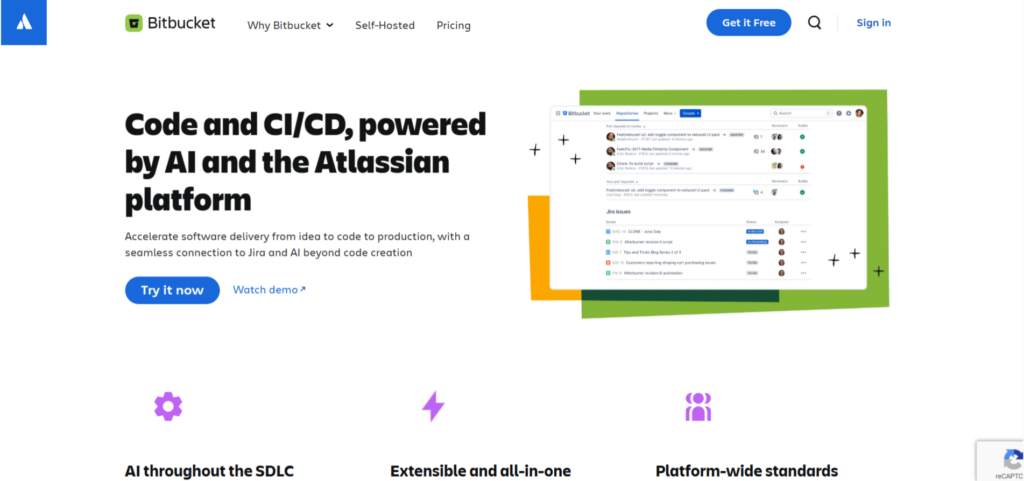
Bitbucket is a Git-based version control platform developed by Atlassian. It is designed primarily for teams that already use Atlassian products such as Jira and Confluence, offering seamless collaboration, issue tracking, and code management within a connected development ecosystem.
Key Features of Bitbucket
- Native Atlassian Integration
- Integrates seamlessly with Jira Software and Confluence.
- Automatically links commits, branches, and pull requests to Jira issues.
- Improves project tracking and team collaboration.
- Git Repository Hosting
- Provides secure cloud and self-hosted Git repository management.
- Supports branch permissions, merge checks, and pull request workflows.
- Bitbucket Pipelines
- Built-in CI/CD solution for automating builds, tests, and deployments.
- Uses a YAML configuration file for workflow automation.
- Supports integration with Docker and cloud deployment services.
- Code Collaboration
- Enables pull requests, inline code comments, approvals, and code reviews.
- Helps teams maintain code quality through structured review processes.
- Security and Access Control
- Supports secure collaboration across development teams.
- Cloud and Self-Managed Deployment
- Available as Bitbucket Cloud and Bitbucket Data Center for organisations with different infrastructure requirements.
- Developer Integrations
- Connects with popular Atlassian tools and supports integrations with third-party development and deployment platforms.
Advantages of Bitbucket
- Excellent Atlassian Ecosystem Integration
- Strong Collaboration Features
- Built-in CI/CD
- Enterprise Security
- Flexible Hosting Options
- Ideal for Agile Development
Disadvantages of Bitbucket
- Smaller Developer Community
- Limited Free Plan
- CI/CD Is Less Feature-Rich
- Best Suited for Atlassian Users
- Fewer Marketplace Extensions
- Less Popular for Open-Source Projects
GitLab
GitLab is a comprehensive DevOps platform that combines version control, CI/CD, security, compliance, and deployment capabilities in a single application. Instead of relying on multiple third-party tools, teams can manage the entire software development lifecycle from one unified platform.
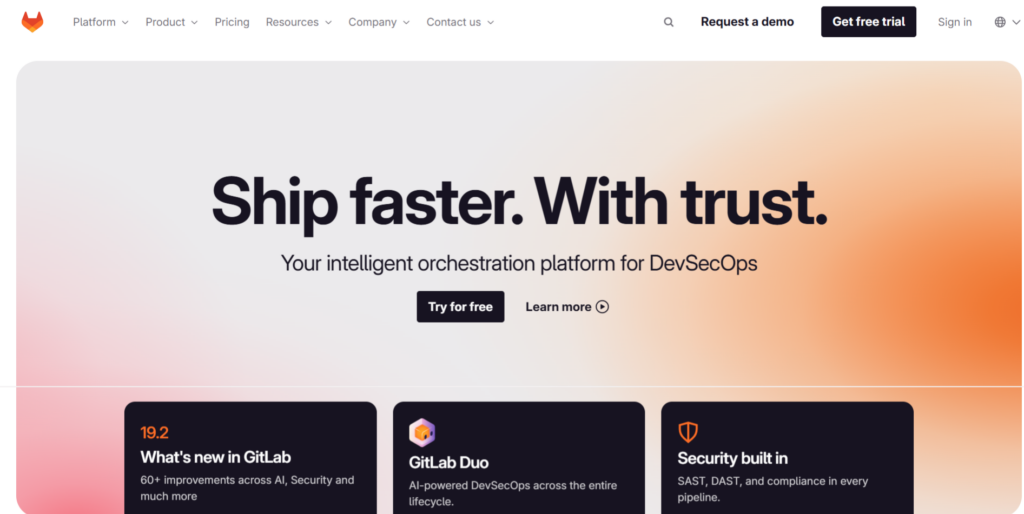
While testing GitLab, I found that its biggest advantage is how many DevOps capabilities are available without relying on additional services. CI/CD pipelines, security scanning, and deployment workflows all live within the same platform.
The trade-off is that new users may need more time to become comfortable with the interface because there are significantly more built-in features to explore.
Key Features of GitLab
- Complete DevOps Platform
- Integrates source code management, CI/CD, security, monitoring, and project planning.
- Enables teams to manage development, testing, and deployment from one place.
- Built-in CI/CD Pipelines
- Uses the
.gitlab-ci.ymlfile to define automated workflows. - Supports parallel execution, Docker integration, caching, and auto-scaling runners.
- Eliminates the need for separate CI/CD tools in many projects.
- Uses the
- Advanced Security Scanning
- Includes SAST, DAST, dependency scanning, container scanning, and licence compliance checks.
- Helps detect vulnerabilities throughout the development lifecycle.
- GitLab Duo AI
- Offers AI-powered assistance for code suggestions, merge request summaries, and security insights.
- Improves developer productivity and streamlines code reviews.
- Compliance and Governance
- Provides compliance dashboards, audit reports, and policy management tools.
- Helps organisations meet regulatory and security requirements.
- Kubernetes and Cloud-Native Support
- Includes native Kubernetes integration and deployment automation.
- Simplifies container orchestration and cloud application management.
- Enterprise Collaboration
- Supports issue tracking, merge requests, milestones, wikis, and project planning tools within the same platform.
Advantages of GitLab
- All-in-One DevOps Solution
- Powerful Native CI/CD
- Strong Security Features
- Excellent Compliance Tools
- Flexible Deployment Options
- AI-Powered Development
- Scalable for Large Teams
Disadvantages of GitLab
- Steep Learning Curve
- Complex User Interface
- Higher Resource Requirements
- Advanced Features Require Paid Plans
- Longer Initial Setup
- May Be Overkill for Small Projects
Feature-by-Feature Comparison
Here’s how the three platforms stack up across the features that matter most:
| Feature | GitHub | Bitbucket | GitLab |
|---|---|---|---|
| Free private repositories | Unlimited collaborators | Up to 5 users | Unlimited |
| Free public repositories | Yes | Yes | Yes |
| Built-in CI/CD | GitHub Actions | Bitbucket Pipelines | GitLab CI |
| AI features | GitHub Copilot (paid) | Atlassian AI (across suite) | GitLab Duo (paid tiers) |
| Security scanning | Advanced (paid plans) | Limited | Core (free) + Advanced |
| Compliance controls | Enterprise | Enterprise | Core + Enterprise |
| Open-source contribution | Massive ecosystem | Declining | Strong |
| Integrations | 20,000+ | Atlassian ecosystem only | Extensive |
| Syntax highlighting | Yes | Yes | Yes |
| Git Large File Storage | Yes | Yes | Yes |
| Issue tracking | Yes | Yes (linked to Jira) | Yes |
| Merge/pull request templates | Yes | No | Yes |
| Self-hosted option | GitHub Enterprise Server | Bitbucket Data Center | GitLab Self-Managed |
CI/CD Capabilities
Continuous Integration and Continuous Deployment (CI/CD) are essential for automating software testing, building, and deployment. While GitHub, Bitbucket, and GitLab all provide CI/CD capabilities, they differ significantly in terms of integration, flexibility, and scalability.
During testing,
GitHub Actions proved to be the fastest to configure for simple application deployments thanks to its extensive marketplace of reusable workflows.
Bitbucket Pipelines handled standard build and deployment tasks reliably but felt most effective when combined with Jira-based project management.
GitLab offered the most comprehensive built-in pipeline management and security integration, making it well suited for complex DevOps workflows.
GitHub Actions
- Built-in CI/CD platform integrated with GitHub repositories.
- Large marketplace with thousands of pre-built actions and reusable workflows.
- Uses simple YAML-based workflow configuration.
- Supports matrix builds, caching, Docker, cloud deployments, and third-party integrations.
- Ideal for teams that want a flexible automation platform with minimal setup.
- Suitable for most production workloads without requiring external CI/CD tools.
Bitbucket Pipelines
- Native CI/CD solution integrated with Bitbucket repositories.
- Uses YAML configuration for workflow automation.
- Supports automated builds, testing, and deployments.
- Integrates well with Jira and other Atlassian products.
- Better suited for teams with moderate CI/CD requirements rather than large-scale automation.
GitLab CI/CD
- Fully integrated into the GitLab platform with no additional setup required.
- Uses the
.gitlab-ci.ymlfile to define build, test, and deployment pipelines. - Supports parallel jobs, caching, Docker, Kubernetes, and auto-scaling runners.
- Pipelines, merge requests, issues, and deployments are managed from a single interface.
- Well-suited for organisations adopting DevOps or DevSecOps practices.
- Excellent choice for teams managing large or complex CI/CD workflows.
Quick Comparison
| Platform | CI/CD Strength | Best For |
|---|---|---|
| GitHub | Flexible workflows with a vast marketplace of reusable actions | Teams looking for customisable automation and extensive integrations |
| Bitbucket | Basic built-in CI/CD with Atlassian integration | Teams using Confluence, Jira, and other Atlassian tool |
| GitLab | Fully integrated, enterprise-grade CI/CD with advanced DevOps capabilities | Organisations requiring an end-to-end DevOps platform |
AI Features: How These Platforms Stand Apart
Artificial Intelligence (AI) has become a major factor when choosing a version control platform. GitHub, Bitbucket, and GitLab all offer AI-powered capabilities, but their focus, maturity, and integration differ significantly.
For everyday development tasks,
GitHub Copilot consistently provided the strongest code completion and inline suggestions during our evaluation.
Bitbucket’s AI capabilities focused more on improving collaboration across Jira and Confluence rather than acting as a dedicated coding assistant.
GitLab Duo stood out by extending AI beyond coding into security findings, merge request summaries, and pipeline troubleshooting.
GitHub AI (GitHub Copilot)
- Powered by GitHub Copilot, one of the most widely used AI coding assistants.
- Provides intelligent code completion and code suggestions.
- Assists with pull request reviews, issue summaries, and documentation generation.
- Includes Copilot Chat for interactive coding assistance.
- Integrates seamlessly with popular IDEs such as Visual Studio Code.
- Available as a paid subscription with plans for individuals and businesses.
Bitbucket AI (Atlassian Intelligence)
- AI features are powered by Atlassian Intelligence.
- Integrates across Bitbucket, Jira, and Confluence.
- Assists with issue summaries, documentation, and project collaboration.
- Provides productivity improvements within the Atlassian ecosystem.
- Offers fewer code-specific AI capabilities compared to GitHub Copilot and GitLab Duo.
- Ideal for teams already relying on Atlassian products.
GitLab AI (GitLab Duo)
- GitLab Duo delivers AI features throughout the DevOps lifecycle.
- Generates code suggestions and merge request summaries.
- Helps explain security vulnerabilities and pipeline failures.
- Assists with debugging, documentation, and workflow automation.
- AI capabilities are included with selected GitLab Premium and Ultimate plans.
- Best suited for organisations using GitLab as their end-to-end DevOps platform.
Quick Comparison
| Platform | AI Focus | Best For |
|---|---|---|
| GitHub | Advanced AI coding assistance, code generation, PR reviews, and documentation | Individual developers, open-source contributors, and development teams |
| Bitbucket | AI-powered collaboration across the Atlassian ecosystem | Teams using Jira, Confluence, and other Atlassian tools |
| GitLab | AI across the complete DevOps lifecycle, including security and CI/CD | Enterprises and DevOps-focused organisations |
Security & Compliance
Security and compliance are critical factors when selecting a version control platform. While GitHub, Bitbucket, and GitLab all provide security features, they differ in terms of built-in protection, compliance support, and enterprise capabilities.
GitHub
- Provides advanced security tools, especially for users on paid plans.
- Secret Scanning helps identify accidentally exposed credentials and sensitive data in repositories.
- Code Scanning powered by CodeQL detects potential vulnerabilities within source code.
- Dependency Review highlights security risks in third-party packages before code changes are merged.
- Offers an extensive security advisories database to help developers identify known vulnerabilities.
- Includes enterprise security features such as audit logs, custom roles, and SAML Single Sign-On (SSO).
- Supports enterprise compliance requirements with standards such as SOC 2 Type II and GDPR.
Bitbucket
- Provides essential security controls for managing repositories and team access.
- Includes branch permissions, merge checks, and access management features.
- Works closely with Atlassian security tools and integrations.
- Suitable for teams with basic security and collaboration requirements.
- May require additional third-party security solutions for advanced enterprise-level protection.
GitLab
- Provides one of the most complete built-in security solutions among modern DevOps platforms.
- Includes SAST, DAST, dependency scanning, container scanning, and licence compliance capabilities.
- Makes security testing available directly within the development workflow.
- Offers compliance management features such as audit events, compliance pipelines, and security framework templates.
- Supports compliance standards including SOC 2, GDPR, and HIPAA.
- Helps organisations implement DevSecOps practices without relying heavily on additional security tools.
Quick Comparison
| Platform | Security Strength | Best For |
|---|---|---|
| GitHub | Advanced security features with strong enterprise capabilities | Teams requiring mature security tools and a large ecosystem |
| Bitbucket | Basic security with strong Atlassian integration | Teams already using Jira and Confluence |
| GitLab | Comprehensive built-in security and compliance features | Organisations focused on DevSecOps and regulatory requirements |
Pricing Comparison
While comparing pricing, I found that subscription costs only tell part of the story. Teams should also consider the cost of additional CI/CD services, security tools, repository hosting, and developer productivity.
A platform with a higher subscription cost may still reduce overall operational expenses if it replaces several third-party tools.
GitHub
- Free: Unlimited private repos, unlimited collaborators, 2,000 Actions minutes/month (public repos), 500MB packages storage
- Team: $4 per user/month, includes 3,000 Actions minutes/month, 2GB packages, protected branches, merge queue
- Enterprise: $21 per user/month, everything in Team plus SAML SSO, audit log, 50,000 Actions minutes/month, 50GB packages
Bitbucket
- Free: Up to 5 users, unlimited private repos, 1GB LFS storage, 50 build minutes for Pipelines
- Standard: $3.65 per user/month, unlimited users, 2,500 build minutes, IP allowlisting
- Premium: $7.25 per user/month, everything in Standard plus SAML SSO, audit logs, 3,500 build minutes
GitLab
- Free: Unlimited private repos, 400 compute minutes for CI/CD (free tier), core security features
- Premium: Talk to them for pricing, 10,000 compute minutes, priority support, advanced security
- Ultimate: Need to contact for custom pricing, everything in Premium plus compliance, portfolio management, DAST in pipeline
The most cost-effective starting point is GitHub’s free tier for small teams. Bitbucket’s free tier is the most limiting, which reflects Atlassian’s strategy of pushing teams toward paid Jira plans. GitLab’s free tier is generous if you need built-in security scanning.
Integrations & Ecosystem
My noticeable difference during evaluation was the amount of configuration required.
GitHub generally connected to third-party services with minimal effort. Bitbucket provided the smoothest experience for organisations already standardised on Atlassian products, while GitLab encouraged using its built-in ecosystem rather than external tools.
GitHub’s ecosystem is unmatched. With over 20,000 integrations in the GitHub Marketplace and deep API support, you can connect GitHub to virtually any tool your team uses, CI/CD platforms, project management tools, security scanners, deployment services, monitoring tools.
Bitbucket integrates seamlessly with Atlassian tools, Jira, Confluence, Bamboo, and Opsgenie. Outside the Atlassian ecosystem, its integration story is weaker. If you’re not using Jira, Bitbucket loses a significant portion of its value.
GitLab’s integrations are extensive, but the platform’s philosophy encourages using its built-in features over third-party alternatives. If you want a “batteries included” experience, this works well. If you prefer to mix and match specific tools, GitLab’s opinionated approach can sometimes get in the way.
Which Platform Should You Choose?
After comparing these platforms across collaboration, automation, security, AI capabilities, pricing, and day-to-day workflows, I found that none is objectively “better” than the others.
Instead, each platform excels for a different type of team:
Choose GitHub if
- You’re working on open-source projects or want to build a developer portfolio
- You want the largest ecosystem of integrations and Actions
- Your team values GitHub Copilot for AI-assisted development
- You need flexibility in CI/CD tools and don’t want to be locked into one platform’s pipeline system
- You’re a startup or small team that wants a generous free tier to start
Choose Bitbucket if
- Your team already lives in Jira and Confluence
- You’re an Atlassian shop and want tight integration between your version control and project management
- Your organization is already paying for Atlassian tools and you want to maximize that investment
- You don’t need cutting-edge AI features and your CI/CD needs are moderate
Choose GitLab if
- You want built-in CI/CD without configuring separate infrastructure
- Your team needs security scanning baked into the development workflow
- You’re in a regulated industry with compliance requirements
- You prefer having everything, code, issues, pipelines, security, in one platform
- You’re willing to trade some flexibility for a more integrated experience
Common Mistakes
A few patterns I see repeatedly when teams pick a version control platform:
Choosing based on what everyone else uses. GitHub is popular, but popularity doesn’t always equal fit. A team that needs deep compliance controls might be better served by GitLab even if GitHub has more stars on GitHub.
Ignoring CI/CD costs. Pipelines seem like an afterthought until you’re paying $500/month in build minutes. GitLab’s free tier compute limits and Bitbucket’s pipeline build minute caps are real constraints for active teams.
Underestimating the Atlassian lock-in. Bitbucket is genuinely excellent when you’re fully in the Atlassian ecosystem. But moving away from it later is painful. Make sure you’re comfortable with that dependency before committing.
Paying for features you don’t use. GitLab’s Premium and Ultimate tiers are expensive. If you don’t need compliance dashboards or advanced security scanning, GitLab’s free tier or GitHub’s Team plan might be all you actually need.

Real-World Recommendations
Scenario 1: You’re launching a startup
My recommendation: GitHub
Why?
Fast setup, generous free tier, huge community, and excellent third-party integrations.
Scenario 2: You’re building enterprise software
My recommendation: GitLab
Why?
Integrated security, compliance features, and enterprise-grade CI/CD reduce dependence on multiple external tools.
Scenario 3: Your company already uses Jira
My recommendation: Bitbucket
Why?
Native Jira integration simplifies issue tracking, code reviews, and release management.
Scenario 4: You contribute to open source
My recommendation: GitHub
Why?
The largest developer community makes collaboration and project discovery significantly easier.
Key Takeaways
- GitHub is the largest developer community with the best ecosystem and AI tools. Best for open-source, portfolios, and flexible CI/CD.
- Bitbucket is the best choice for Atlassian shops where Jira integration is a priority. Less compelling outside that ecosystem.
- GitLab is an all-in-one DevOps platform with the strongest built-in CI/CD and security features. Best for teams that want integration over flexibility.
- All three are built on Git and handle the basics well. The real differences show up in CI/CD, security, pricing tiers, and AI features.
- Free tiers have improved significantly. GitHub’s is the most generous, followed by GitLab’s core plan.
- AI features are now a meaningful differentiator, GitHub Copilot leads, Bitbucket relies on broader Atlassian AI, and GitLab Duo is competitive.
Conclusion
After evaluating GitHub, Bitbucket, and GitLab across everyday development workflows, deployment automation, collaboration, security, AI features, and integrations, one conclusion became clear: there isn’t a universal winner. The right platform depends on your team’s workflow, existing toolchain, and long-term development strategy. Choosing the platform that aligns with your processes today can save significant migration effort in the future.
The good news is that all three are solid platforms. Whichever you choose, you’re not making a catastrophic mistake. The real cost is in switching later, so spend a bit of time upfront thinking about where your team is in 3 years, not just today.
If you want a simpler way to manage deployments, SSL certificates, firewalls, and applications on your VPS without getting deep into CI/CD configuration, ServerAvatar handles a lot of this out of the box.
FAQs
Which is best for small teams or solo developers?
GitHub’s free tier is the most generous for small teams and individuals. Unlimited private repositories with unlimited collaborators means you can start a project without worrying about costs. GitLab’s free tier is also strong if you need built-in CI/CD, but GitHub’s ecosystem is larger and more mature.
Can I migrate my repositories between platforms?
Yes, all three platforms support importing repositories from each other. GitHub has a dedicated import tool that handles GitLab and Bitbucket repositories. GitLab and Bitbucket have similar import functionality. A full migration typically takes under an hour for a standard repository.
Does the platform’s CI/CD matter if I already use Jenkins or CircleCI?
It depends on your workflow. If you already have a mature CI/CD setup that works well, you probably don’t need another built-in pipeline tool. However, built-in CI/CD can simplify your architecture, fewer tools to maintain, fewer credentials to manage, fewer places for things to break.
Which platform is best for enterprise teams?
GitHub Enterprise and GitLab Ultimate are both solid enterprise choices. GitLab has an edge if you need built-in compliance controls and security scanning without expensive add-ons. GitHub has an edge if ecosystem size and Copilot integration matter more to your organization.
Is Bitbucket still worth using in 2026?
Yes, if you’re already in the Atlassian ecosystem. The Jira integration alone makes Bitbucket valuable for teams that track everything in Jira and want commit-level traceability. Outside of Atlassian tools, GitHub and GitLab offer stronger value propositions.
About the Author
Meghna Meghwani is a technical writer focused on Linux, Ubuntu, VPS hosting, server management, WordPress, PHP, Node.js, cloud hosting, and DevOps. She creates beginner-friendly tutorials, practical hosting guides, troubleshooting articles, and server security content designed to help developers and businesses manage applications and servers more efficiently.