

Automation sounds like a big, fancy word, right? But in real life, it’s just about saving time and avoiding repetitive work. Imagine having a personal assistant who never gets tired and handles boring tasks for you. That’s exactly what automation tools do, and this is where the comparison of n8n vs Make vs Zapier becomes important when choosing the right tool for your workflow.
From sending emails to syncing data between apps, automation tools help reduce manual effort and save time. You no longer need to copy and paste information or repeat the same steps again and again. Among the many automation platforms available, n8n, Make, and Zapier are three of the most talked-about options. Each one helps connect apps and automate workflows, but they are designed for different types of users and different levels of complexity.
This article explains n8n vs Make vs Zapier in simple language. You’ll learn how each tool works, what makes them different, and which one is best suited for your needs. No technical overload, no confusing examples, just clear and honest information.
What Is Automation and Why It Matters
Automation is simply letting software do repetitive tasks for you. For example, when someone fills out a form on your website, and their details automatically go into a spreadsheet, that’s automation.
Automation tools are widely used by individuals, startups, and businesses to improve efficiency. Instead of relying on manual processes, automation helps reduce errors, improve consistency, and free up time for more meaningful work.
For businesses, freelancers, and even individuals, automation saves time, reduces errors, and boosts productivity.
What Is n8n?
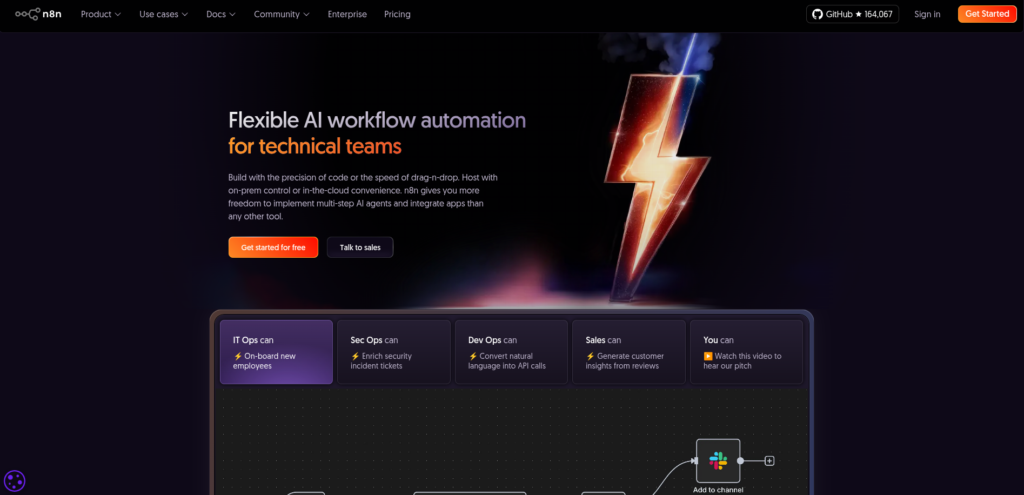
n8n is an open-source automation platform that focuses on flexibility and data control, giving users full ownership of their workflows. It can be self-hosted, which means users can run it on their own servers.
Key characteristics
- Open-source and self-hosted
- Advanced workflow logic and scripting
- Strong developer support
- No task-based pricing limits
- Developer-friendly
Pros
- Open-source and self-hosted option
- Full control over data and privacy
- No task-based pricing limits
- Highly customizable with advanced logic
- Good for complex automation needs
Cons
- Steeper learning curve
- Set up and maintenance required
- Fewer native app integrations
- Best use often requires some technical skills
n8n is powerful, flexible, and cost-effective for long-term use, but it has a learning curve. It is ideal for users who want full ownership of their automation environment.
n8n on ServerAvatar: One-Click Setup Without the Complexity
What is ServerAvatar?
ServerAvatar is a platform designed to simplify the hosting and management of servers and applications. It simplifies the process of deploying and managing PHP and Node.js based web applications on servers.
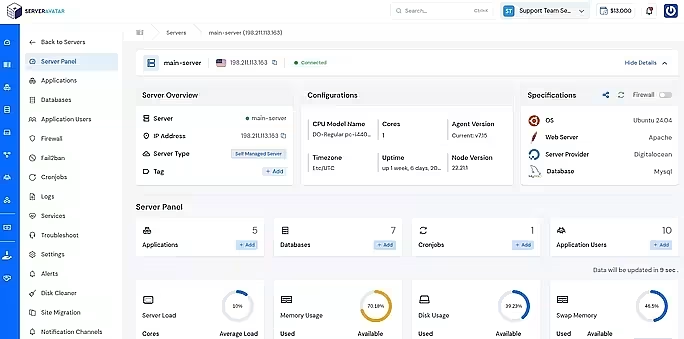
While n8n is powerful and flexible, setting it up manually can feel overwhelming for many users. Installing dependencies, configuring the server, and managing updates often require technical experience. This is where ServerAvatar makes things much easier.
ServerAvatar provides a one-click application installer for n8n, allowing you to deploy n8n on your server in just a few minutes, without manual configuration or complex commands.
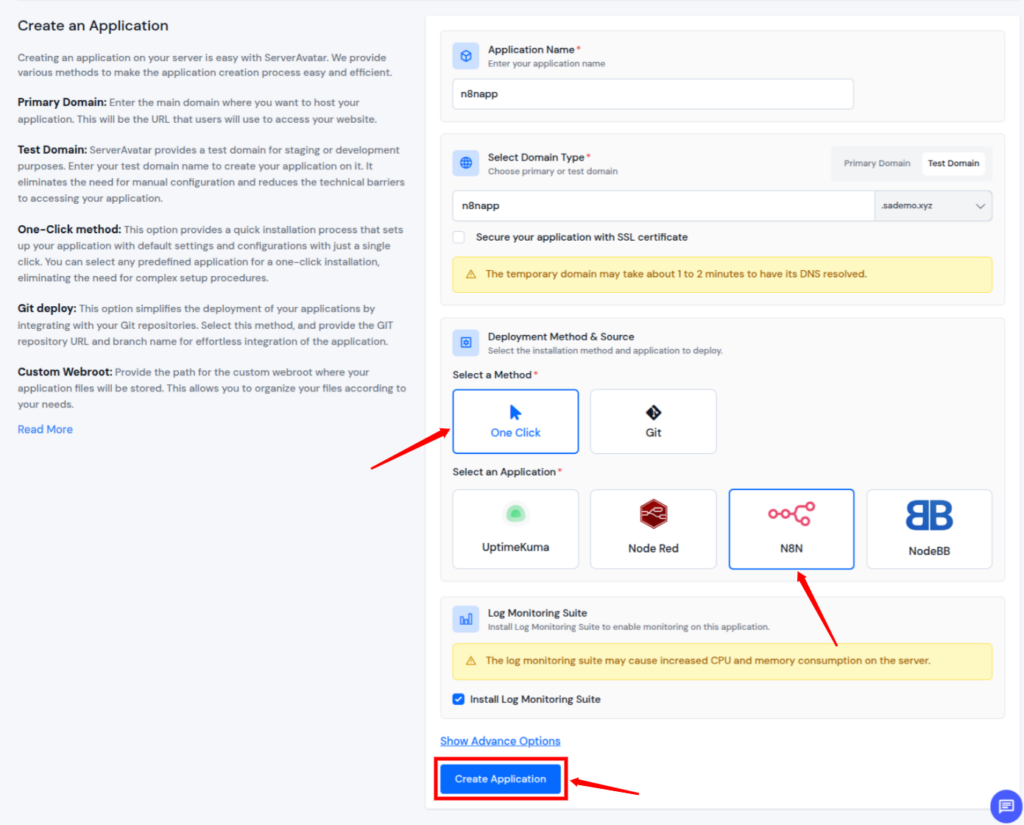
Please note that to install the Node.js applications (N8N), you must have the MERN stack installed on your Server.
How ServerAvatar Simplifies n8n Deployment
With ServerAvatar, you don’t need to worry about server setup or application installation details. Everything is handled through a clean and user-friendly dashboard.
Key benefits of using n8n with ServerAvatar:
- One-click application installation of n8n
- No manual server configuration required
- Faster setup compared to traditional self-hosting
- Easy management from a single dashboard
- Ideal for users who want control without complexity
ServerAvatar bridges the gap between powerful self-hosted automation and ease of use, making n8n accessible to a wider audience.
Why Should You Use n8n with ServerAvatar?
Using n8n on ServerAvatar is a great choice if:
- You want the flexibility and data control of n8n
- You prefer a quick and hassle-free setup
- You don’t want to manage server-level configurations manually
- You are looking for a scalable automation setup
By combining n8n’s advanced automation capabilities with ServerAvatar’s one-click installer, users get the best of both worlds: control, performance, and simplicity.
What Is Make?
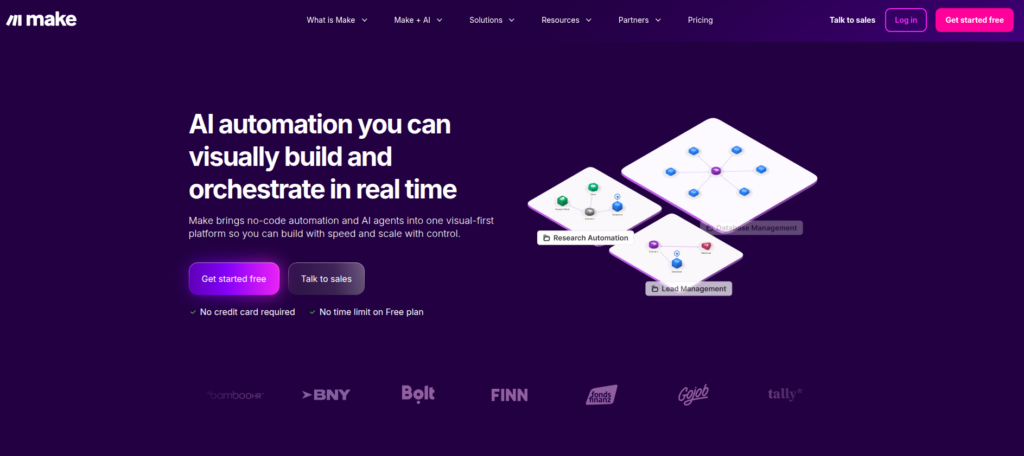
Make, previously known as Integromat, offers a more visual and detailed approach to automation. Instead of basic steps, it allows users to design multi-step workflows with conditions and logic.
Instead of simple one-step actions, Make lets you build visual workflows with branches, filters, and conditions. You can literally see how data moves.
Key characteristics
- Visual automation builder
- More complex workflows
- Better value for advanced users
- Strong error handling
Pros
- Visual workflow builder
- Strong automation logic and conditions
- More affordable than Zapier for many users
- Handles complex workflows well
- Good balance of power and usability
Cons
- Learning curve higher than Zapier
- Fewer app integrations than Zapier
- Interface may feel overwhelming at first
- Some advanced features require time to master
Make is often chosen by users who want more control without needing to write code. Make is ideal if you like seeing the big picture and want more power without coding.
What Is Zapier?
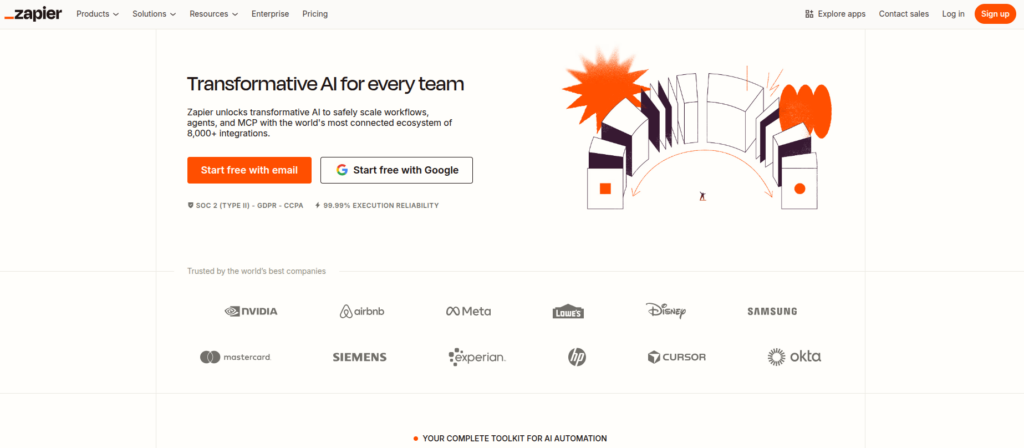
Zapier is a very popular automation tool. It is a simple, polished, and widely used automation tool. Zapier connects thousands of apps like Gmail, Slack, Google Sheets, and Trello. You create “Zaps,” which are simple rules like: When X happens, do Y.
Key characteristics
- Very easy to use
- No coding needed
- Huge app library
- Great for beginners
Pros
- Very easy to use
- Beginner-friendly interface
- Large library of app integrations
- No coding needed
- Quick setup for basic automations
Cons
- Can get expensive with high usage
- Limited advanced logic and branching
- Less flexible for complex workflows
- Data processed on Zapier’s servers
Zapier focuses on accessibility and speed, making it a popular choice for beginners. It is perfect if you want something that “just works” without much setup.

Automation Tools Comparison: n8n vs Make vs Zapier
| Feature | n8n | Make | Zapier |
| Ease of Use | Moderate | Easy | Very Easy |
| Beginner Friendly | No | Moderately | Yes |
| Visual Workflow Builder | Basic | Yes | No |
| Advanced Logic & Conditions | Strong | Strong | Limited |
| Customization | Very High | High | Low |
| Coding Support | Yes | Limited | No |
| App Integrations | Moderate | High | Very High |
| Self-Hosting Option | Yes | No | No |
| Data Control & Privacy | Full Control | Partial | Partial |
| Scalability | Excellent | Good | Limited |
| Pricing Flexibility | Very High | High | Expensive |
| Best For | Developers | Power Users | Beginners |
User Interface and Ease of Use
Ease of use plays a major role when choosing an automation tool.
- n8n has a functional interface but requires technical familiarity
- Make provides a visual editor that may take time to understand
- Zapier offers a clean and straightforward interface
Workflow Complexity and Control
Different automation tools support different levels of complexity.
- n8n supports advanced logic, loops, and custom scripts
- Make supports branching, conditions, and multiple actions
- Zapier supports simple linear workflows
If you need advanced automation logic, n8n offers the highest level of control.
Flexibility and Customization
Here’s where differences really show.
- n8n: Maximum flexibility with code and logic
- Make: High flexibility with visual flows
- Zapier: Limited flexibility
If you want simplicity, Zapier works well. If you need maximum control and flexibility, n8n stands out.
Pricing and Cost Structure
Pricing models vary significantly between the three platforms.
n8n:
- Free when self-hosted
- Paid plans for the hosted cloud version
Make:
- More affordable pricing tiers
- Charges based on operations
Zapier:
- Free plan with limited tasks
- Pricing increases with task usage
For long-term and high-volume automation, n8n can be the most cost-effective.
Performance and Scalability
Performance depends on workload and infrastructure.
- n8n scales effectively when hosted on dedicated servers
- Make handles complex workflows efficiently
- Zapier works well for lightweight automation
For enterprise-level or high-volume automation, n8n provides strong scalability options.
Learning Curve Comparison
Each tool has a different learning curve.
- n8n: Higher learning curve
- Make: Moderate learning curve
- Zapier: Very low learning curve
Users should choose based on how much time they can invest in learning the tool.
Real-Life Use Case Comparison
Scenario: You want to collect leads from a form and send them to CRM, email tool, and Slack.
- n8n: 30+ minutes but fully customizable
- Make: 20 minutes with better control
- Zapier: 10 minutes setup
Which One Should You Pick?
There’s no single “best” tool, only the right tool for you.
- Choose n8n if you want freedom, privacy, and scalability
- Choose Make if you want visual control and better pricing
- Choose Zapier if you want speed and simplicity
Your choice depends on your skills, budget, and long-term goals.
FAQs
1. Which automation tool is best for beginners?
Zapier is the most beginner-friendly option due to its simple interface, easy setup, and no-code approach.
2. Is n8n better than Zapier?
n8n offers more flexibility, control, and cost efficiency for advanced users, while Zapier is better suited for quick and simple automation needs.
3. Do I need technical skills to use n8n?
Basic workflows can be created without coding, but advanced automation in n8n benefits from some technical knowledge.
4. How does ServerAvatar help with n8n?
ServerAvatar provides a one-click application installer for n8n, making it easy to deploy and manage n8n without manual server configuration.
5. Can I switch from Zapier or Make to n8n later?
Yes, many users start with Zapier or Make and move to n8n as their automation needs grow and require more control and scalability.
Conclusion
Choosing the right automation tool comes down to understanding your needs, skills, and long-term goals. n8n, Make, and Zapier all help automate repetitive tasks, but they serve different types of users.
If you value full control, data privacy, and scalability, n8n is a strong choice, especially when paired with ServerAvatar’s one-click n8n installer, which removes much of the setup complexity. If you want a visual and structured approach with powerful workflow logic but without coding, Make offers a solid middle ground. And if your priority is simplicity and speed, Zapier remains the easiest option to get started with.
There is no one-size-fits-all solution. The best automation tool is the one that aligns with your technical comfort level, budget, and automation requirements. By understanding the strengths and limitations of each platform, you can confidently choose the tool that helps you work smarter and more efficiently.