

Online learning has become one of the fastest-growing industries globally. Whether you’re a coach, educator, entrepreneur, or someone exploring passive income, creating online courses can be a rewarding venture. And when it comes to building courses on WordPress, choosing the right WordPress LMS plugins is crucial because they allow you to turn a basic website into a powerful online learning platform.
Think of LMS plugins as the “brain” of your eLearning website. Without them, your site is just an empty notebook. With a powerful LMS plugin, it becomes a fully equipped virtual classroom, complete with lessons, quizzes, progress tracking, certificates, student dashboards, and payment options.
This expanded guide covers everything you need to know about LMS plugins in 2025, including detailed plugin reviews, pricing, comparisons, use cases, pros/cons, and more.
What Is a WordPress LMS Plugin?
A WordPress LMS plugin (Learning Management System plugin) helps you create and manage online courses directly on your WordPress website.
It includes everything such as:
- Course builders
- Lesson management
- Quizzes
- Certificates
- Student dashboards
- Payment gateways
- Membership systems
It allows you to run your own digital academy without hiring developers or building software from scratch.
Why Use a WordPress LMS Plugin in 2025?
In 2025, the eLearning world is bigger than ever:
- Remote learning is normal
- Online coaching is booming
- Skill-based courses sell more than degrees
- Companies use LMSs for employee training
A good LMS plugin helps you:
- Build your own online school
- Sell courses without platform fees
- Own your audience
- Fully customize your learning experience
Using WordPress gives you full freedom, and the right LMS plugin makes it powerful.
Key Features to Consider in a WordPress LMS Plugin
When choosing an LMS, consider:
1. Course Builder
Look for an LMS with an intuitive drag-and-drop builder that makes creating lessons simple, even for beginners. A good builder saves time and helps you structure courses more effectively.
2. Assessment Tools
Your LMS should offer quizzes, assignments, certificates, and grading features to evaluate learners properly. These tools help track progress and keep students engaged.
3. Monetization
Check whether the plugin supports various income models like one-time payments, subscriptions, or bundles. Flexible pricing options make it easier to grow your course business.
4. Integrations
A strong LMS connects smoothly with email services, CRMs, video tools like Zoom, and eCommerce platforms. These integrations automate workflows and improve overall functionality.
5. Student Experience
Choose a system that provides a clean dashboard, easy navigation, and visible progress tracking. A smooth learning experience keeps students motivated and reduces drop-offs.
6. Scalability
Ensure the LMS can support a growing student base, hundreds or even thousands, without slowing down. It should also allow multiple instructors if you plan to expand.
7. Content Security
Look for tools that protect your lessons from unauthorized downloads or piracy. Features like screen-recording prevention and watermarking help safeguard your content.
Types of Online Courses You Can Create With a WordPress LMS
These LMS plugins work for many course types:
- Video-based courses
- Coaching programs
- Skill-development classes
- Corporate training modules
- Certification courses
- Membership academies
- Multi-instructor marketplaces
- Live class–based programs
Whatever your style, a good LMS plugin can support it.
Top 9 WordPress LMS Plugins to Use in 2025
Now, let’s dig deeper into the most powerful LMS plugins available.
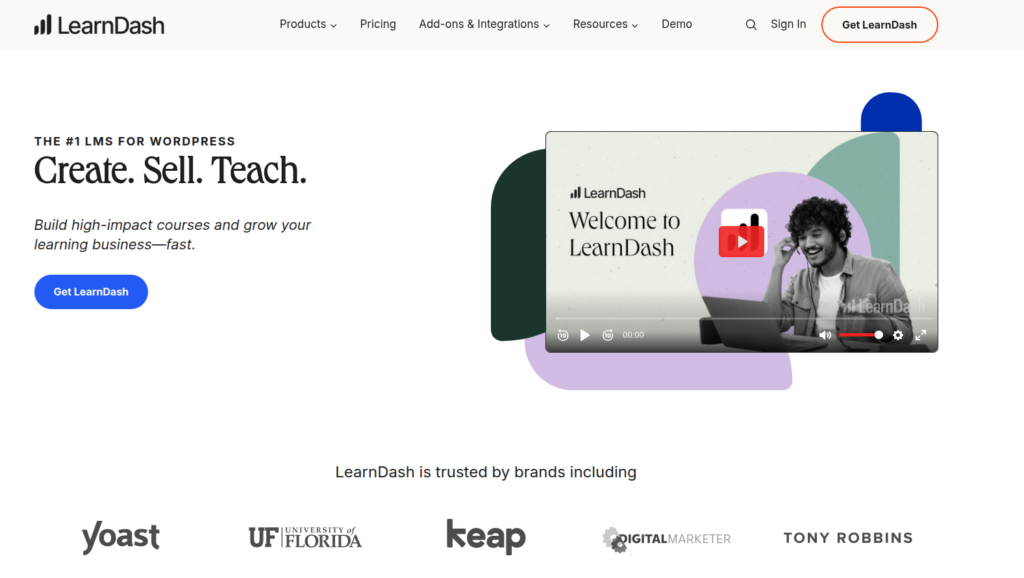
1. LearnDash – The Industry Leader
LearnDash offers a powerful course-building system with advanced quizzes, drip content, and robust reporting. It’s widely trusted by enterprises, universities, and professional educators for scalable learning experiences.
Key Features
- Drag-and-drop course builder
- Advanced quiz system
- Course prerequisites
- Drip content
- Certificates and badges
- Focus mode for distraction-free learning
- WooCommerce + PayPal + Stripe support
Pros
- Extremely powerful
- Professional-grade LMS
- Suitable for universities and schools
- Great for selling courses
Cons
- Slight learning curve
- Add-ons may be expensive
Pricing
Starts at around ~$199/year.
Best For:
Professional academies, universities, coaches, and businesses.
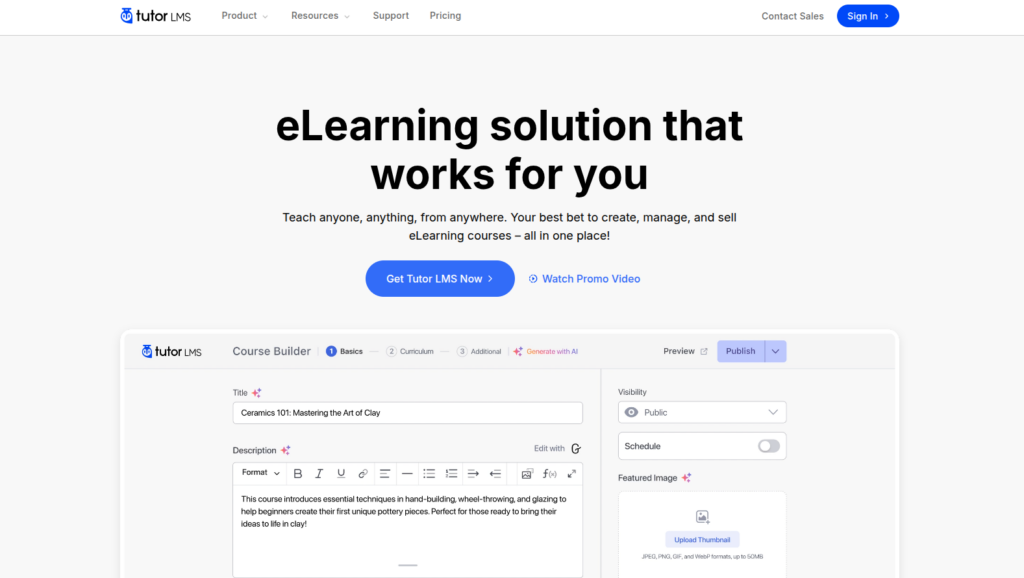
2. Tutor LMS – Best for Marketplaces & Beginners
Tutor LMS combines an easy drag-and-drop builder with strong quiz options, assignments, and front-end course creation. It’s ideal for creators who want a clean interface and marketplace-style features.
Key Features
- Frontend course builder
- Multi-instructor support
- Interactive quizzes
- Analytics dashboard
- Content drip
- WooCommerce monetization
Pros
- Very easy to use
- Amazing modern interface
- Marketplace-ready
Cons
- Some advanced features require pro add-ons
Pricing
Starting at about ~$99/year.
Best For:
Beginners, multi-instructor platforms, and creators wanting simplicity.
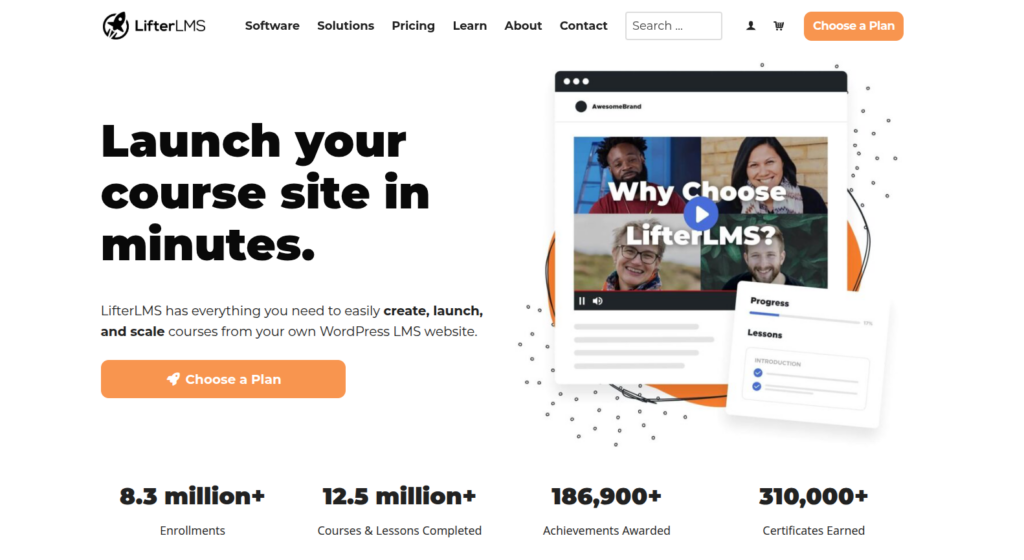
3. LifterLMS – Great for Membership Sites
LifterLMS focuses on flexible learning paths, memberships, and powerful engagement tools like achievements and gamification. It’s great for coaches, trainers, and websites that need deep customization.
Key Features
- Drag-and-drop course builder
- Powerful membership tools
- Built-in CRM features
- Achievement badges
- One-time payments & subscriptions
Pros
- Flexible pricing
- Great for community-based courses
Cons
- Add-ons can be pricey
Pricing
Starts at around ~ $749/year.
Best For:
Membership sites, coaching, blended learning.
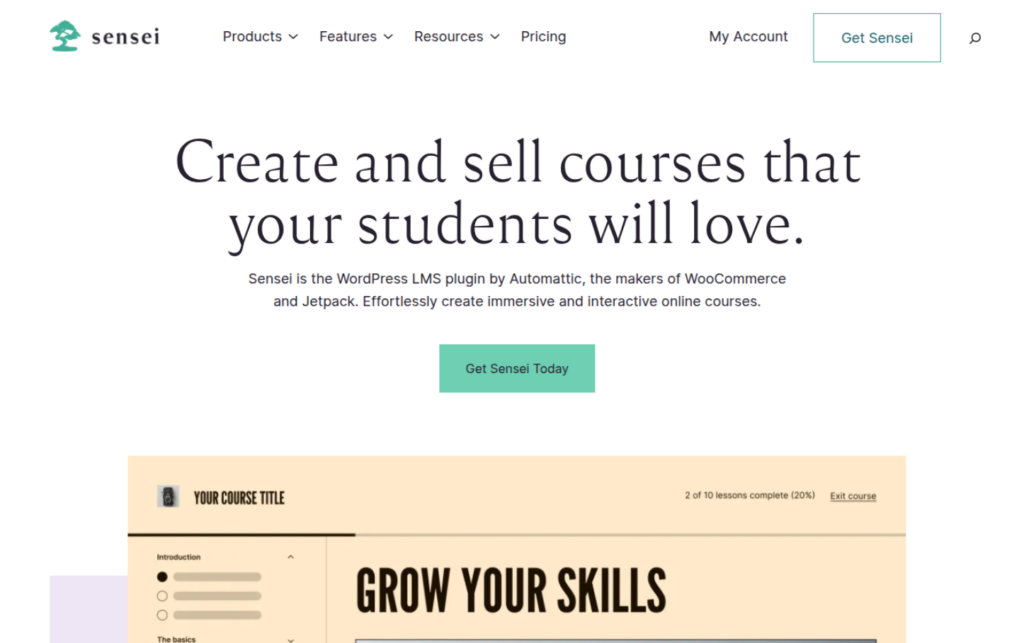
4. Sensei LMS – Built by WordPress Itself
Sensei LMS, built by the WooCommerce team, Sensei LMS integrates seamlessly with online stores and offers simple, structured course creation. It’s perfect for creators who want a clean, minimal learning environment.
Key Features
- WooCommerce-powered course selling
- Clean, minimalist UI
- Automatic grading
- Course progress tracking
Pros
- Lightweight
- Works smoothly with WordPress themes
Cons
- Not as many advanced features
Pricing
Free version available; paid starts at ~$60/year.
Best For:
Simple course platforms, WooCommerce users.
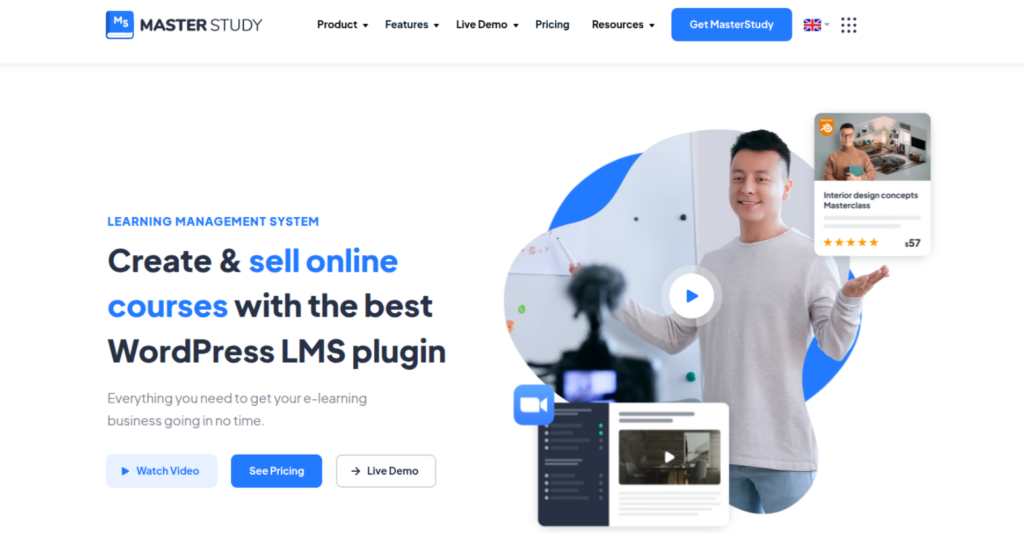
5. MasterStudy LMS – Highly Interactive UI
MasterStudy LMS provides a visually appealing course builder, live streaming support, and interactive tools like quizzes and message boards. It’s well-suited for schools and large educational platforms.
Key Features
- Visual course builder
- Zoom integration
- Student messaging
- Assignments
- Certificates
Pros
- Very interactive
- Great visual appeal
Cons
- Limited integrations
- Requires a strong theme
Pricing
Free version available; paid starts at ~$49/year.
Best For:
Creators who want a visually stunning LMS.

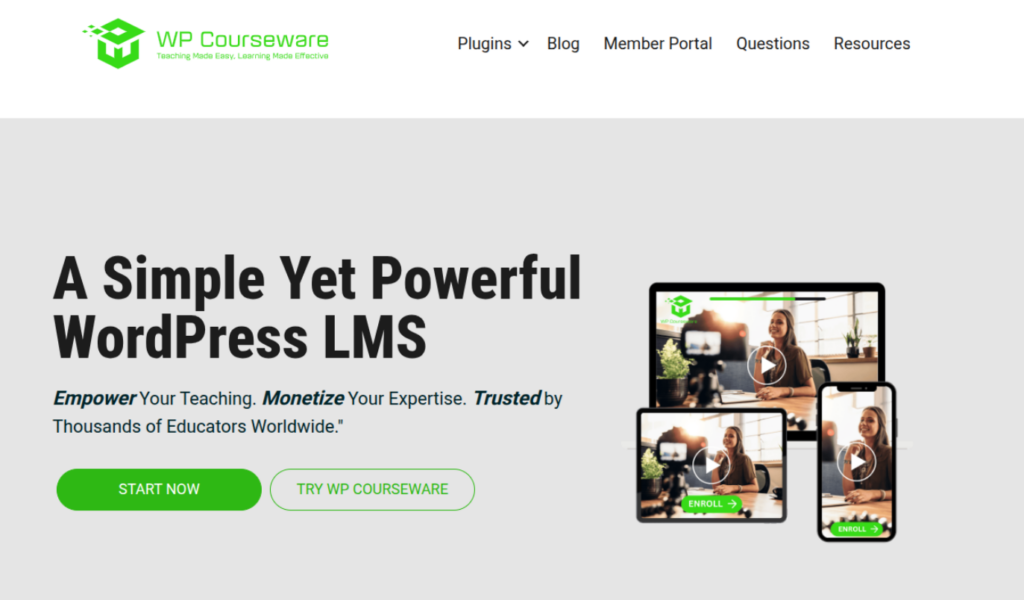
6. WP Courseware – Simple & Beginner-Friendly
WP Courseware delivers a straightforward drag-and-drop experience with solid quiz features and instructor tools. Its simplicity makes it a strong choice for beginners building their first course.
Key Features
- Drag-and-drop builder
- Gradebooks
- Drip content
- Progress emails
Pros
- Easy setup
- Intuitive UI
Cons
- Not ideal for complex academies
Pricing
Starts at around ~ $159/year.
Best For:
Beginners and small course creators.
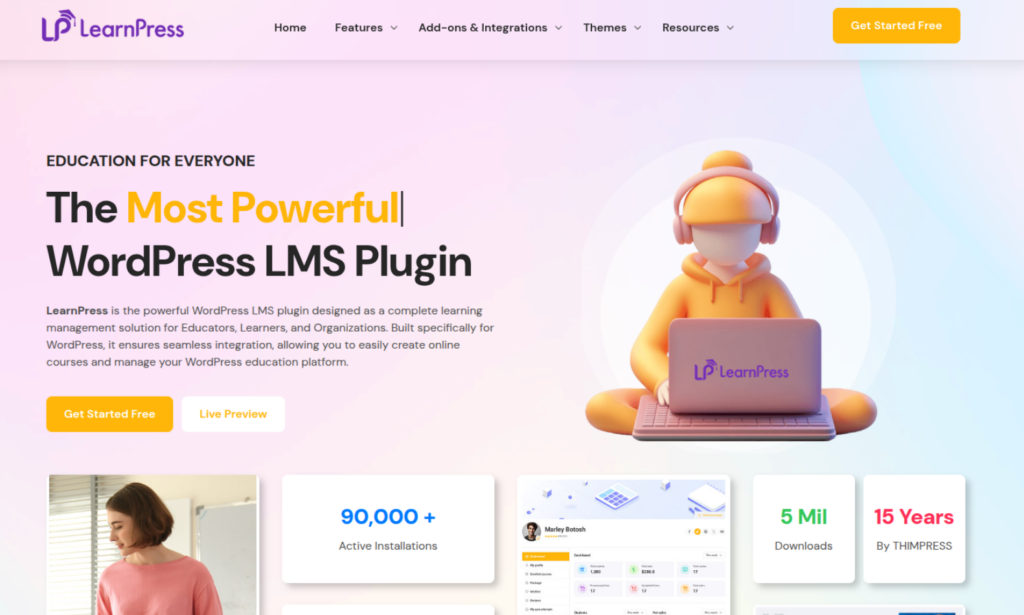
7. LearnPress – Best Free LMS Plugin
LearnPress is a lightweight, modular LMS known for its free core plugin and wide add-on library. It’s budget-friendly, flexible, and works smoothly with many WordPress themes.
Key Features
- Core plugin is free
- Many premium add-ons
- Drag-and-drop builder
Pros
- Free to start
- Lightweight
Cons
- Add-ons needed for advanced features
Pricing
Free version available; paid starts at ~$149/year.
Best For:
Beginners wanting a free option.
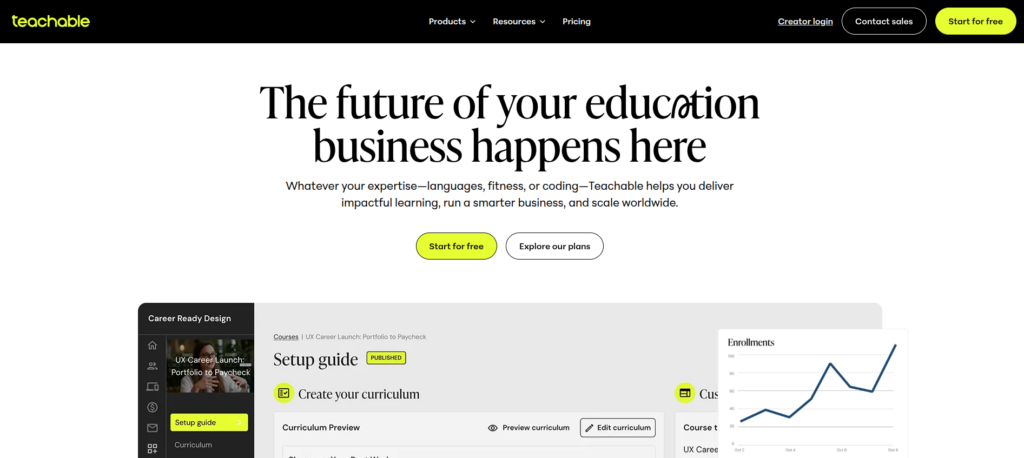
8. Teachable – Hosted LMS Integration
Teachable integration lets you embed or connect Teachable courses directly into your WordPress site. It’s ideal for creators who prefer Teachable’s hosted platform but still want a WordPress front end.
Key Features
- High-quality video hosting
- Smooth student experience
- Marketing tools
- Coaching features
Pros
- No maintenance
- Excellent UX
Cons
- Monthly fees
- 5% transaction fees on free plan
Pricing
Starts at around ~ $348/year.
Best For:
Creators who don’t want technical work.
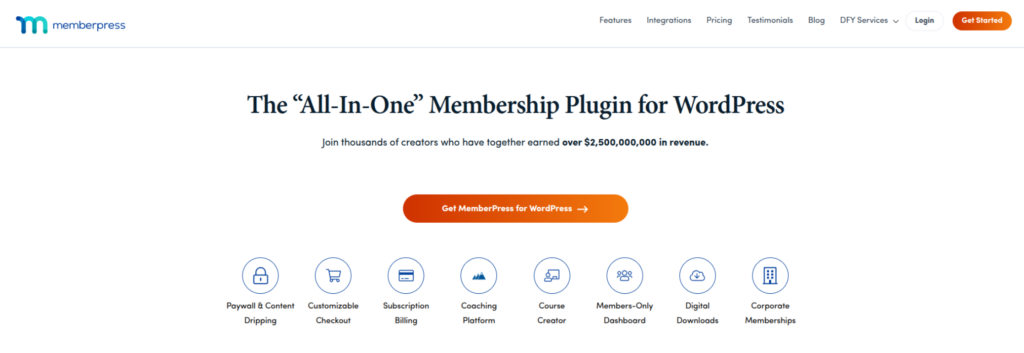
9. MemberPress Courses Add-on – Membership Meets LMS
MemberPress Courses combines membership management with simple course-building tools inside WordPress. It’s great for selling gated content, bundles, and community-driven learning experiences.
Key Features
- Course builder
- Access rules
- Paid memberships
- Content drip
Pros
- Amazing for membership sites
Cons
- Not a full LMS like LearnDash
Pricing
Starts at around ~ $199.50/year.
Best For:
Membership academies, gated communities.
Best WordPress LMS Plugins for Different Use Cases
| Use Case | Plugin Recommendation |
| Full academy | LearnDash |
| Multi-instructor school | Tutor LMS |
| Membership + Courses | MemberPress, LifterLMS |
| Simple course setup | WP Courseware |
| Free option | LearnPress |
| WooCommerce-heavy site | Sensei LMS |
| No technical work | Teachable |
Host Your WordPress LMS Website with Ease Using ServerAvatar
Building a powerful LMS website requires smooth performance, strong security, and easy server management. This is where ServerAvatar becomes a game-changer. Whether you’re hosting a single WordPress LMS or running multiple course websites, ServerAvatar lets you set everything up in just a few clicks.
What is ServerAvatar?
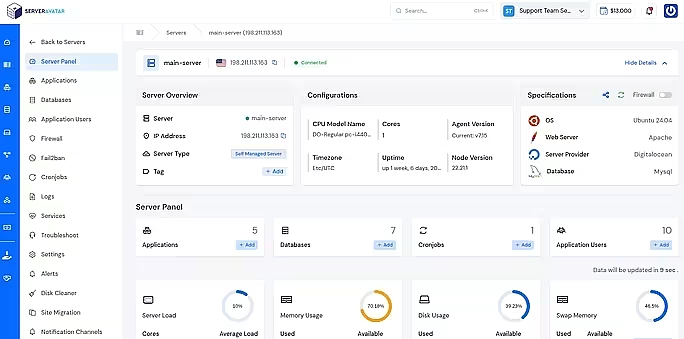
ServerAvatar is a platform to simplify the hosting and management of servers and applications. It simplifies the process of deploying and managing PHP and Node.js based web applications on servers.
Why ServerAvatar Is Perfect for LMS Websites
Running an LMS isn’t like running a simple blog, you need speed, uptime, and reliability. ServerAvatar takes care of server management so you can focus entirely on building and selling your courses. With automated tasks and performance optimizations, your students get a smooth, uninterrupted learning experience.
Key Features for LMS Creators
- One-Click WordPress Installation: Deploy WordPress instantly without technical commands.
- Lightning-Fast Performance: Built-in caching, optimized server stack, and resource monitoring.
- Automatic Backups: Keep your course data safe without manual work by scheduling the backups.
- SSL in One Click: Secure your LMS instantly with automatic free SSL with auto-renewal.
- Server Health & Log Monitoring: Monitor your server load and overall health in real time.
- Beginner-Friendly Dashboard: Perfect for non-technical users, coaches, and educators.
Essential Add-ons to Improve Your WordPress LMS
To enhance your LMS, the right add-ons can boost engagement, streamline management, and improve the learning experience. These tools help you deliver interactive lessons, automate tasks, and support different learning styles.
Add-ons
- Zoom Integration: Adds live classes, virtual meetings, and webinars directly inside your LMS.
- Gamification Tools: Introduce points, levels, and rewards to keep students motivated.
- Certificates & Badges: Recognize achievements and encourage course completion.
- Email Automation: Sends reminders, progress updates, and marketing emails automatically.
- Payment Gateways: Allows seamless payments through Stripe, PayPal, or local options.
- Gradebooks: Helps instructors track scores and monitor student performance.
- Course Marketplace Add-ons: Enables multi-instructor platforms and course selling marketplaces.
Tips for Building a Successful WordPress LMS Website
A strong LMS website focuses on clarity, engagement, and smooth navigation. Optimizing lesson structure and offering interactive features helps create a meaningful learning journey for your students.
Tips
- Use a clean theme: Ensure your site loads fast and looks professional.
- Keep lessons short: Bite-sized content improves focus and retention.
- Add quizzes and assignments: Reinforces learning and evaluates understanding.
- Use storytelling in your lessons: Makes concepts relatable and memorable.
- Offer certificates: Provides motivation and adds value to the course.
- Add community features: Forums or groups help students connect and collaborate.
Common Mistakes to Avoid
Many LMS sites fail because of poor planning or technical missteps. Avoiding these common mistakes ensures a smoother experience for both instructors and learners.
Mistakes
- Choosing cheap hosting: Leads to slow speed, downtime, and poor user experience.
- Using too many plugins: Can cause site conflicts and performance issues.
- Not planning course structure: Results in confusing lessons and low engagement.
- Ignoring mobile experience: A large portion of learners study on phones.
- Overcomplicating the LMS setup: Keep your system simple and easy to use.
FAQs
1. Do LMS plugins support video-based courses?
Absolutely. Most LMS plugins support video lessons from YouTube, Vimeo, or self-hosted files. Some even offer video progression control, autoplay options, and content protection to limit downloads and sharing.
2. Can I sell my courses using these plugins?
Yes. Almost all major LMS plugins integrate with payment gateways like PayPal, Stripe, and WooCommerce. This means you can sell courses as one-time purchases, subscriptions, bundles, or memberships depending on the plugin.
3. Do WordPress LMS plugins work with any theme?
Most LMS plugins are designed to work with any well-coded WordPress theme. However, some plugins offer their own dedicated LMS themes for better compatibility and design flexibility.
4. Can I create certificates for students using these plugins?
Yes. Plugins like Tutor LMS, LearnDash, and LifterLMS allow you to design and award certificates automatically once students complete a course, quiz, or lesson.
5. Do LMS plugins support quizzes and assignments?
Yes. Almost every WordPress LMS plugin supports quizzes, assignments, and assessments. You can create multiple question types such as MCQs, true/false, essays, fill-in-the-blanks, and more.
Conclusion
Choosing the right WordPress LMS plugin is essential if you want to build a powerful, engaging, and scalable online learning platform in 2025. Whether you’re launching your first digital course or planning a full-fledged online academy, the right tool can make the entire process easier, smoother, and more effective. Each plugin in this list offers something unique, some are perfect for beginners, others excel in membership systems, and a few provide enterprise-level features for professional educators.
Think about your goals, your audience size, and the type of learning experience you want to deliver. Once you match your needs with the right LMS plugin, you’ll have everything required to create a well-structured, student-friendly, and profitable online education platform. With the right setup, your website can transform from a simple WordPress installation into a complete digital classroom that serves learners around the world.