

If you run a WordPress website, you already know how risky it can feel to make changes directly on your live site. One wrong move, and things can fall apart like a house of cards. That’s exactly where WordPress staging plugins come in.
Think of a staging site as a practice ground. Just like rehearsing before a live performance, staging lets you test updates, designs, or plugins safely, without your visitors ever noticing. In 2026, staging plugins have become smarter, faster, and easier to use, even for non-technical users.
In this guide, we’ll walk through the WordPress staging plugins for 2026, so you can confidently choose what works best for you.
What Is WordPress?
WordPress is the world’s most popular open-source content management system (CMS), used to build websites, blogs, and e-commerce stores. It offers flexibility through themes and plugins, making it suitable for beginners, developers, and businesses of all sizes.
How ServerAvatar Simplifies WordPress Deployment & Management
What is ServerAvatar?
ServerAvatar is a platform to simplify the hosting and management of servers and applications. It simplifies the process of deploying and managing PHP and Node.js based web applications on servers.
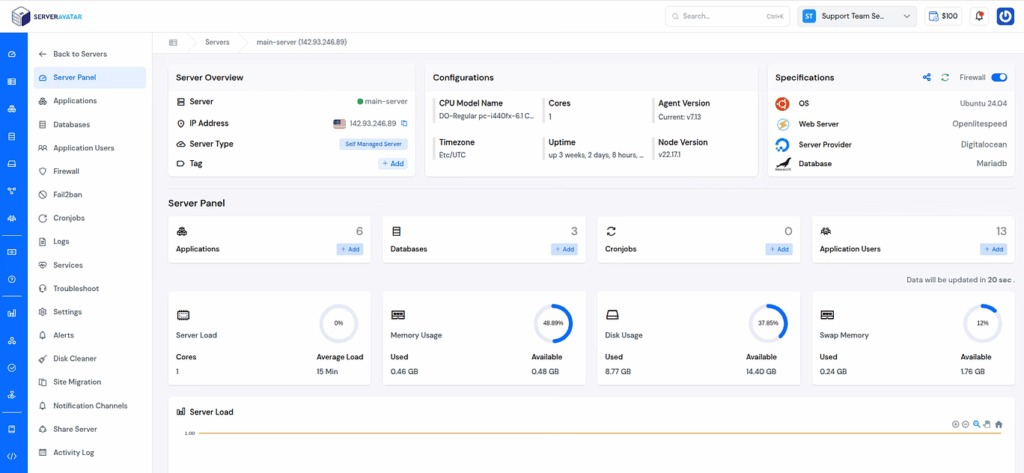
ServerAvatar makes WordPress and other popular applications, such as Mautic, N8N, UptimeKuma, etc, deployment effortless with its one-click WordPress application installer, allowing you to launch a fully configured WordPress site in minutes. It removes the complexity of server setup by providing an intuitive dashboard to manage servers, applications, databases, PHP versions, SSL, and performance settings from one place.
ServerAvatar supports multiple cloud providers and gives users full control over their infrastructure while eliminating the need for deep server administration knowledge. You can refer to the ServerAvatar documentation and the detailed blog to install WordPress effortlessly.
Key Benefits of Using ServerAvatar for WordPress
- One-click WordPress installer: Deploy WordPress instantly without manual configuration.
- Unified management panel: Manage servers and WordPress applications from a single dashboard.
- Performance optimization: Easily configure caching, PHP, and server resources.
- Enhanced security: Includes firewall, SSL management, and secure access controls.
- Easy scalability: Upgrade server resources as your WordPress site grows.
Why Use ServerAvatar for WordPress?
ServerAvatar is an ideal solution for users who want the power of cloud servers without the operational complexity. It simplifies WordPress hosting by automating server setup, streamlining application management, and providing performance and security optimizations out of the box.
Whether you’re a developer, agency, or business owner, ServerAvatar allows you to deploy, manage, and scale WordPress websites confidently while focusing on growth instead of infrastructure management.
ServerAvatar Staging Area
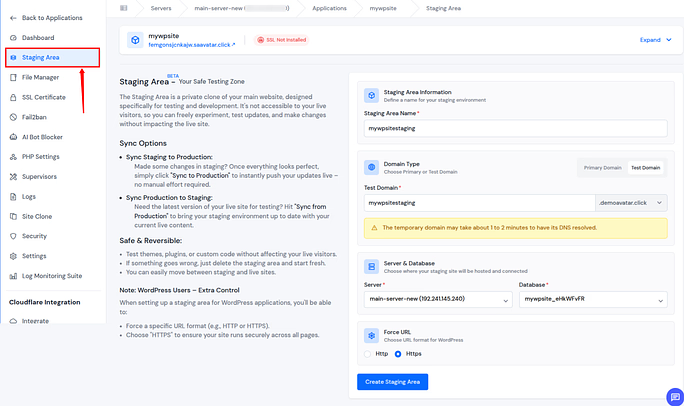
In addition to standalone WordPress staging plugins, ServerAvatar offers a powerful Staging Area feature that lets you create a complete test environment for your live application with just a few clicks. This staging area clones your current application (including WordPress sites) so you can safely test updates, plugin changes, or configuration tweaks without affecting your production website.
Once you’re satisfied with the tested changes, ServerAvatar allows you to push those changes to your live site or even sync your production site back into staging if you need the latest real‑world data for further testing.
Check out the official staging documentation here: https://serveravatar.com/docs/application/staging-area/
Key ServerAvatar Staging Features
- Create staging environments with one click: Launch a fully cloned instance of your live application for testing.
- Push staging changes to production: When testing is complete, deploy updates from staging to your live site.
- Sync production to staging: Keep staging up‑to‑date with the latest live data for accurate testing.
- Safe and isolated testing: Changes made in staging never affect your production environment until pushed.
Why Use ServerAvatar Staging Feature?
Use ServerAvatar’s staging area to test updates, migrations, and site changes in a fully controlled environment, reducing risk and ensuring your live WordPress sites stay stable even during major updates.
What Are WordPress Plugins and Why Are They Used?
WordPress plugins are add-on tools that extend the core functionality of a WordPress website without changing its main structure. Instead of building everything from scratch, plugins allow users to add new features or improve existing ones in a flexible and controlled way.
They are used because WordPress is designed to stay lightweight by default, while plugins give site owners the freedom to customize their websites based on specific needs. Whether it’s improving performance, enhancing security, managing content, or adding testing environments like staging, plugins make these tasks easier and more accessible.
Another key reason plugins are widely used is convenience, as they allow changes to be made without deep technical knowledge. This modular approach keeps websites scalable, manageable, and adaptable over time, making plugins an essential part of how WordPress works today.
What Is a WordPress Staging Plugin?
A WordPress staging plugin creates a copy of your website where you can safely test changes. This copy looks and works like your live site but stays hidden from visitors and search engines.
In simple terms, it’s like editing a rough draft instead of writing directly on the final page.
Why You Need a Staging Plugin in 2026
Websites are more dynamic than ever. Themes update frequently, plugins change behavior, and WordPress core updates keep rolling out. Without staging, you’re testing changes in front of your audience.
A staging plugin helps you:
- Avoid unexpected site crashes: A staging plugin lets you catch errors early so problems don’t appear on your live website.
- Test updates without pressure: It allows you to safely check updates in a separate space before applying them publicly.
- Experiment freely with designs: You can try layout or style changes without worrying about how they affect visitors.
- Keep your live site stable: By testing everything in advance, your main website stays smooth and reliable.
How to Choose the Right Staging Plugin
Before picking a plugin, ask yourself a few simple questions:
- Do I want a free or paid option?
Decide whether basic features are enough or if advanced controls are worth paying for. - Do I need one-click staging?
Choose a plugin that creates a staging site quickly without complex steps. - Should it support push-to-live changes?
Consider whether you want an easy way to move tested changes to the live site. - Is performance important for large sites?
Make sure the plugin can handle site size without slowing things down.
Your answers will guide your choice.
WP Staging
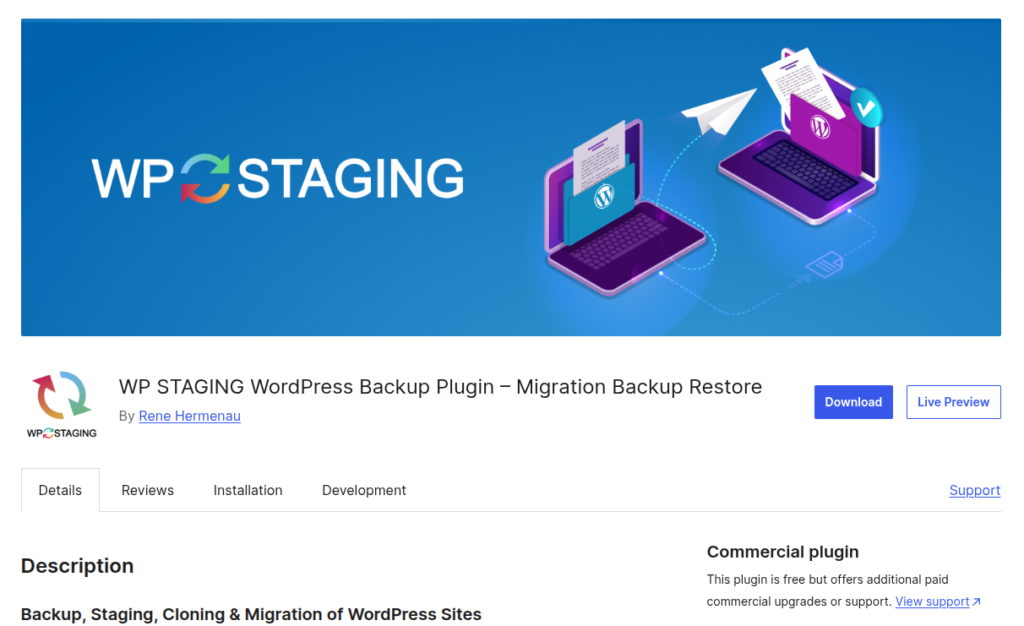
WP Staging is a user-friendly WordPress staging plugin designed to help website owners test changes safely before applying them to the live site. Its clean layout and simple controls make it easy to use, even for beginners, while keeping the website stable during testing.
Key Features
- One-click staging site creation: Creates a staging copy of your site quickly with minimal setup.
- Selective database and file copying: Lets you choose what data and files should be included in staging.
- Push changes to live site (Pro): Allows tested updates to be moved to the live site with ease.
- Lightweight and beginner-friendly: Runs smoothly without adding unnecessary load.
Pros
- Very easy to use: Simple steps make staging accessible for all users.
- Free version available: Offers essential features without cost.
- Does not overload your server: Designed to keep performance steady.
Cons
- Push-to-live feature is paid: Live deployment requires the Pro version.
- Limited advanced controls in free plan: Some customization options are restricted.
Why to use: It allows you to safely test updates and changes without affecting your live WordPress website.
BlogVault
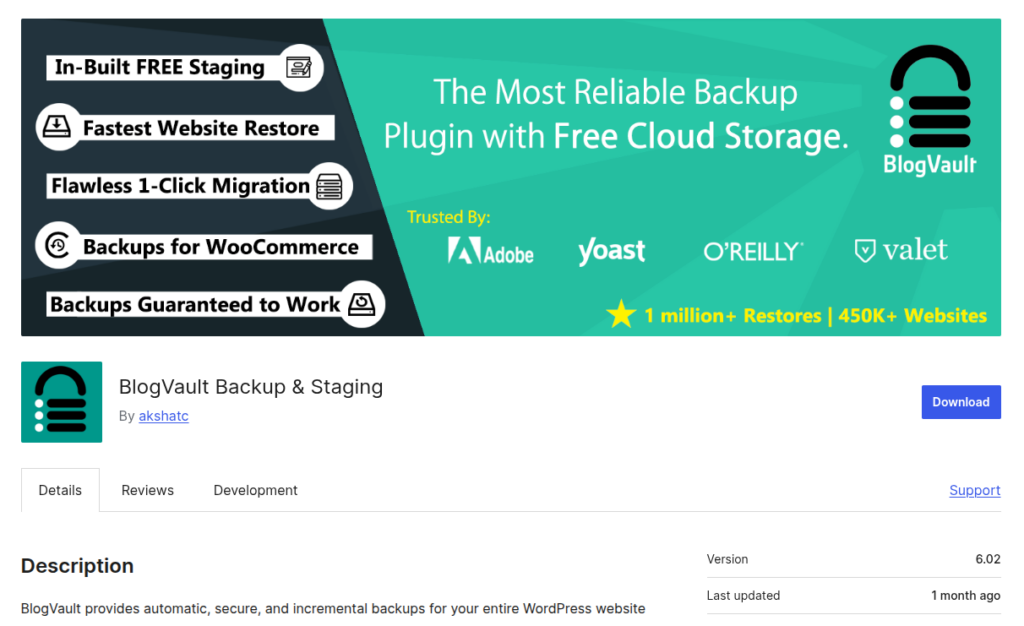
BlogVault is a premium all-in-one solution for WordPress that combines staging, backups, and security, making website management simpler and safer. It’s designed for both small and large websites that need reliable performance and protection.
Key Features
- Cloud-based staging: Test changes safely before going live.
- One-click merge to live site: Easily push updates from staging to your live website.
- Built-in backups: Automatic backups to protect your data.
- Off-site storage: Store backups securely off your server.
Pros
- Reliable and fast: Ensures smooth website performance.
- Minimal server load: Does not slow down your website.
- Excellent for larger websites: Handles complex and high-traffic sites efficiently.
Cons
- No free version: Requires a paid subscription.
- Pricing may feel high for small sites: Can be costly for smaller websites.
Why to use: Simplifies WordPress management while providing secure backups and staging for safe updates.
WPvivid Staging Plugin
WPvivid is an all-in-one WordPress plugin that provides staging, backups, and migration, making website management and updates easier and safer for all types of websites. It’s especially useful for users who want to test changes before going live.
Key Features
- One-click staging: Quickly create a staging site for safe testing.
- Push staging to live: Easily migrate changes from staging to your live website.
- Backup integration: Securely back up your site to prevent data loss.
- Supports large sites: Handles high-traffic or resource-heavy websites effectively.
Pros
- Generous free version: Offers useful features without payment.
- Easy staging management: Simplifies creating and managing staging sites.
- Clean dashboard: User-friendly interface for smooth navigation.
Cons
- Advanced features require paid plan: Some functionalities are limited in the free version.
- Interface can feel crowded: May be slightly overwhelming for beginners.
Why to use: Safely manage staging, backups, and migration in a single plugin for efficient WordPress site management.

Jetpack Staging
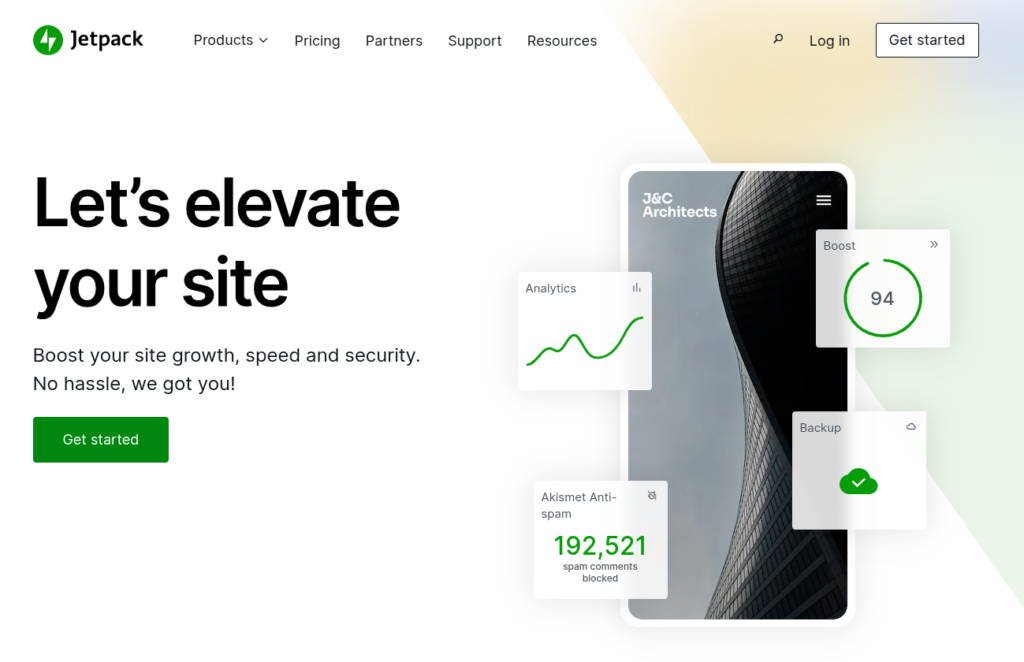
Jetpack Staging is a WordPress staging plugin designed for seamless work within ecosystem. It allows users to safely test updates and changes while benefiting from Jetpack’s integrated performance and security features.
Key Features
- One-click staging: Instantly create a staging environment with minimal setup.
- Sync changes easily: Push selected updates from staging to the live site smoothly.
- Integrated security tools: Works alongside Jetpack’s security and performance features.
Pros
- Simple and clean: Easy to use with a minimal learning curve.
- Trusted ecosystem: Backed by Automattic, the team behind WordPress.com.
- Good performance: Optimized for stable and reliable site operations.
Cons
- Requires paid Jetpack plan: Staging is not available in the free version.
- Less flexibility: Limited customization compared to dedicated staging plugins.
Why to use: Ideal for Jetpack users who want a simple, secure, and integrated staging solution without extra setup.
InstaWP
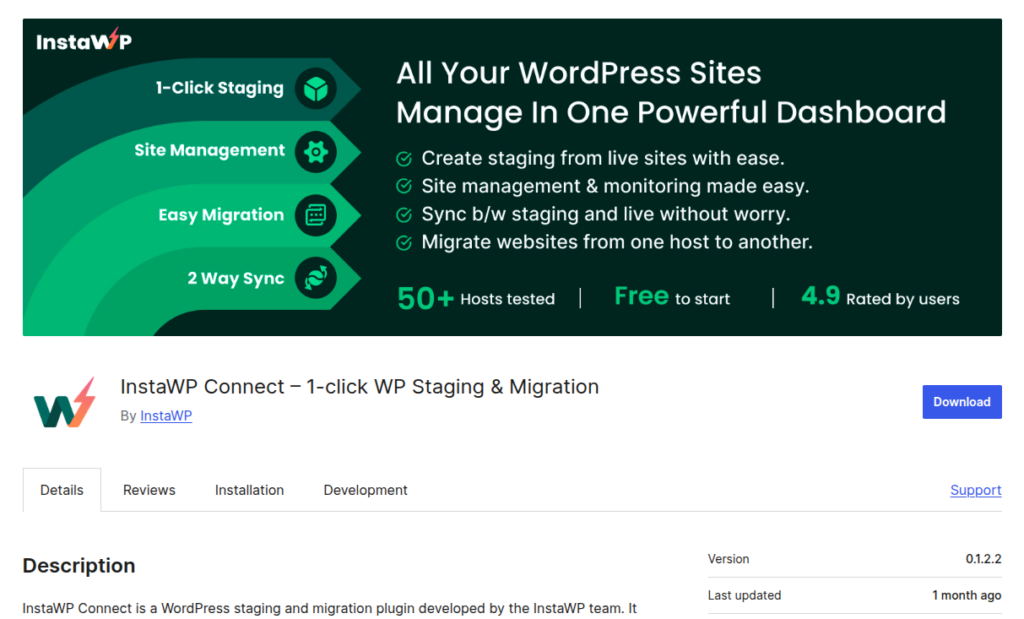
InstaWP is a modern WordPress staging solution designed for speed, simplicity, and flexibility. It allows users to instantly create cloud-based test environments without affecting their live server or website performance.
Key Features
- Instant staging environments: Create staging sites within seconds.
- Cloud-based setup: Runs externally without using your hosting resources.
- Temporary test sites: Ideal for short-term testing and experimentation.
- Developer-friendly options: Supports advanced workflows and customization.
Pros
- Extremely fast setup: Launch staging sites almost instantly.
- No server stress: Keeps all testing activity off your live server.
- Clean user experience: Simple and intuitive interface.
Cons
- Limited free plan: Restricts usage and features.
- Advanced usage needs subscription: Full functionality requires a paid plan.
Why to use: Perfect for quickly testing WordPress changes in a fast, cloud-based environment without impacting your live site.
WP StageCoach
WP StageCoach is a dedicated WordPress staging plugin built for safe and reliable testing of website changes. It focuses on simplicity while giving users control over how updates move from staging to the live site.
Key Features
- One-click staging site creation: Quickly create a staging copy of your live website.
- Push staging changes to live: Move tested updates to production with minimal effort.
- Database and file synchronization: Sync files and database changes accurately between environments.
- Automatic exclusion options: Skips unnecessary data like cache and logs during sync.
Pros
- Clean and intuitive setup: Easy to configure even for non-technical users.
- Works with most hosting environments: Compatible across shared, VPS, and cloud hosting.
- Selective push support: Allows pushing only files or database changes as needed.
Cons
- No free version: Available only through paid plans.
- Slow on very large sites: Push-to-live process may take longer for heavy websites.
Why to use: Ideal for users who want a simple yet controlled staging workflow with reliable push-to-live functionality.
Comparison of WordPress Staging Plugins
| Plugin | Free Version | One-Click Staging | Push to Live | Backup Integration | Ideal For | Ease of Use |
| WP Staging | ✅ Yes | ✅ Yes | ⚠️ Only Pro | ❌ No | Beginners & simple sites | Very Easy |
| BlogVault | ❌ No | ✅ Yes | ✅ Yes | ✅ Yes | Large sites, full site protection | Moderate |
| WPvivid | ✅ Yes | ✅ Yes | ✅ Yes | ✅ Yes | All-in-one staging + backup | Easy |
| Jetpack Staging | ❌ No | ✅ Yes | ⚠️ Limited | ❌ No | Jetpack users | Simple |
| InstaWP | ⚠️ Limited | ✅ Yes | ⚠️ Temporary | ❌ No | Fast, cloud-based testing | Fast & Clean |
| WP Stage Coach | ❌ No | ✅ Yes | ✅ Yes | ❌ No | Controlled staging workflows | Clean & Intuitive |
Benefits of Using a Staging Site
A staging site helps you maintain stability while improving your website confidently.
- Reduces risk: Prevents errors from affecting your live site.
- Improves site stability: Ensures updates work correctly before launch.
- Saves time: Detects issues early, avoiding emergency fixes later.
- Enhances user experience: Keeps your live site running smoothly.
- Supports safe experimentation: Test new features without fear of downtime.
Best Practices for Using a Staging Site
Following best practices ensures safe testing and smooth deployment without affecting your live website.
- Always create a backup first: Protect your live site before making any changes.
- Use staging for all updates: Test plugins, themes, and code changes safely.
- Clear cache regularly: Ensure you’re testing the latest version of your site.
- Block search engines: Prevent duplicate content and SEO issues.
- Review changes carefully: Verify functionality before pushing updates live.
Common Mistakes to Avoid
When working with staging environments, small oversights can lead to serious issues on your live site. Avoiding these common mistakes helps ensure a smooth and risk-free testing process.
- Skipping backups before staging: Always create a backup to prevent data loss if something goes wrong.
- Testing without clearing cache: Cached data can hide changes and lead to inaccurate testing results.
- Forgetting to block search engines: Prevent staging sites from being indexed to avoid SEO issues.
- Pushing changes without review: Unreviewed changes can introduce bugs or break live functionality.
Avoiding these mistakes helps keep your website secure, stable, and error-free during updates.
Conclusion
WordPress websites are more dynamic and feature-rich than ever, which makes testing changes on a live site risky and unnecessary. A reliable staging plugin acts as a safety net, allowing you to experiment, update, and optimize your website without disrupting visitors or affecting performance.
Whether you’re a beginner looking for a simple one-click solution or a developer needing advanced control, there’s a staging plugin that fits your workflow. From lightweight free options to powerful premium tools, the right choice depends on your site size, budget, and technical needs. By using staging regularly, you ensure a more stable website, smoother updates, and a better experience for your users, without the stress of breaking your live site.
FAQs
1. What is a WordPress staging site?
A WordPress staging site is a private copy of your live website where you can safely test updates, plugins, themes, and design changes without affecting visitors.
2. Do I really need a staging plugin in 2026?
Yes. With frequent WordPress core updates, plugin changes, and theme improvements, staging is essential to avoid crashes, errors, and downtime on live websites.
3. Are free WordPress staging plugins good enough?
Free staging plugins work well for basic testing, but advanced features like push-to-live, selective sync, and large-site support usually require paid plans.
4. Can a staging site affect my SEO?
If configured properly, it won’t. You should always block search engines from indexing your staging site to prevent duplicate content issues.
5. Is it safe to push changes from staging to live?
Yes, as long as you review changes carefully and create a backup before pushing updates to the live site.
6. Does ServerAvatar support WordPress staging and management?
ServerAvatar simplifies WordPress deployment and server management with a one-click installer and centralized control, making it easier to manage staging plugins and performance settings effectively.