


Have you ever opened your website, waited a few seconds, and thought, “Why does this feel slow?” You’re not alone. In today’s world, a slow website is like a long queue at a coffee shop, people won’t wait, they’ll just walk away. Website performance testing helps you avoid that problem, and while GTmetrix is popular, exploring GTmetrix alternatives can give you new insights, features, and perspectives on improving your site’s speed and performance.
In fact, many website owners, bloggers, developers, and even small business owners look for GTmetrix alternatives that are easier, faster, cheaper, or offer different insights. Some tools focus on real users, some on lab tests, and others on clear, beginner-friendly reports.
In this guide, we will walk through the 8 best GTmetrix alternatives for website performance testing. No confusing terms, no tech overload, just practical tools you can actually use.
What Is GTmetrix?
GTmetrix is a popular website performance testing tool that helps you understand how fast your website loads and what’s slowing it down. In simple words, it shows how your website behaves when someone visits it.
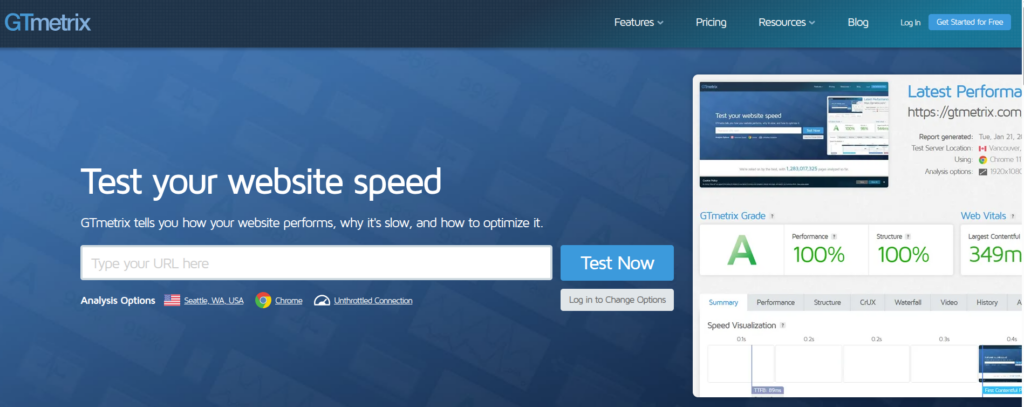
When you add your website URL to GTmetrix, the tool simulates a real page visit and evaluates how your site behaves during loading. It then presents a clear performance summary that helps you identify speed issues and areas that need optimization.
- Page load time: Shows the total time your webpage takes to appear completely on a user’s screen.
- Performance score: A rating that reflects how efficiently your website follows speed and optimization best practices.
- Page size: Represents the overall weight of your webpage, including images, scripts, and other resources.
- Number of requests: Indicates how many individual files must be fetched by the browser to load the page.
- Core Web Vitals insights: Highlights user experience metrics that measure loading speed, responsiveness, and layout stability.
GTmetrix also provides a waterfall chart, which visually explains how each element of your page loads, such as images, scripts, and stylesheets. This makes it easier to spot heavy files or slow resources.
It’s widely used by developers, bloggers, and businesses because it combines data from trusted sources like Lighthouse and WebPageTest. However, beginners sometimes find GTmetrix a bit overwhelming due to its technical depth and limited free features, this is why many users explore GTmetrix alternatives.
Why Website Performance Testing Matters
Website performance is not about only speed, it is also about the experience of user. A fast site feels smooth and professional. A slow website seems broken even if it is working fine.
Search engines like Google also care deeply about speed. Faster websites often rank better, get more traffic, and convert more visitors into customers or subscribers.
Think of performance testing like a regular health check-up for your website. You might feel fine today, but testing helps catch problems before they turn serious.
Why Look for GTmetrix Alternatives
Although GTmetrix is a reliable performance testing tool, it may not meet everyone’s expectations. Many website owners explore other options to better match their technical comfort level, testing needs, or budget.
- Limited free features: Several useful testing capabilities are locked behind paid plans.
- Complex reports for beginners: The detailed data can be confusing for users without technical experience.
- Different testing locations needed: Some websites require performance checks from more global regions.
- Focus on real user data: Certain tools prioritize real visitor behavior over simulated test results.
- Budget-friendly options: Alternative tools may offer similar insights at a lower cost or for free.
The good news? There are many tools that do specific things better or simpler than GTmetrix.
1. Google PageSpeed Insights
Google PageSpeed Insights is a free website performance tool created by Google that helps you understand how fast your site feels to real users. It focuses strongly on user experience and search engine performance.

Key Features
- Real-world user data: Uses actual visitor data collected from Chrome users.
- Core Web Vitals measurement: Evaluates loading, interaction, and visual stability.
- Mobile and desktop reports: Separately analyzes performance on different devices.
- Free to use: No payment or account required.
Advantages
- Trusted because it comes directly from Google.
- Strong focus on SEO-related performance metrics.
- Easy recommendations even for non-technical users.
Disadvantages
- Limited technical depth for advanced debugging.
- Scores may fluctuate due to real user data variations.
Why It’s a Great GTmetrix Alternative
- Emphasizes real user experience instead of just lab tests.
- Aligns closely with Google ranking factors.
Best for: SEO-focused website performance testing
Who should use it: Bloggers, marketers, and website owners who want to improve search visibility and user experience without technical complexity.
2. Pingdom Website Speed Test
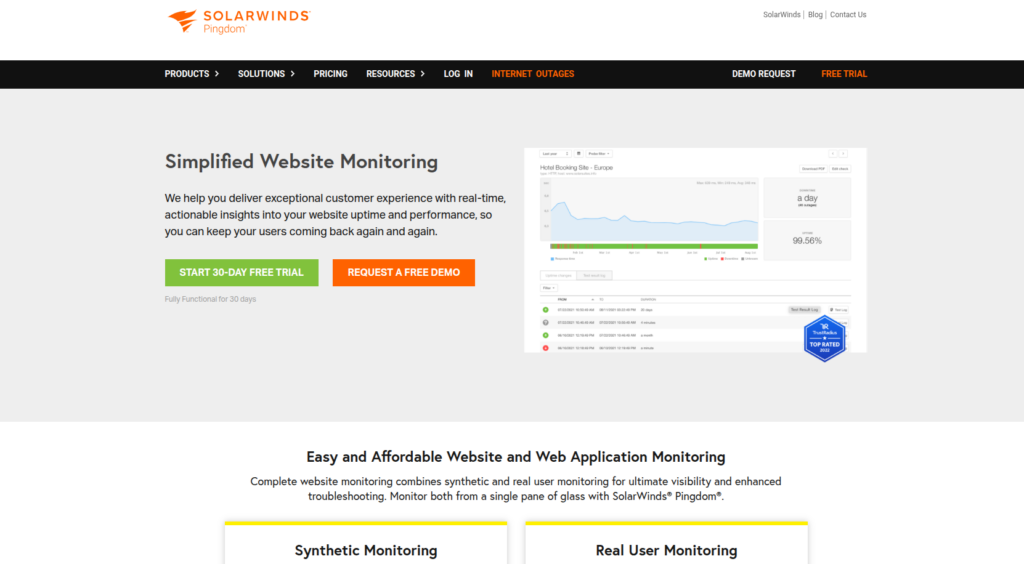
Pingdom Website Speed Test is a beginner-friendly tool designed to make performance testing simple and visual. It clearly shows what’s slowing down your website without overwhelming data.
Key Features
- Visual waterfall charts: Displays how page elements load step by step.
- Multiple testing locations: Lets you test from different regions.
- Load time and page size breakdown: Highlights heavy files quickly.
- No signup for basic tests: Instant testing without registration.
Advantages
- Very easy to understand reports.
- Clean interface suitable for non-technical users.
- Quick results with minimal effort.
Disadvantages
- Fewer advanced performance metrics.
- Limited insights in the free version.
Why It’s a Great GTmetrix Alternative
- Simpler reports compared to GTmetrix.
- Faster learning curve for beginners.
Best for: Beginners who want clean and readable reports
Who should use it: Small business owners, bloggers, and beginners looking for quick performance insights.
3. WebPageTest
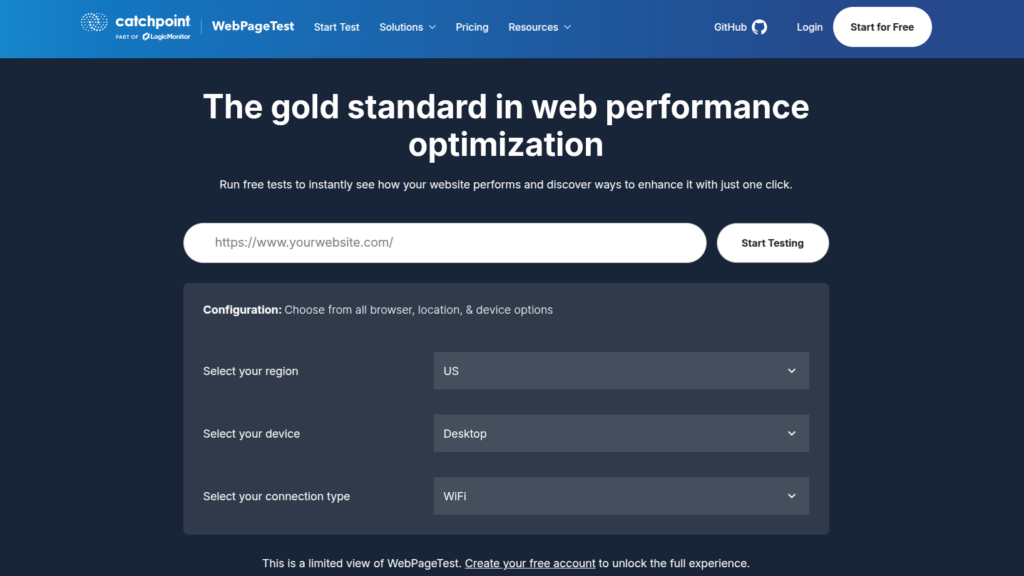
WebPageTest is a powerful performance testing tool built for deep and detailed website analysis. It gives you full control over how and where your site is tested.
Key Features
- Advanced testing configurations: Customize connection speed and devices.
- Multiple browser testing: Test across different browsers and platforms.
- Filmstrip view: Shows how your page visually loads over time.
- Detailed timing data: Breaks down every stage of page loading.
Advantages
- Extremely detailed performance insights.
- Highly customizable testing options.
- Ideal for in-depth optimization work.
Disadvantages
- Can feel overwhelming for beginners.
- Interface is less user-friendly.
Why It’s a Great GTmetrix Alternative
- Offers deeper control and customization.
- Better suited for advanced performance diagnostics.
Best for: Deep performance analysis
Who should use it: Developers and advanced users who want precise control and detailed loading data.
4. Sucuri Load Time Tester
Sucuri Load Time Tester is a simple yet effective tool for checking how fast your website loads from different parts of the world. It’s part of the Sucuri suite of website security and performance tools, making it a great option for site owners interested in both speed and reliability.

Key Features
- Global test locations: Measures load times from multiple geographic regions.
- Average load time results: Shows averaged speed results for realistic testing.
- Easy-to-read performance summary: Clear metrics without technical overload.
- Part of a broader security suite: Useful for owners who also care about site protection.
Advantages
- Straightforward and beginner-friendly results.
- Tests from locations around the world.
- No complicated dashboards to learn.
Disadvantages
- Not as detailed as some advanced performance tools.
- Lacks deep optimization suggestions.
Why It’s a Great GTmetrix Alternative
- Offers quick, easy load time insights without complexity.
- Complements performance testing with a security-focused brand identity.
Best for: Simple website speed checks from global locations
Who should use it: Website owners who want quick insights into load times without technical depth or complicated reports.
5. Uptrends Website Speed Test
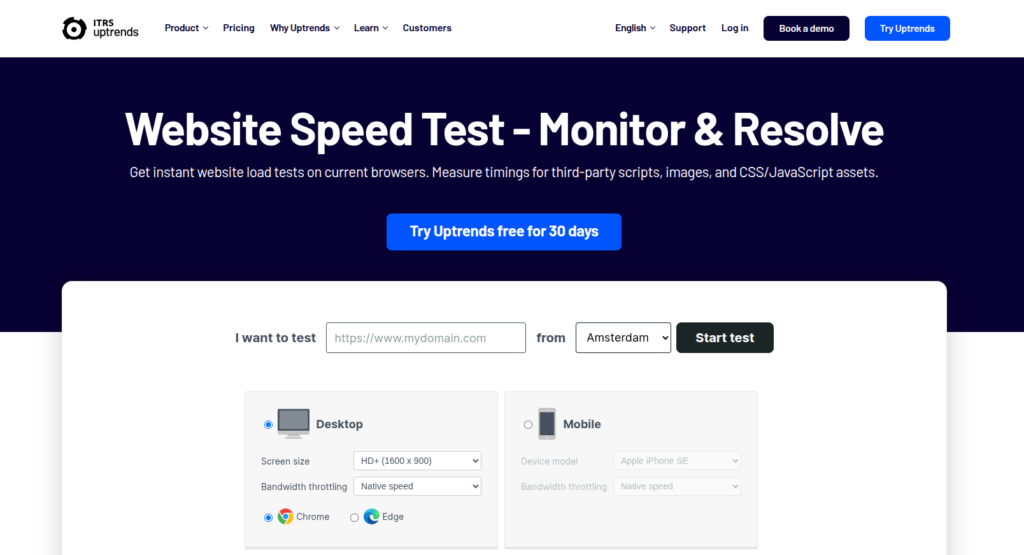
Uptrends Website Speed Test provides reliable performance checks from locations worldwide. It’s built for businesses that need consistent testing and monitoring.
Key Features
- Global test locations: Measure performance across regions.
- Browser and device testing: Test on desktop and mobile environments.
- Clear waterfall charts: Understand loading behavior visually.
- Uptime monitoring: Alerts when your site goes down (paid plans).
Advantages
- Excellent global testing coverage.
- Useful for international websites.
- Strong reporting capabilities.
Disadvantages
- Advanced features require a paid plan.
- Slightly complex interface for beginners.
Why It’s a Great GTmetrix Alternative
- Better suited for global performance monitoring.
- Combines speed testing with uptime checks.
Best for: Business websites and monitoring
Who should use it: Businesses and organizations serving users across multiple countries.
6. Dareboost
Dareboost is a performance and quality testing tool that looks beyond speed alone. It evaluates how well your website performs, behaves, and follows best practices.
Key Features
- 100+ performance checks: Covers speed, quality, and structure.
- Visual loading timeline: Shows how pages render visually.
- SEO audits: Identifies basic optimization issues.
- Accessibility checks: Improves usability for all users.
Advantages
- All-in-one website analysis.
- Beginner-friendly scoring system.
- Covers multiple performance dimensions.
Disadvantages
- Free version has limited tests.
- Some reports may feel generalized.
Why It’s a Great GTmetrix Alternative
- Goes beyond speed into overall site quality.
- Great for holistic performance improvement.
Best for: Performance and quality insights
Who should use it: Website owners who want speed, SEO, and usability insights in one place.
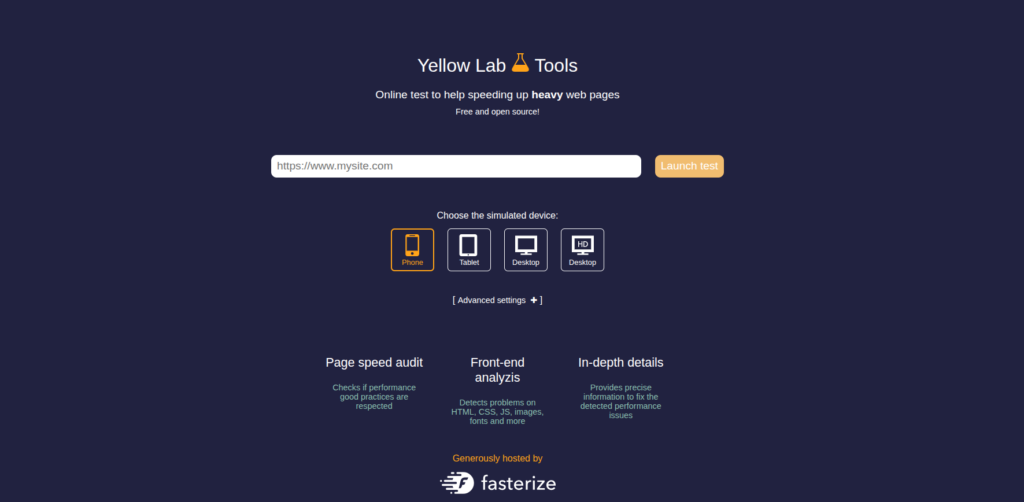
7. Yellow Lab Tools
Yellow Lab Tools focuses on improving front-end code quality that directly impacts website performance. It highlights bad practices that slow down your site over time.
Key Features
- JavaScript analysis: Detects heavy or inefficient scripts.
- CSS complexity checks: Identifies bloated styling rules.
- DOM size review: Flags overly complex page structures.
- Performance hygiene scoring: Encourages cleaner code.
Advantages
- Excellent for long-term optimization.
- Highlights hidden performance issues.
- Encourages best coding practices.
Disadvantages
- Not beginner-friendly.
- No real user or load time metrics.
Why It’s a Great GTmetrix Alternative
- Focuses on code health instead of just scores.
- Ideal for preventing future performance issues.
Best for: Code quality and performance hygiene
Who should use it: Developers and technical users maintaining or refactoring front-end code.
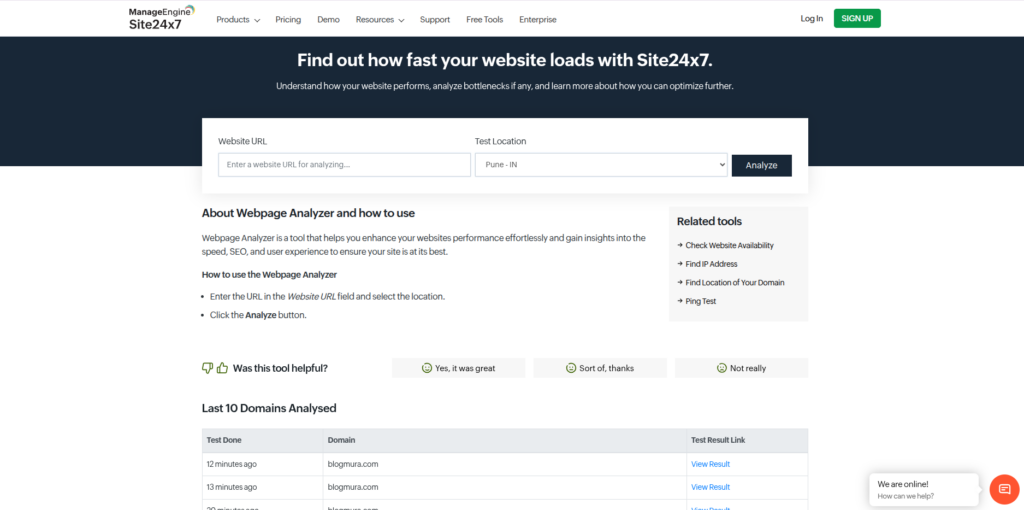
8. Site24x7 Website Speed Test
Site24x7 Website Speed Test combines speed testing with continuous monitoring. It helps you track performance changes and receive alerts when issues arise.
Key Features
- Global speed testing: Tests performance from multiple regions.
- Waterfall analysis: Detailed resource loading breakdown.
- Uptime and DNS monitoring: Tracks availability and response time.
- Desktop and mobile reports: Covers all device types.
Advantages
- Continuous monitoring instead of one-time tests.
- Useful alerts for performance drops.
- Strong business-focused features.
Disadvantages
- Advanced monitoring requires paid plans.
- Interface may feel feature-heavy.
Why It’s a Great GTmetrix Alternative
- Monitors performance over time, not just snapshots.
- Ideal for proactive website management.
Best for: Real-time monitoring and global performance testing
Who should use it: Businesses and website owners who need ongoing monitoring and instant alerts when performance declines.
Website Speed Testing Tools Comparison
Before choosing a performance testing tool, it’s important to understand how each one differs in terms of metrics, testing locations, and reporting depth.
| Tool | Free Version | Performance Metrics | Test Locations | Detailed Report | Additional Features |
| Google PageSpeed Insights | ✔ | Performance score (Lighthouse), FCP, LCP, CLS | Global | ✔ (basic) | Field + lab data, optimization recommendations |
| Pingdom Website Speed Test | ✔ | Load time, page size, requests | Multiple locations | ✔ | Grade system, historical testing |
| WebPageTest | ✔ | Load time, TTFB, Speed Index, fully loaded | Many global locations | ✔ (very detailed) | Video capture, scripting, advanced metrics |
| Sucuri Load Time Tester | ✔ | Load time, page size | Multiple global | ✘ | Focus on security and performance combined |
| Uptrends Website Speed Test | ✔ | Load time, page size, requests | Many global | ✔ | Choose devices, connection throttling |
| Dareboost | ✔ | Performance score, SEO, security | Multiple | ✔ | Best practices, quality checks |
| Yellow Lab Tools | ✔ | JS/CSS weight, DOM complexity, performance | Limited | ✔ | Front-end quality indicators |
| Site24x7 Website Speed Test | ✔ | Load time, performance metrics | Global | ✔ | Server monitoring, uptime checks |
Key Features to Compare in Performance Tools
Not all website performance tools are built the same, and choosing the right one depends on what you want to measure. When comparing GTmetrix alternatives, focus on features that actually help you understand and improve your site’s real performance.
- Page load time: Shows how quickly your website becomes usable for visitors.
- Core Web Vitals: Measures user experience factors like loading speed, responsiveness, and layout stability.
- Mobile performance: Evaluates how well your site performs on smartphones and tablets.
- Testing locations: Allows you to check performance from different geographic regions.
- Ease of understanding: Ensures reports are clear and actionable, even for non-technical users.
- Free vs paid limits: Helps you decide whether the free version is enough or if upgrades are required.
Not every tool needs to cover everything. The best choice is the one that aligns with your website’s goals.

Which Tool Is Best for Beginners
If you’re new to website performance testing, it’s best to start with tools that keep things simple and easy to understand.
- Pingdom: Offers clean, visual reports that clearly show what’s slowing your site.
- PageSpeed Insights: Provides trusted, Google-backed performance insights at no cost.
These tools highlight problems in a straightforward way, helping beginners take action without confusion.
Which Tool Is Best for Advanced Users
For users who want detailed data and greater control, advanced tools offer deeper insights into website behavior.
- WebPageTest: Allows in-depth testing with customizable browsers, devices, and connections.
- Sucuri Load Time Tester: Provides quick global load time comparisons with a focus on reliability.
- Yellow Lab Tools: Analyzes front-end code quality to identify hidden performance issues.
These tools deliver more detailed reports, but they require time and experience to fully understand.
Common Mistakes in Website Speed Testing
Website performance testing is most effective when done correctly and consistently. Many site owners unknowingly make mistakes that limit useful results.
- Testing only once: Single tests don’t reflect real-world performance variations.
- Ignoring mobile results: Mobile users often experience slower performance than desktop users.
- Focusing only on scores: High scores don’t always mean a good user experience.
- Testing from a single location: Performance can vary significantly by region.
- Making changes without retesting: Improvements should always be verified with follow-up tests.
Performance testing works best when treated as an ongoing process, not a one-time task.
How Often Should You Test Website Performance
Regular performance checks help keep your website fast and reliable over time. How often you test depends on how frequently your site changes.
- After major website changes: Ensures updates haven’t slowed things down.
- After installing new plugins or themes: Detects performance issues early.
- Once a month for stable sites: Maintains consistent performance levels.
- Weekly for business-critical websites: Prevents slowdowns that could impact revenue.
Think of website speed testing like checking tire pressure, you don’t do it once and assume it’s fine forever.
Conclusion
Website speed is no longer a “nice-to-have” feature, it’s a core part of user experience, search visibility, and overall success. While GTmetrix remains a strong performance testing tool, it’s clear that no single tool fits every website or every user. From beginner-friendly options like Pingdom and Google PageSpeed Insights to advanced tools such as WebPageTest and Yellow Lab Tools, each alternative serves a different purpose. The real win comes from choosing a tool that matches your goals, skill level, and budget, and using it regularly to keep your website fast, reliable, and user-friendly.
FAQs
1. Is GTmetrix still a good tool for website performance testing?
GTmetrix is still a reliable and widely used tool, especially for detailed performance analysis. However, some users prefer alternatives that are simpler, more affordable, or focused on real user data.
2. Which GTmetrix alternative is best for beginners?
Pingdom and Google PageSpeed Insights are ideal for beginners because they offer clear reports, simple explanations, and actionable insights without technical complexity.
3. Do I need to use more than one performance testing tool?
Using more than one tool is often helpful, as different tools measure performance in different ways and provide unique insights into speed, user experience, and code quality.
4. How important are Core Web Vitals in performance testing?
Core Web Vitals are very important because they reflect real user experience and are used by Google as ranking signals, making them essential for both usability and SEO.
5. Can website performance tools replace real user testing?
Performance tools are extremely useful, but they should complement, not replace, real user feedback. Combining both gives the most accurate picture of how your website truly performs.