

Starting an online store today is easier than ever, but choosing the best PHP eCommerce templates? That’s where most people get stuck. Think of your eCommerce template like the foundation of a house. If it’s strong, flexible, and well-built, everything else becomes easier, from design to performance to sales. But if it’s weak? You’ll constantly struggle with slow speed, poor user experience, and lost customers.
That’s why PHP eCommerce templates are so powerful. They give you a ready-made structure with built-in features like product pages, checkout systems, and mobile responsiveness, so you can focus on growing your business instead of building everything from scratch.
In this guide, we’ll walk through the best PHP eCommerce templates and themes (inspired by real industry standards), along with how to choose the right one for your online store.
What Are PHP eCommerce Templates?
PHP eCommerce templates are ready-made website designs built using PHP that help you create an online store quickly. They include essential features like product pages, shopping carts, and checkout systems. Instead of building everything from scratch, you can simply customize these templates to match your business. This makes launching an online store faster, easier, and more cost-effective.
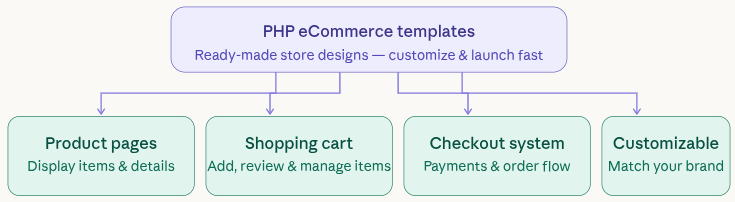
They usually include:
- Product pages
- Shopping cart functionality
- Checkout systems
- Admin dashboards
Instead of coding everything manually, you simply install and customize.
According to industry insights, these templates are widely used because they reduce development time and simplify store creation.
Why PHP is Still Popular for eCommerce
PHP continues to be a strong choice for eCommerce because it is flexible, reliable, and widely supported. Being open-source, it reduces development costs and works seamlessly with platforms like WooCommerce, Magento, and Laravel. Its scalability allows businesses to grow without switching technologies. Plus, the large developer community ensures continuous improvements and easy access to support.
Open-source and cost-effective
- Supports major platforms like WooCommerce, Magento, Laravel
- Flexible and scalable
- Huge developer community
In fact, PHP powers a large portion of websites globally, making it a reliable choice for eCommerce.
Key Features to Look for in an eCommerce Template
When choosing an eCommerce template, it’s important to focus on features that improve performance and usability. A good template should be responsive, fast-loading, and easy to customize. It should also support SEO-friendly structure and secure payment integration. These features ensure your store runs smoothly while providing a great shopping experience for users.
Not every template will help your business grow. Look for these essential features:
- Responsive design (mobile-friendly)
- Fast loading speed
- SEO-ready structure
- Easy customization options
- Secure checkout system
A good template doesn’t just look nice, it performs.
Benefits of Using Ready-Made Themes
Ready-made themes simplify the process of building an online store by offering pre-designed layouts and built-in features. They save both time and money while ensuring a professional look and feel. Since these themes are already tested, they reduce the chances of errors. It’s like following a proven roadmap instead of figuring everything out on your own.
Key advantages:
- Saves time and development cost
- Comes with tested features
- Professional UI/UX
- Regular updates and support
It’s like using a GPS instead of guessing directions, you reach your destination faster.
Best PHP eCommerce Templates and Themes
Choosing the right PHP eCommerce template plays a crucial role in building a successful online store. The best templates combine performance, flexibility, and modern design to deliver a smooth shopping experience. Some of the most popular options are given below.
1. Flatsome: Best for High Conversions
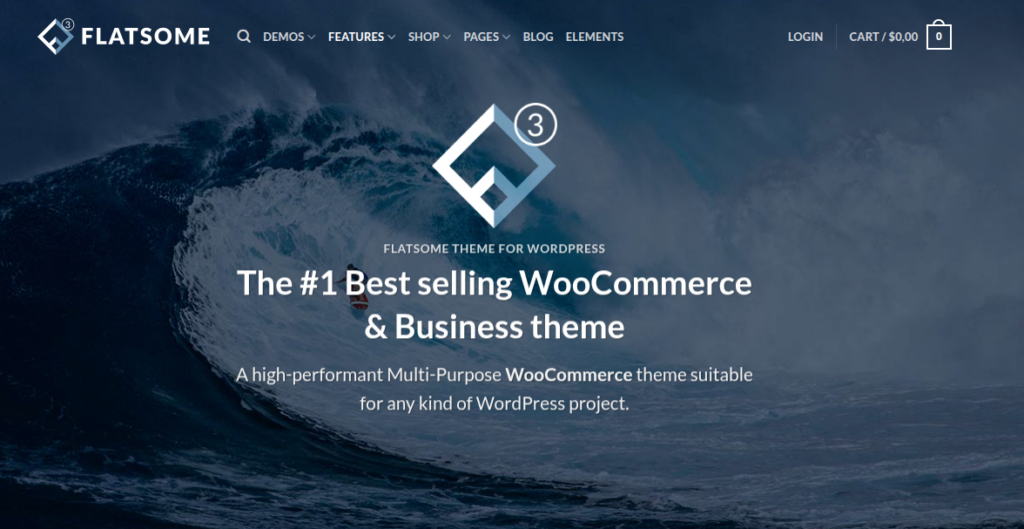
Flatsome is a highly popular WooCommerce theme known for its conversion-focused design and easy-to-use interface. It comes with a built-in UX builder that allows you to create professional online stores without coding. Its balance of design and performance makes it ideal for growing businesses.
Key Features:
- Drag-and-drop UX Builder for real-time editing
- Pre-designed layouts and product page templates
- Built-in AJAX cart and live search
- Mobile-optimized and responsive design
- Advanced product filtering and variation options
Advantages:
- Beginner-friendly interface
- Strong focus on conversions
- Highly customizable without coding
- Regular updates and good support
Disadvantages:
- Slightly heavy if not optimized properly
- Learning curve for advanced customization
- Limited deep-level design flexibility in some areas
Best For:
Best for conversion-focused online stores and beginners.
2. Porto: Best All-Rounder Theme
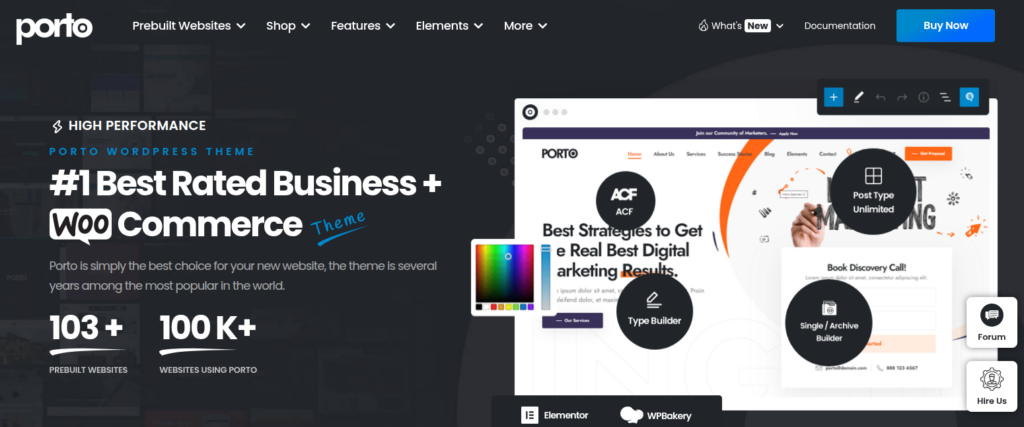
Porto is a versatile and multipurpose eCommerce theme designed for various industries. It offers a wide range of demos and customization options, making it suitable for both beginners and advanced users.
Key Features:
- 100+ pre-built demos and layouts
- Advanced mega menu and product grids
- AJAX filtering and search functionality
- Built-in performance optimization tools
- Compatibility with Elementor and WPBakery
Advantages:
- Extremely flexible and scalable
- Suitable for multiple niches
- Good performance optimization features
- Easy integration with page builders
Disadvantages:
- Too many features can feel overwhelming
- Requires optimization for best speed
- Some customization areas can be complex
Best For:
Best for businesses needing a flexible, all-in-one eCommerce solution.
3. WoodMart: Best for User Experience
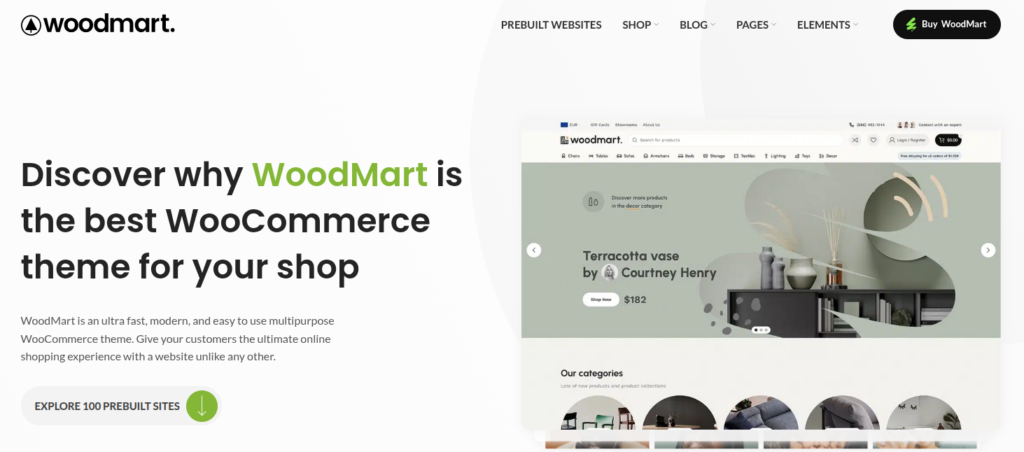
WoodMart is a feature-rich WooCommerce theme designed to enhance the shopping experience. It focuses heavily on AJAX-powered features and smooth navigation, making browsing fast and interactive.
Key Features:
- AJAX filters, search, and cart updates
- 80+ pre-built demo websites
- Built-in header builder and sticky navigation
- Advanced product filtering system
- Performance optimization options
Advantages:
- Excellent user experience and navigation
- Powerful product filtering system
- Modern and clean design
- Highly interactive features
Disadvantages:
- Can be resource-heavy
- Requires good hosting for best performance
- Setup may take time for beginners
Best For:
Best for stores focusing on smooth browsing and user experience.
4. Claue / Fastest Themes (Popular Choices)
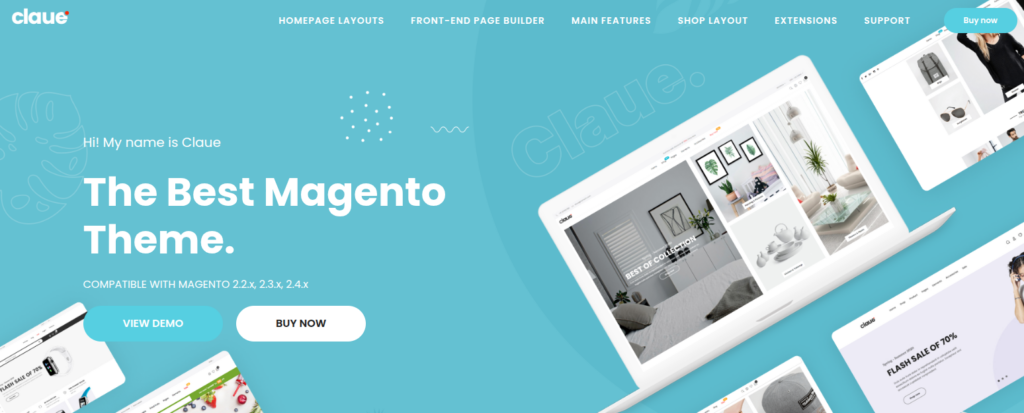
Claue and similar “fastest” themes are built with performance and minimalism in mind. They offer clean layouts and fast loading speeds, making them ideal for modern, lightweight eCommerce stores.
Key Features:
- Minimal and clean design
- Optimized for fast loading speed
- Mobile-first responsive layout
- Lightweight code structure
- SEO-friendly architecture
Advantages:
- Very fast performance
- Clean and modern UI
- Great for SEO
- Easy to maintain
Disadvantages:
- Limited built-in features
- Less design flexibility compared to heavy themes
- May require additional plugins
Best For:
Best for speed-focused and minimal eCommerce websites.
5. LivelyCart Pro
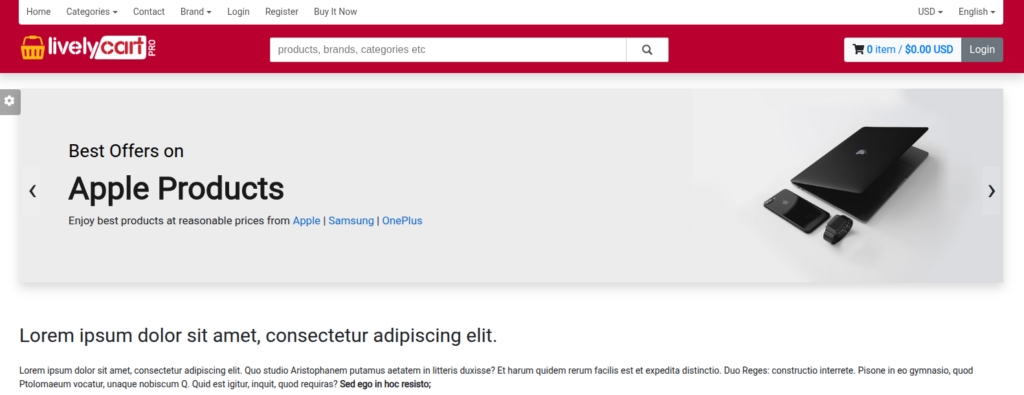
LivelyCart Pro is a Laravel-based eCommerce solution designed for flexibility and scalability. It offers a structured backend and modern architecture, making it suitable for custom online stores.
Key Features:
- Built on Laravel framework
- Structured admin panel for store management
- Multi-language and localization support
- Flexible product and order management system
- Developer-friendly architecture
Advantages:
- Highly customizable for developers
- Scalable for growing businesses
- Clean and modern codebase
- Suitable for custom features
Disadvantages:
- Not beginner-friendly
- Requires technical knowledge
- Smaller community compared to WooCommerce
Best For:
Best for developers building custom Laravel-based eCommerce stores.
6. GeniusCart
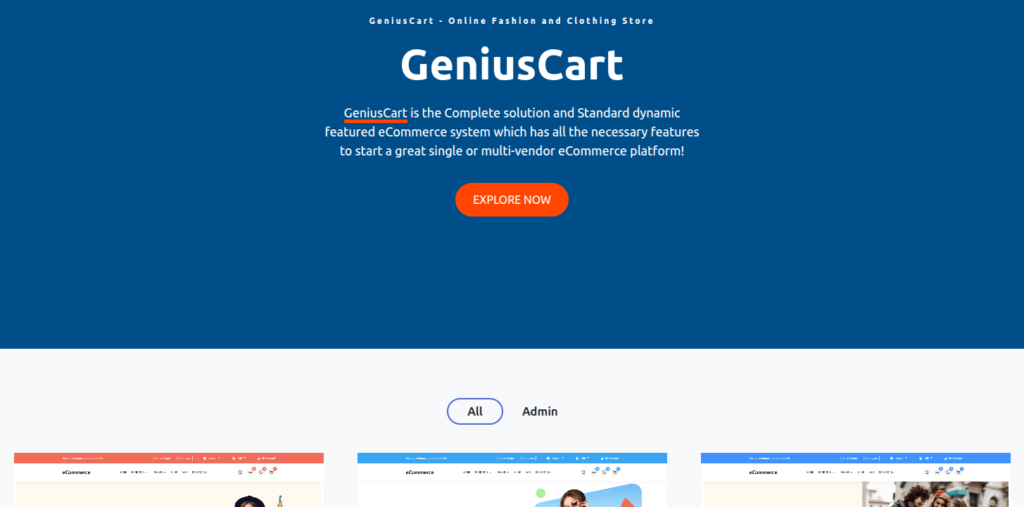
GeniusCart is a complete PHP-based eCommerce solution designed for building multi-vendor marketplaces. It supports both physical and digital products, making it a flexible option for startups.
Key Features:
- Multi-vendor marketplace functionality
- Support for digital and physical products
- Built-in payment gateway integration
- Easy product and order management
- User-friendly admin dashboard
Advantages:
- Ideal for marketplace businesses
- Beginner-friendly setup
- Supports multiple vendors and commissions
- Affordable compared to custom builds
Disadvantages:
- Limited advanced customization
- UI design may feel basic
- Performance depends on hosting
Best For:
Best for building multi-vendor marketplaces like Amazon or Flipkart.
Importance of Mobile-Friendly Design
With more people shopping on smartphones, having a mobile-friendly design is no longer optional. A responsive template ensures your website looks and works perfectly on all screen sizes. This improves user experience and keeps visitors engaged. It also plays a key role in improving your search engine rankings.
A responsive template:
- Improves user experience
- Boosts SEO rankings
- Increases conversions
If your store isn’t mobile-friendly, you’re losing customers, simple as that.
SEO Optimization in Templates
SEO-friendly templates help your online store get discovered by search engines. They come with clean code, fast loading speed, and proper structure that improves visibility. Features like customizable meta tags and mobile optimization further enhance your rankings. A well-optimized template ensures your products reach the right audience.
SEO-friendly templates include
- Clean code
- Fast loading speed
- Mobile responsiveness
- Meta tag customization
These features help your store rank higher on Google.
Speed and Performance Factors
Website speed directly impacts user experience and sales in eCommerce. A slow-loading store can frustrate visitors and lead to higher bounce rates. Choosing a template with optimized code and performance features helps maintain fast loading times.
Look for:
- Lightweight code
- Built-in caching
- Optimized images
- Minimal scripts
Customization and Ease of Use
Your online store should reflect your brand identity, and that’s where customization becomes important. A good template offers flexible design options and user-friendly tools to make changes easily. Features like drag-and-drop builders simplify the process, even for beginners. This allows you to create a unique and professional-looking store without technical complexity.
Best templates offer:
- Drag-and-drop builders
- Pre-built demos
- Flexible layouts
- Custom color schemes
Security Features You Shouldn’t Ignore
Security is a critical part of any eCommerce website, as it involves handling sensitive customer data. A reliable template should support secure payment gateways and SSL encryption. Regular updates and protection against vulnerabilities are also essential. Strong security features build trust and protect both your business and customers.
Must-have features:
- SSL compatibility
- Secure payment gateways
- Regular updates
- Protection from vulnerabilities
Free vs Paid Templates
Free templates are a good starting point for beginners with limited budgets, but they often come with fewer features and basic designs. Paid templates, on the other hand, offer advanced functionality, better customization, and dedicated support. Investing in a premium theme can provide long-term benefits. The choice is completely depend on your business needs.
Free Templates
- Budget-friendly
- Limited features
- Basic design
Paid Templates
- Advanced features
- Better design
- Dedicated support
How to Choose the Right Template
Selecting the right template requires more than just picking a good-looking design. You need to consider your business needs, budget, and scalability requirements. Testing demos and reading user reviews can help you make a better decision. The right template should align with your goals and support your growth over time.
Ask yourself:
- What’s my budget?
- Do I need scalability?
- Is it beginner-friendly?
- Does it support my platform?
Quick tips:
- Define your business needs
- Check demo versions
- Read user reviews
- Ensure regular updates
- Test speed and responsiveness

Best Practices for Using PHP eCommerce Templates
Using a PHP eCommerce template effectively requires more than just installation. You should optimize performance, customize the design, and keep everything updated regularly. Testing your store before going live is also essential to avoid issues. Following best practices ensures your store runs smoothly and delivers a great user experience.
1. Choose a Lightweight and Fast Template
A heavy template might look attractive but can slow down your store. Always pick a theme that is optimized for performance.
2. Customize for Your Brand Identity
Don’t just install a template and leave it as it is. You can customize its fonts, colors, images, and layouts to matching your brands. Your store should feel unique, not like a copy of hundreds of others using the same theme.
3. Optimize Images and Media
Large images can slow down your website. Always compress images without losing quality and use modern formats where possible. This keeps your store fast and visually appealing.
4. Ensure Mobile Responsiveness
Most users browse and shop from their smartphones. Always test your template on different screen sizes to ensure a smooth mobile experience.
5. Use SEO-Friendly Settings
Make sure your template supports:
- Custom meta titles and descriptions
- Clean URLs
- Proper heading structure
This helps search engines understand your store better and improves visibility.
6. Keep the Template Updated
Outdated themes can cause security issues and compatibility problems. Always update your template and related plugins to the latest version.
7. Test Before Going Live
Before launching your store, test everything:
- Checkout process
- Payment gateways
- Navigation
- Page speed
A small bug can lead to lost sales.
8. Integrate Essential Tools Only
Avoid installing too many plugins or features. Only use what you really need. Too many integrations can slow down your site and create conflicts.
9. Focus on User Experience (UX)
Keep navigation simple and intuitive. Make it easy for users to find products, add to cart, and complete purchases without confusion.
10. Use Secure Hosting and SSL
Even the best template won’t help if your hosting is weak. Always use reliable hosting and enable SSL for secure transactions.
Common Issues with PHP eCommerce Templates (and How to Fix Them)
Even well-designed templates can sometimes cause issues like slow speed, compatibility problems, or limited customization. Identifying these challenges early helps you fix them before they affect your business. Regular updates, proper optimization, and careful plugin usage can solve most problems. Being proactive ensures your store remains stable and efficient.
1. Slow Website Speed
Problem: Templates with too many features can slow down your site.
Solution:
- Use caching
- Optimize images
- Remove unnecessary scripts
2. Poor Mobile Optimization
Problem: Some templates don’t perform well on mobile devices.
Solution:
- Test responsiveness before buying
- Use mobile optimization tools
- Avoid cluttered layouts
3. Limited Customization Options
Problem: Some themes restrict design changes.
Solution:
- Choose flexible templates with builders
- Check demo customization options before purchase
4. Compatibility Issues with Plugins
Problem: Templates may not work well with certain plugins or extensions.
Solution:
- Use well-supported themes
- Avoid outdated plugins
- Test integrations in staging environment
5. Security Vulnerabilities
Problem: Poorly coded templates can expose your site to risks.
Solution:
- Download templates from trusted sources
- Keep everything updated
- Use security plugins
6. Lack of Regular Updates
Problem: Some themes are abandoned by developers.
Solution:
- Check update history before buying
- Choose themes with active support
7. Overloaded Features
Problem: Too many built-in features can confuse users and slow performance.
Solution:
- Disable unused features
- Keep your store clean and focused
8. Poor SEO Structure
Problem: Some templates are not optimized for search engines.
Solution:
- Choose SEO-friendly themes
- Optimize content manually
- Use SEO tools/plugins
9. Difficult Navigation
Problem: Complex layouts can confuse visitors.
Solution:
- Keep menus simple
- Use clear categories
- Improve internal linking
10. Checkout Complications
Problem: Long or confusing checkout processes lead to cart abandonment.
Solution:
- Use one-page checkout
- Minimize steps
- Offer multiple payment options
Final Tip
Think of your PHP eCommerce template like a car. Even the best model won’t perform well if it’s not maintained properly. Regular updates, optimization, and testing are what keep your store running smoothly and profitably.
Managing Your eCommerce Store with ServerAvatar
Choosing the right PHP eCommerce template is just the first step. To ensure your online store runs smoothly, you also need a reliable server management solution. This is where ServerAvatar comes in.
ServerAvatar simplifies server and application management, allowing you to deploy and manage your servers, applications, and eCommerce store without dealing with complex server configurations. Whether you’re running a WooCommerce store or a Laravel-based eCommerce application, it helps you maintain performance, security, and scalability with ease.
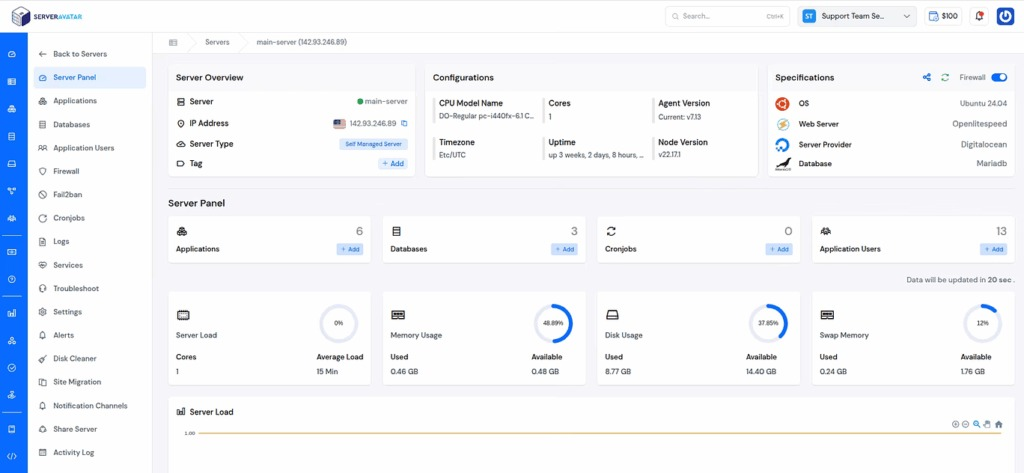
Instead of spending time on server setup and maintenance, you can focus on growing your business while ServerAvatar handles the technical side.
Key Features
- One-Click Application Deployment: Easily deploy popular applications like WordPress, Mautic, N8n, UptimeKuma, and many more with one click application installer
- Managed Servers (No DevOps Needed): Launch fully managed servers and self managed server easily without manually configuring infrastructure.
- Advanced Security Management: Built-in Firewall, Fail2Ban, SSL certificates, AI bot blocker, 8G Firewall, and other security controls to protect your store.
- Automated Backups: Take Instant and Schedule backups to ensure your data is always safe and recoverable.
- Performance Optimization: Optimized stack with Apache, Nginx, OLS, and Node for faster load times.
- Staging Environment: Test changes safely before pushing them live to your store.
- User-Friendly Dashboard: Manage servers, applications, and databases from a clean and simple interface.
- Multi-Server & Team Management: Handle multiple servers and applications and collaborate with your team efficiently.
Why It Matters for eCommerce
A fast and secure server plays a crucial role in your store’s success. Even the best template won’t perform well if your hosting is slow or unreliable. With ServerAvatar, you get a stable and optimized environment that ensures better speed, uptime, and overall user experience.
Conclusion
Building a successful online store goes beyond just choosing an attractive design—it requires the right combination of performance, usability, and scalability. PHP eCommerce templates make this process easier by providing a solid foundation with essential features, allowing you to launch faster and grow efficiently. However, to truly maximize your store’s potential, you also need a reliable server environment that ensures speed, security, and uptime. By selecting the right template and supporting it with proper optimization and tools like ServerAvatar, you can create a powerful, user-friendly eCommerce store that delivers consistent results and long-term growth.
FAQs
1. What are PHP eCommerce templates?
PHP eCommerce templates are pre-designed website layouts built using PHP that help you quickly create an online store with features like product pages, carts, and checkout systems.
2. Are PHP eCommerce templates suitable for beginners?
Yes, many templates are beginner-friendly and come with drag-and-drop builders, pre-built layouts, and easy customization options that require little to no coding knowledge.
3. What is the difference between free and paid eCommerce templates?
Free templates are budget-friendly but usually offer limited features and basic design, while paid templates provide advanced functionality, better performance, regular updates, and dedicated support.
4. How do I choose the best eCommerce template for my store?
You should consider factors like speed, mobile responsiveness, SEO optimization, customization flexibility, and compatibility with your platform before making a decision.
5. Why is server management important for eCommerce websites?
Server management ensures your website runs smoothly with good speed, security, and uptime. A well-managed server improves user experience and helps prevent downtime or performance issues.
6. Can I use ServerAvatar for managing my eCommerce store?
Yes, ServerAvatar allows you to easily deploy, manage, and optimize your servers and applications without handling complex server configurations, making it ideal for both beginners and developers.