

PHP CMS platforms don’t get simpler with age, they get more numerous. In 2026, the best PHP CMS platforms range from WordPress to purpose-built options like Craft CMS and October CMS. The challenge isn’t finding options. It’s knowing which one actually fits the project you’re working on.
This guide is for developers who are evaluating CMS options right now. I’ll walk through the platforms that genuinely matter, what each one does well, where it costs you, and how to match a platform to a project without wasting time on the wrong choice.
What you will learn:
- Which PHP CMS platforms genuinely matter in 2026
- Where each platform excels and where it costs you
- How to match a platform to a specific project without over-engineering the decision
- Common CMS selection mistakes and how to avoid them
Who this is for: Developers and technical leads evaluating a CMS for their next project. If you’re a developer weighing options for a client project and want honest trade-offs rather than vendor marketing, this is for you.
What Is a PHP CMS and Why Does It Matter for Developers?
A PHP CMS is a content management system that lets you build and manage websites without rebuilding the same infrastructure from scratch on every project. You get a database-backed content layer, an admin interface for content editors, and a templating system for front-end presentation.
The CMS you choose affects three things directly:
- How fast you can ship: Some platforms get you to a working site in hours. Others take weeks to configure properly.
- How much you fight the platform: A well-matched CMS stays out of your way. A poor match means fighting it on every custom requirement.
- How the project ages: A CMS that seems fine at launch can become a maintenance burden at month six.
Most PHP CMS platforms are open-source, which means you can host them on your own servers. ServerAvatar supports all the platforms in this guide, you can deploy and manage them without dealing with the usual server configuration overhead.
The PHP CMS Market in 2026: A Quick View
Before diving in, here’s the practical reality:
- WordPress holds the dominant share of the PHP CMS market, its plugin ecosystem and developer pool remain unmatched.
- Joomla and Drupal are both mature and capable, their smaller market share reflects deliberate choices by their communities, not a lack of capability.
- Craft CMS, October CMS, Contao, and others make up the rest. Individually small, but each has a loyal developer base for specific use cases.
Market share matters most when you need to hire help or find hosting support. For everything else, the right platform for your project matters more than its market position.
1. WordPress: The Standard That Earns Its Position
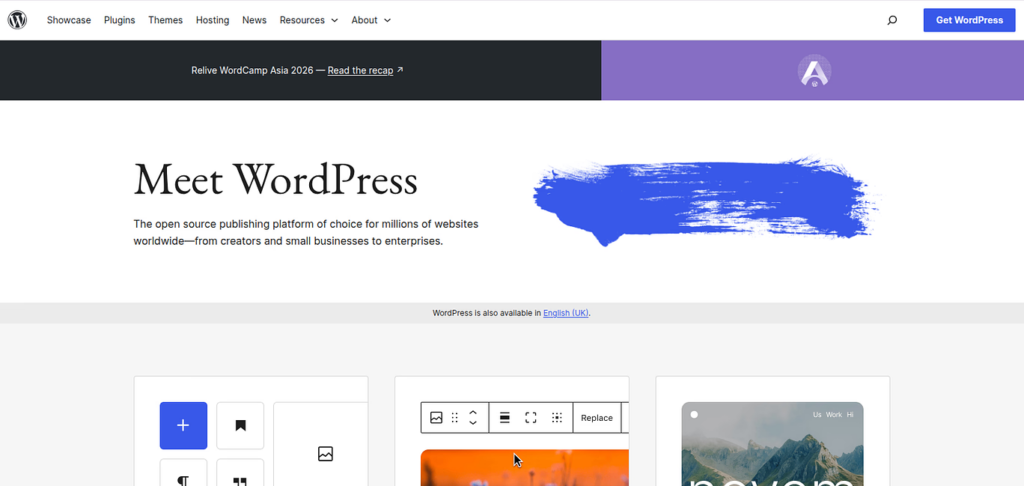
WordPress turns 23 in 2026. In that time it’s evolved from a blogging tool into a full-featured CMS that runs everything from five-page business sites to enterprise e-commerce platforms.
Why it works:
WordPress’s biggest advantage is the ecosystem. Over 60,000 plugins cover most requirements out of the box. The community is enormous, any problem you hit has been hit and solved before. Hiring WordPress developers is straightforward because WordPress skills are widely held.
For content-heavy sites where clients need to manage their own content, blogs, business sites, small e-commerce, WordPress remains the practical default.
Where it costs you:
Plugin quality is uneven. The ecosystem’s size is a strength until it becomes a liability: poorly maintained plugins, conflicts after updates, and sites that accumulate bloat over time are real problems I’ve dealt with on maintenance projects.
On a maintenance project, I inherited a WordPress site where the previous developer had stopped updating plugins because one had broken the theme on update. The site was three months behind on updates, and playing catch-up took two days of careful testing before I could safely bring it current. The moment a plugin update gets deferred, the debt starts building.
Best for: Content sites, blogs, small e-commerce, projects where clients need to manage their own content, projects with tight timelines.
2. Drupal: The Platform That Handles Enterprise Complexity
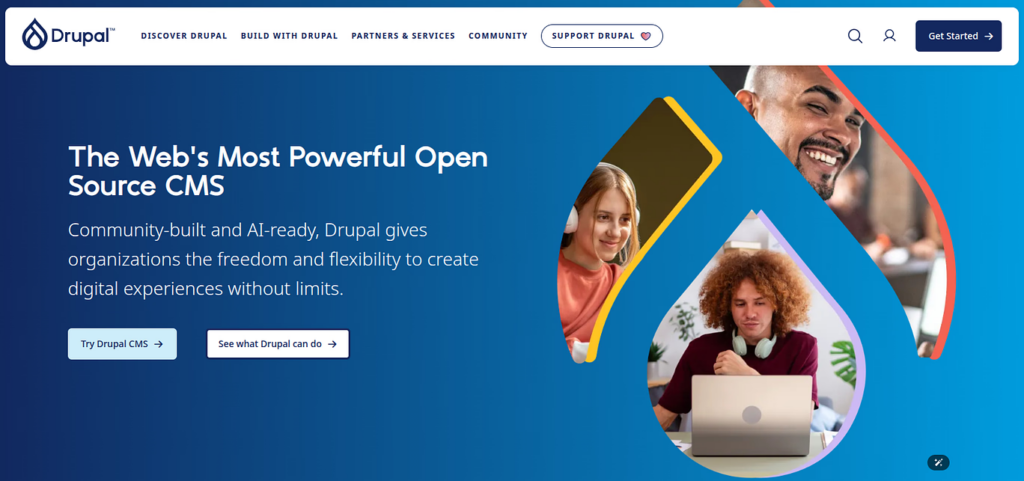
Drupal calls itself a content management framework rather than a CMS, and that distinction is accurate. Drupal is built for organizations where content complexity, security, and long-term stability are real requirements.
Why it works:
Drupal’s content modeling is genuinely powerful. You can define complex content types, relationships, and taxonomies with a precision that WordPress can’t match without significant customization. If you’re building a site with hundreds of content types and intricate relationships between them, Drupal handles it without flinching.
Security is a first-class concern. Drupal has a dedicated security team, a fast patch cycle, and a strong track record, it runs the White House, NASA, and numerous Fortune 500 sites. For organizations with compliance requirements, this is meaningful.
The API-first approach makes Drupal excellent for headless or decoupled architectures. JSON:API support is built in. If your front-end is a separate application consuming a CMS, Drupal gives you a clean content API without plugins.
Where it costs you:
The learning curve is real and steep. The module ecosystem is extensive but doesn’t have WordPress’s breadth. On a university site I maintained, a Drupal upgrade that should have taken a day took a week because two modules hadn’t been updated for the new version. The patch dependencies were a puzzle nobody had solved publicly. With WordPress, I’d have found ten Stack Overflow answers before I finished reading the error.
Best for: Government institutions, large universities, healthcare organizations, enterprise sites with complex content requirements, sites with strict security and compliance needs.
3. Joomla: The Mid-Tier Platform That Deserves More Attention
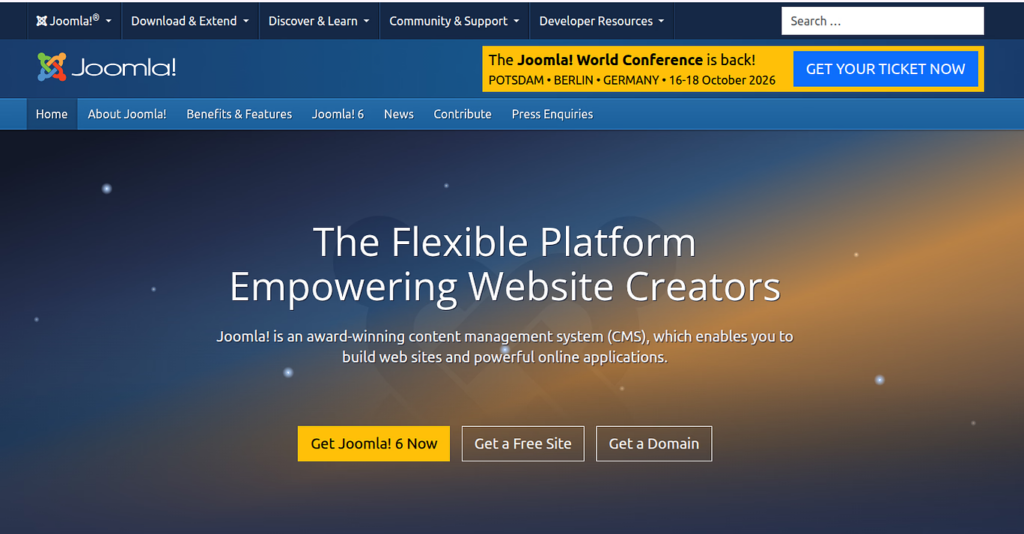
Joomla sits between WordPress and Drupal, more powerful than WordPress out of the box, less complex than Drupal to configure. It doesn’t get as much attention as it deserves.
Why it works:
Joomla’s built-in multilingual support is excellent. If you’re building a site that needs to serve content in multiple languages without significant plugin configuration, Joomla handles this better than WordPress, which matters for international businesses and organizations.
The Access Control List (ACL) system is more granular than WordPress’s. For sites with complex user roles and permissions, membership sites, community portals, internal tools, this is a genuine advantage that doesn’t require additional plugins.
Joomla has been stable since 2005. It’s mature, proven at scale, and major brands including IKEA and eBay have used it for large deployments.
Where it costs you:
The learning curve sits awkwardly between WordPress and Drupal, harder than WordPress to learn well, less powerful than Drupal for complex cases. The extension library is smaller and the community is vocal but not large.
I built a Joomla site for a client who later wanted a redesign, and finding a quality template that wasn’t outdated took longer than I’d like to admit. The ecosystem is there but it’s not as curated, you have to vet templates more carefully than you would in WordPress.
Best for: Mid-size projects requiring multilingual support, membership sites, community portals, business sites that need more complexity than WordPress handles cleanly.
4. October CMS: Laravel Developers’ Native CMS
October CMS is built on Laravel, and if you’re already working in the Laravel ecosystem, that matters immediately. You use Blade templates, Composer packages, and the same patterns you already know.
Why it works:
The developer experience is the cleanest of any CMS on this list for Laravel developers. Themes and plugins are written in Blade. File-based configuration integrates cleanly with Git. The component system lets you build reusable functionality without fighting the platform.
The component system is where October CMS genuinely shines. You build a page by composing components, a navigation component, a blog posts component, a contact form component. Each component encapsulates its own PHP logic, Twig template, and assets. The reusability is real, not theoretical.
October CMS stays lightweight by default. Unlike WordPress, which accumulates overhead as you add plugins, October stays lean unless you deliberately add complexity. Performance is good out of the box because the platform doesn’t carry the weight of legacy decisions.
Where it costs you:
October CMS uses a freemium licensing model. The core platform is open-source. A paid license is required to run it in production, which gives you access to the Update Gateway, Marketplace ecosystem, and support. Pro features like multi-site management, additional field types, and advanced user management require a license.
If you need a specific feature and no plugin exists, you’re building it yourself. This is fine if your team has the capacity, but it’s a different commitment than reaching for a pre-built WordPress plugin.
The community is smaller. Documentation is good but not as extensive as WordPress’s. Advanced use cases sometimes require digging into source code or navigating GitHub issues rather than finding a documented answer.
Best for: Laravel developers building custom applications, projects where the client needs a clean back-end without WordPress’s bloat, medium-sized custom builds where the code needs to be maintainable long-term by people who know Laravel.
5. Craft CMS: The Premium Developer Experience
Craft CMS is commercial software, you pay for a license and get a platform designed by developers who were tired of fighting CMS platforms. The license fee buys you something real: a codebase that respects your time and doesn’t make compromises to satisfy a mass market.
Why it works:
Craft CMS has the cleanest developer experience I’ve worked with. The template system is flexible, you write PHP-powered templates that give you complete control over output. Content modeling is precise, you define exactly the fields you need and nothing else. The platform gets out of your way when you need to build something custom: no bloat, no legacy decisions to fight, no conventions that exist because “that’s how it’s always been done.”
The approach to content is different from WordPress. Instead of forcing your content into a post-based model, Craft CMS lets you define arbitrary content types. A blog post, a product page, a case study, a team member, each is its own content type with its own field set. The flexibility is significant for projects where content structure doesn’t fit a standard blog model.
Localization and multi-site support are handled with unusual care. If you’re managing content across multiple sites or languages, Craft makes this genuinely manageable, not as an afterthought, but as a first-class feature that was clearly designed with intent. The site-switching interface alone saves time when you’re managing content for multiple brands or regions.
The control panel is one of the cleanest available. Clients consistently find it more intuitive than WordPress, the editing experience is focused, the fields are clearly labeled, and there’s none of the visual noise that WordPress accumulates with every added plugin.
Where it costs you:
Craft CMS uses a tiered licensing model. Solo, the free edition, is available for self-hosted single-user projects. Team and Pro editions unlock multi-user access, unlimited user accounts, and advanced features with different prices. The license cost scales with the edition and number of sites. For clients on tight budgets, this is a hard conversation to have. The honest answer is that Craft CMS is not for every project, and that’s fine.
The ecosystem is smaller. Plugin options are good but not comprehensive. If you need a specific feature, say, a particular e-commerce integration or a niche marketing tool, and Craft doesn’t have it, you’re building it. That’s a developer commitment, not a client-friendly one.
When a client’s preferred developer left mid-project, finding a replacement Craft CMS developer took six weeks. With WordPress, I could have found three options in a day. The Craft community is growing but the talent pool is still thin.
Best for: Premium client sites where budget supports the license, projects demanding precision content modeling and multi-site management, builds where long-term code quality and maintainability are priorities over plugin breadth.
6. PyroCMS: Laravel’s Modular Architecture Option
PyroCMS is another Laravel-native CMS, built with a modular architecture. It shares October CMS’s Laravel roots but takes a more traditional CMS structure, more conventions, more pre-built modules, less blank canvas.
Why it works:
The module system in PyroCMS is genuinely flexible. Need a blog? There’s a module for that. Need a form builder? Module. User management, static pages, tags, modules integrate cleanly with the core and are independently installable and updatable. The streams platform underlying PyroCMS is the real engine here: it’s an application development platform underneath the CMS layer, which means the flexibility is structural rather than bolted on.
PyroCMS has been around since 2012, first on CodeIgniter and then migrated to Laravel. That maturity shows in the documentation, the stability of the core, and the coherence of the overall platform. It’s not a project that’s still finding itself, it’s a mature product with clear patterns.
The admin interface is clean and functional. Content editors get what they need without visual clutter. The permission system handles complex user roles without requiring third-party plugins.
Where it costs you:
The community is smaller than October CMS’s. The plugin ecosystem is more limited, and some of the better modules are paid. If you’re building something that needs extensive functionality out of the box, expect to build more of it yourself than you would with WordPress or even October CMS.
Documentation is solid for core functionality but thinner for advanced cases. When you hit edge cases, you’re often in GitHub issues rather than Stack Overflow.
Best for: Laravel developers who need a modular CMS and October CMS’s subscription licensing model is a blocker, teams that want more structure than a blank-canvas CMS provides, projects where the built-in modules cover enough of the requirements that custom development is minimal.
7. Contao: The Accessibility-Focused Professional CMS
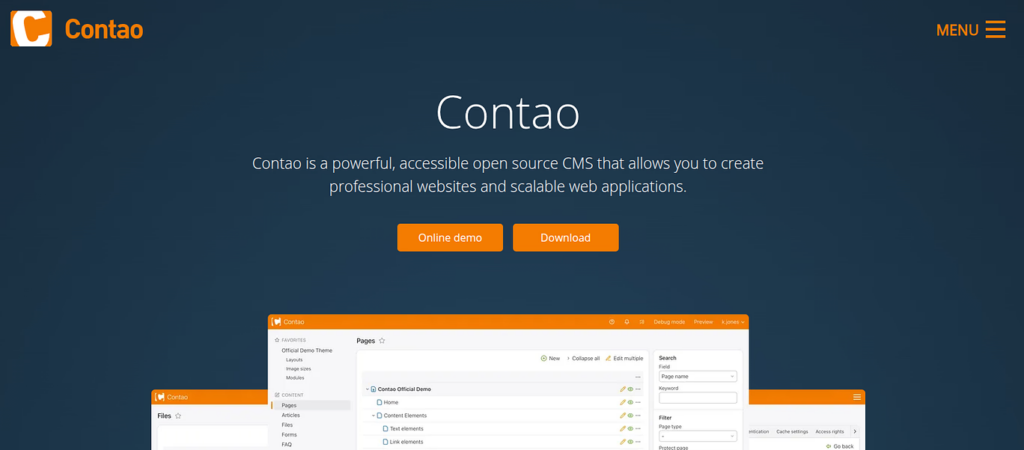
Contao is a German-born CMS that flies under most English-language discussions, but it’s worth knowing about. Built on Symfony, it focuses on accessibility and is favored by professional web agencies in Europe, particularly Germany and Austria, where it has a strong market presence that doesn’t show up in English-language market share discussions.
Why it works:
Contao’s commitment to web accessibility is genuine. It produces clean, semantic HTML5 output by default, which sounds basic but is rarer than it should be across CMS platforms. Many CMS platforms output div soup and rely on you to fix it with CSS. Contao starts with proper semantic markup, heading hierarchies that make sense, form fields with associated labels, ARIA attributes where appropriate. For projects where accessibility is a compliance requirement, this matters in a real, audit-able way.
The back-end is intuitive for editors. The permission system is granular enough for complex organizational structures, you can set permissions at the page level, not just at the module level, which is meaningful for sites with many content editors and strict role separation between who can edit what.
Security and stability have been consistently maintained over years. Contao has a dedicated security team, releases patches promptly, and the codebase reflects the kind of discipline you expect from a platform that’s been in active development for over a decade without major security incidents.
Where it costs you:
The community is primarily German-speaking. English-language documentation, tutorials, and community resources are thinner than for other platforms. Finding English-speaking Contao developers is genuinely difficult outside of Europe, which creates a practical risk for international projects. If you need help, the English-language answers are sparse.
The theme and extension ecosystem is smaller, concentrated largely in Europe. Most quality themes and extensions are paid rather than free, which shifts the cost equation. If you’re used to WordPress’s abundance of free options, the Contao ecosystem feels different.
Best for: European agencies with accessibility requirements, projects where semantic HTML5 and standards compliance are explicit priorities, clients who operate within the European professional web agency ecosystem and value long-term stability over feature breadth.
8. Magento: When E-Commerce Is the Point
Magento deserves its own category because it’s not trying to be a general CMS, it’s built specifically for e-commerce, and it does e-commerce as well as any PHP platform available. If you’re building a store, this is where the conversation starts.
Why it works:
Magento’s e-commerce feature set is unmatched for PHP. Product catalog management with unlimited attributes, sophisticated pricing rules, tier pricing, customer group pricing, promotional rules that stack, full customer account management, order management workflows, payment processing integration, shipping integration across carriers. It’s all there, deeply functional, and built to handle high-volume retail.
Security is taken seriously, Magento has a dedicated security team, active patch management, and a strong track record. For e-commerce sites handling payment data and customer information, this is non-negotiable. PCI compliance support is built into the platform’s approach to data handling.
The marketplace has thousands of extensions covering most common requirements. From SEO tools to shipping integrations to accounting software connections, if you need a feature, there’s a good chance an extension exists. The ecosystem is large enough that “there’s a module for that” is frequently true.
Where it costs you:
Magento requires significant server resources and careful hosting configuration. It’s not a platform you spin up and forget, performance optimization is an ongoing commitment, and proper hosting is not cheap. SSD storage, adequate RAM, Redis for caching, a properly configured CDN, these are not optional extras, they’re the baseline for a healthy Magento install.
The learning curve and development cost are high. Magento developers are specialists, and their rates reflect that. For small to mid-size stores, say, a hundred products and straightforward shipping, the overhead rarely makes sense. You’re paying for Magento’s enterprise feature set even when you don’t need it.
The platform is resource-intensive by default. Page load times on poorly configured Magento setups are a known problem in the industry. Getting Magento to perform well requires proper hosting, full-page caching, Redis session and cache management, Elasticsearch for catalog search, and index management, all of which add operational overhead that smaller platforms handle automatically.
Best for: Large-scale e-commerce operations with complex product catalogs, multi-store setups where one Magento installation manages multiple storefronts under different brands, businesses with the infrastructure budget for proper hosting and access to experienced Magento developers.
Quick-Reference Comparison
| Platform | Best For | Learning Curve | Plugin Ecosystem | Hosting Complexity |
| WordPress | Blogs, small e-commerce | Low | Huge | Low |
| Drupal | Enterprise, gov, complex content | High | Moderate | High |
| Joomla | Membership, multilingual | Medium | Moderate | Medium |
| October CMS | Laravel custom builds | Medium | Limited | Medium |
| Craft CMS | Premium content-focused sites | Medium | Moderate | Medium |
| PyroCMS | Modular Laravel apps | Medium | Limited | Medium |
| Contao | Accessibility-first sites | Medium | Limited | Medium |
| Magento | Large e-commerce | High | Large | High |
How to Choose: A Practical Decision Framework
The CMS decision is usually not about finding the “best” platform, it’s about finding the right platform for a specific project. Here’s how to narrow it down without overthinking it.
Start with the client and the content, not the platform’s features.
Who will manage the content? Non-technical editors who need an intuitive back-end point toward WordPress, October CMS, or Craft CMS. Developers who need full control point toward October CMS, Craft CMS, or a headless setup with a custom front-end.
How complex is the content model? Simple pages and blog posts work fine on any platform. Complex content types with intricate relationships between them, that points toward Drupal or Craft CMS. E-commerce with thousands of products and custom pricing rules points toward Magento.
What’s the traffic expectation? Low to medium traffic works on any modern CMS. High traffic with performance requirements changes the calculus significantly, Magento needs proper infrastructure; WordPress needs good caching; Drupal handles traffic well when properly configured.
Factor in long-term maintenance honestly.
Every CMS you install is a CMS you maintain. The question is not “can we build this on WordPress” but “can we maintain this WordPress installation in two years without it becoming a liability”. Plugin updates, security patches, theme updates, PHP version compatibility, this maintenance work is real, ongoing, and costs money. A platform that’s cheap to launch and expensive to maintain is not actually cheap.
Don’t choose free over appropriate.
WordPress is free. Craft CMS costs money. But spending developer hours fighting WordPress to do something it wasn’t designed for is not free, it’s expensive in a different way. A Craft CMS license for the right project is frequently cheaper than the workarounds required to make WordPress do something it wasn’t built for.
Disclosure: This article references ServerAvatar, a server management platform. I include it because it’s relevant to the hosting and deployment discussion in the guide. All opinions are my own.

Common Mistakes When Choosing a CMS
Choosing based on community size instead of fit. WordPress has the biggest community, but that doesn’t make it right for every project. The PHP CMS market is mature enough that “most popular” and “best for my project” are frequently different things. A smaller platform that fits your project is always better than a popular platform that fights it.
Underestimating long-term maintenance. The CMS you build on is the CMS you maintain. A WordPress site with thirty plugins and poor update hygiene becomes a security and maintenance nightmare in under a year. The platform that seems fastest to build is sometimes the slowest to maintain. Factor in what the platform looks like in two years, not just at launch.
Ignoring the client’s actual skill level. If your client needs to update content daily and you give them a developer-focused back-end they can’t navigate, you’ve failed, regardless of how elegant the code is underneath. A CMS is only as good as the content editors can use it. The best CMS in the world is the wrong CMS if your client can’t comfortably use it.
Forgetting about hosting. Some CMS platforms are finicky about hosting environment. Drupal and Magento especially need proper server configuration. WordPress accumulates performance issues without proper caching and PHP version management. Managed hosting that supports your CMS out of the box, like ServerAvatar, removes an entire category of problems before they start. Don’t treat hosting as an afterthought.
Choosing complexity over simplicity. The urge to build on the most powerful platform is understandable but often wrong. If your project is a ten-page business site, WordPress is probably enough. Drupal’s power is real, but it’s power you pay for in learning curve and maintenance burden. Start simple and scale up when you have to, not before.
Conclusion
PHP CMS platforms in 2026 cover a wide enough range that there’s a right choice for almost any project. WordPress handles most standard projects well and remains the practical default, the ecosystem depth, hosting support, and community size are genuinely unmatched. When requirements go beyond the ordinary, custom architecture, complex content modeling, Laravel integration, enterprise security, large-scale e-commerce, the other platforms on this list are stronger than they’ve ever been.
My recommendation: start with the simplest platform that fits your project and scale up only when you have to. WordPress handles more than people give it credit for. But when it doesn’t, the alternatives are worth knowing about, and the time you spend evaluating them before you need them is never wasted.
About the Author
This guide is based on years of building and maintaining sites across different platforms, from WordPress for small businesses to Craft CMS for premium clients, Drupal for enterprise organizations, and Magento for e-commerce builds at scale. Every platform here is one I’ve actually deployed, configured, and maintained on real projects, not a features list pulled from a vendor’s marketing page.
FAQs
1. Which PHP CMS is best for a custom web application?
October CMS or Craft CMS, both are Laravel-native and designed for developers who need custom functionality without fighting the platform. WordPress is the wrong choice for custom applications.
2. Is WordPress still a good choice in 2026?
Yes, for the right project. It excels at content sites, blogs, and small e-commerce. It stops being right when requirements go significantly beyond its plugin ecosystem, or when the project is fundamentally a custom application.
3. How do I choose between Drupal and WordPress?
WordPress is right for most projects. Drupal is right for large, complex, enterprise-grade projects where security, scalability, and content modeling precision are non-negotiable, and where you have the budget for experienced Drupal developers.
4. Which PHP CMS is fastest?
Performance depends more on hosting, caching, and configuration than the CMS itself. Craft CMS and October CMS are lightweight by default and perform well without extensive optimization. Magento is the slowest out of the box.
5. What about headless CMS options?
Headless CMS platforms like Sanity, Contentful, and Strapi offer a content API with a separate front-end. Great for developers who want full control over the front-end stack. Less ideal when clients need a polished back-end editing experience.