ServerAvatar Logo

Learn .

Dive into the world of server mastery! Discover articles on hassle-free deployments, smart configurations, efficient processes, and the best tips & tricks every developer needs to know.

How to Manage Traffic Spikes on Your Server

How to Manage Traffic Spikes on Your Server
Have you ever opened your analytics dashboard and thought, β€œWait… why are so many people here right now?” That sudden rush of visitors feels exciting, until your website slows down, pages stop loading, or worse, the server crashes, leaving you wondering how to manage traffic spikes on your server without disrupting user experience. Traffic ...
Read Full Article πŸ‘‰

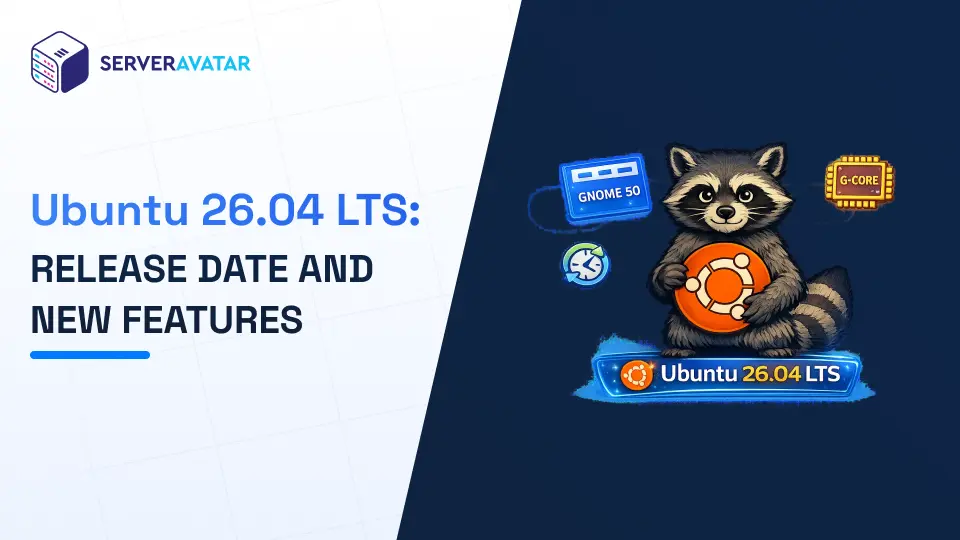
Ubuntu 26.04 LTS: Release Date and New Features

Ubuntu 26.04 LTS: Release Date and New Features
Ubuntu has long been one of the most trusted Linux distributions for desktops, servers, and cloud environments. Every two years, Canonical releases a Long-Term Support (LTS) version that focuses on stability, performance, and long-term reliability. The upcoming Ubuntu 26.04 LTS is already generating a lot of interest among developers, sys...
Read Full Article πŸ‘‰

How to Clone a WordPress Site Without Coding

How to Clone a WordPress Site Without Coding
Cloning a WordPress site is one of the smartest ways to save time, reduce risk, and speed up website management. When you clone a WordPress site, you can quickly create a staging environment, move your website to a new server, or build multiple similar websites without starting from zero. This approach helps ensure consistency while avoiding m...
Read Full Article πŸ‘‰

403 Forbidden Error Explained: How to Fix It on Your Website

403 Forbidden Error Explained: How to Fix It on Your Website
A 403 Forbidden error is a common HTTP status code that indicates an access restriction issue on a website. When this error appears, the server successfully receives the request but refuses to provide the requested resource due to permission or configuration limitations. This guide explains what a 403 Forbidden error is, why it occurs, and ...
Read Full Article πŸ‘‰

401 Unauthorized Error Explained: Causes and How to Fix It

401 Unauthorized Error Explained: Causes and How to Fix It
Seeing a 401 Unauthorized Error on your screen can be frustrating, especially when you are sure the page exists and should load correctly. One moment, everything seems fine, and the next moment, access is denied. For many people, this error feels confusing and technical, but the good news is that it is usually easy to understand and fix. In...
Read Full Article πŸ‘‰

How to Check Open, Closed, or In-Use TCP Ports on Linux

How to Check Open, Closed, or In-Use TCP Ports on Linux
When working with Linux, understanding how TCP ports behave is an important technical skill. TCP ports control how applications communicate over a network and determine which services are accessible on your system. Whether you are managing a server, troubleshooting application issues, or reviewing system security, knowing how to check ope...
Read Full Article πŸ‘‰

Complete Guide to Setting Up a Staging Environment

Complete Guide to Setting Up a Staging Environment
Have you ever updated a website and suddenly something broke? A page didn’t load, a form stopped working, or worse, the entire site went down. Frustrating, right? This is exactly where a staging environment saves the day. Think of a staging environment like a rehearsal before a live show. Actors don’t walk straight onto the main stage witho...
Read Full Article πŸ‘‰

How to Delete Large Directories in Linux Quickly

How to Delete Large Directories in Linux Quickly
Deleting a large directory in Linux can feel like trying to clean out a packed storeroom with a tiny broom. When you need to delete large directories, you know what has to go, but the process often feels slow, confusing, or even risky. If you have ever typed a delete command and watched your terminal β€œthink” forever, you are not alone. Linu...
Read Full Article πŸ‘‰

Deploy your first application in 10 minutes, Risk Free!

Learn how ServerAvatar simplifies server management with intuitive dashboards and automated processes.
  • No CC Info Required
  • Free 4-Days Trial
  • Deploy in Next 10 Minutes!