


Have you ever wondered what actually happens when you click a link, install a browser extension, or type your password into a website? Most of us assume our devices are safe as long as the server is secure. But here’s the uncomfortable truth, Client-Side Security Threats often occur right inside your browser or device, allowing attackers to exploit JavaScript, extensions, or user interactions before a server can even help.
Client-side threats operate within browsers, applications, and scripts that run directly on a user’s device. These attacks can bypass traditional server protections and affect data integrity, privacy, and user trust.
In this guide, we will discuss major client-side security threats and the practical ways to defend against them. No scary jargon. No technical overload. Just clear, human explanations anyone can understand.
What Is Client-Side Security?
Client-side security focuses on protecting all components that runs on the user’s device. This includes browsers, scripts, cookies, storage mechanisms, HTML, CSS, JavaScript, local storage, and interface-level logic.
Unlike server-side security, client-side code is visible and can be inspected or manipulated. This makes it an attractive target for attackers and requires careful implementation.
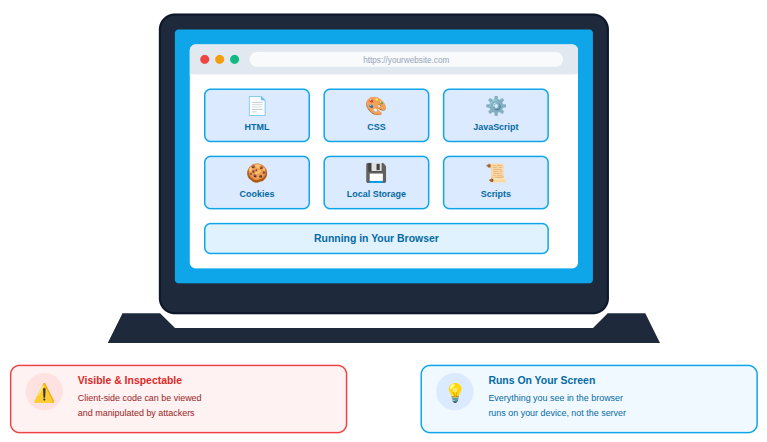
In simple terms, anything that runs on your screen instead of the server is client-side.
The challenge? Attackers love this space because:
- Code is visible: Browser-based code can be inspected and analyzed easily.
- Users trust browsers: People often assume browser activity is automatically safe.
- Mistakes are easy to exploit: Minor coding errors can lead to major vulnerabilities.
Why Client-Side Threats Matter
Client-side threats are difficult to detect because they operate outside traditional server monitoring. If left unaddressed, they can compromise sensitive data, disrupt functionality, and weaken user confidence.
As web applications grow more interactive, protecting client-side components becomes just as important as securing servers.
Why Client-Side Attacks Are Increasing
Client-side attacks are growing as modern websites rely more on dynamic, browser-driven functionality. Speed-focused development and heavy script usage often leave security checks behind.
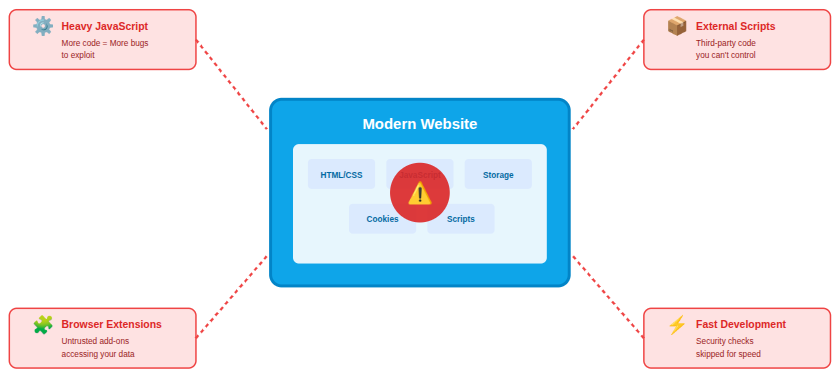
Key reasons for the rise:
- Heavy JavaScript usage: More logic runs in the browser than ever before.
- Widespread third-party scripts: External code expands the attack surface.
- Unrestricted extension use: Browser add-ons can introduce hidden risks.
- Rapid development cycles: Security is sometimes deprioritized for speed.
Let’s now check out the most common client-side security threats found in modern web applications. Each threat is explained clearly, along with protection steps that help reduce risk and strengthen overall client-side security.
1. Cross-Site Scripting (XSS)
What it is:
Cross-Site Scripting (XSS) happens when attackers inject malicious scripts into a webpage that runs in your browser.
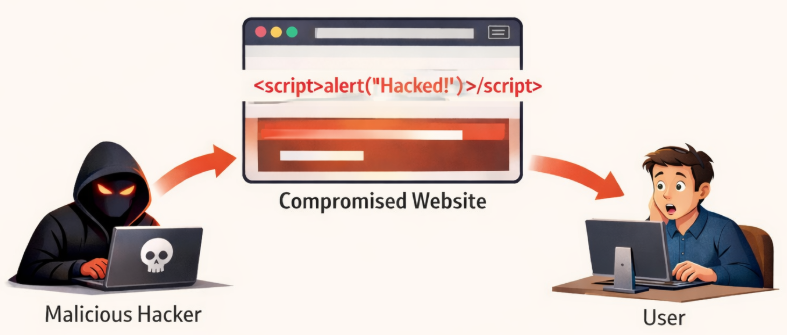
Why it’s dangerous:
The script can steal cookies, session tokens, or even keystrokes.
Real-world example:
You comment on a blog, and hidden code inside that comment runs in every visitor’s browser.
Risks include:
- Unauthorized script execution: Untrusted code runs without user awareness.
- Data exposure: Sensitive data will be leaked, or it may be accessed.
- Session manipulation: Active user sessions can be misused.
How to defend:
- Validate and sanitize input: Prevent harmful data from being processed.
- Use Content Security Policy (CSP): Restrict where scripts can load from.
- Escape output properly: Ensure dynamic content is displayed safely.
Key point:
Never trust user input, even friendly-looking text.
2. Cross-Site Request Forgery (CSRF)
What it is:
CSRF tricks your browser into performing unwanted actions while you’re logged in.
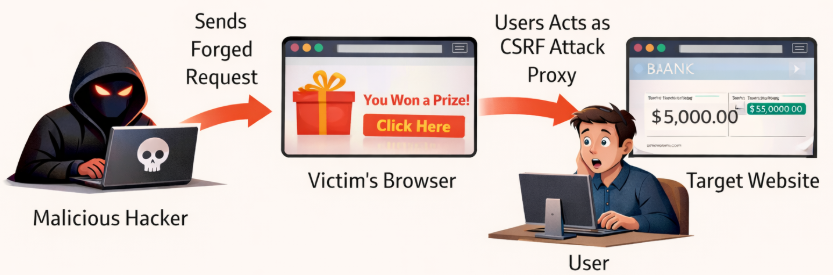
Why it’s dangerous:
CSRF tricks users into performing actions they didn’t intend on trusted websites.
Real-world example:
You’re logged into your bank, visit a malicious site, and unknowingly trigger a fund transfer.
Risks include:
- Unauthorized account changes: Actions are performed without user intent.
- Compromised user data: Account settings or information may be altered.
- Loss of trust: Security failures can damage credibility.
How to defend:
- Use CSRF tokens: Validate legitimate requests.
- Apply SameSite cookies: Limit cross-site request behavior.
- Require re-authentication: Add checks for sensitive actions.
Key point:
It’s like someone using your already-open door to sneak inside.
3. Malicious Browser Extensions
What it is:
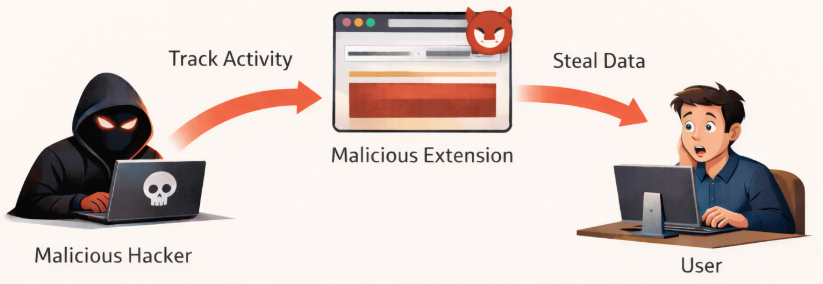
Browser extensions can access webpage content and user activity. Poorly designed or compromised extensions may introduce security risks.
Why it’s risky:
Some extensions start harmless but later update with malicious intent.
Real-world example:
Some Chrome extensions have stolen users’ banking credentials without their knowledge.
Risks include:
- Sensitive data theft: Access to stored credentials or form inputs.
- Unauthorized tracking: User activity may be monitored without consent.
- Script injection: Malicious code may run on visited pages.
How to defend:
- Install trusted extensions only: Avoid unknown sources.
- Review permissions carefully: Limit unnecessary access.
- Remove unused extensions: Reduce exposure over time.
Key point:
Browser extensions can act as hidden malware if not vetted properly.
4. Clickjacking
What it is:
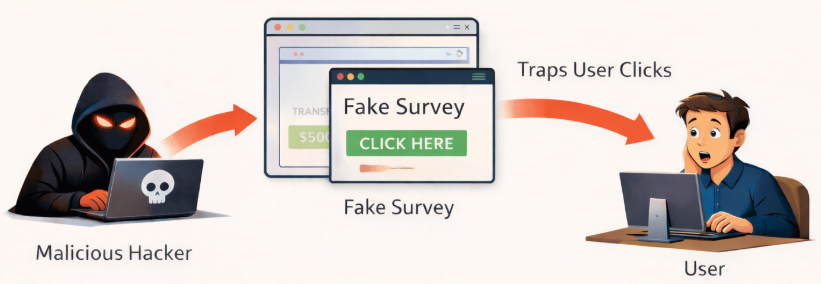
Clickjacking hides malicious actions behind harmless-looking buttons.
Why it’s dangerous:
Clickjacking tricks users into clicking hidden elements, potentially executing harmful actions.
Real-world example:
You think you’re clicking “Play Video” but actually clicking “Allow Camera Access”.
Risks include:
- Unintended actions: Users may trigger actions unknowingly.
- Unauthorized transactions: Hidden clicks can activate sensitive operations.
- Data exposure: Permissions may be granted unintentionally.
How to defend:
- Use X-Frame-Options headers: Prevent embedding in frames.
- Apply frame-busting scripts: Stop unauthorized page overlays.
Key point:
Protect sensitive buttons and actions from being framed or hidden.
5. Man-in-the-Browser Attacks
What it is:
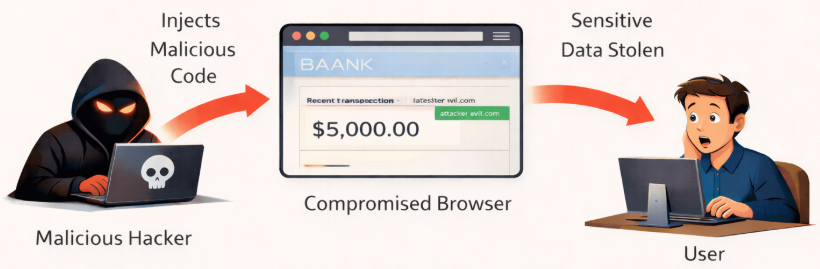
These attacks modify browser behavior at runtime, allowing unauthorized manipulation of data.
Why it’s scary:
Even HTTPS won’t protect you because the attack happens inside the browser.
Real-world example:
Zeus malware intercepted banking transactions in real time.
Risks include:
- Modified transactions: Data can be altered silently.
- Credential theft: Login details may be captured.
- Account compromise: Full access may be obtained.
How to defend:
- Keep systems updated: Reduce exposure to known flaws.
- Use reputable antivirus tools: Detect browser manipulation.
- Avoid unknown downloads: Prevent hidden malware entry.
Key point:
Malware can manipulate browser activity even on secure connections.
6. Insecure JavaScript Dependencies
What it is:
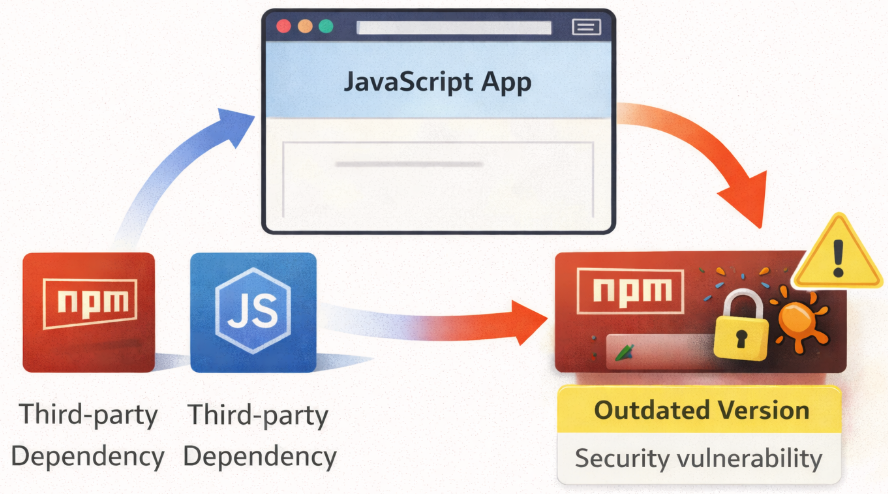
Third-party scripts may contain vulnerabilities that affect client-side security.
Why it’s dangerous:
Vulnerable libraries can expose websites to attacks even if the code is otherwise secure.
Real-world example:
A single outdated JavaScript package can expose your entire site.
Risks include:
- Remote code execution: Attackers may run malicious code.
- Data breaches: Sensitive information may be exposed.
- Service disruption: Applications may malfunction or fail.
How to defend:
- Audit dependencies regularly: Identify outdated or risky code.
- Use trusted libraries: Reduce unknown risks.
- Monitor vulnerabilities: Stay informed of known issues.
Key point:
Free libraries aren’t free from risk.
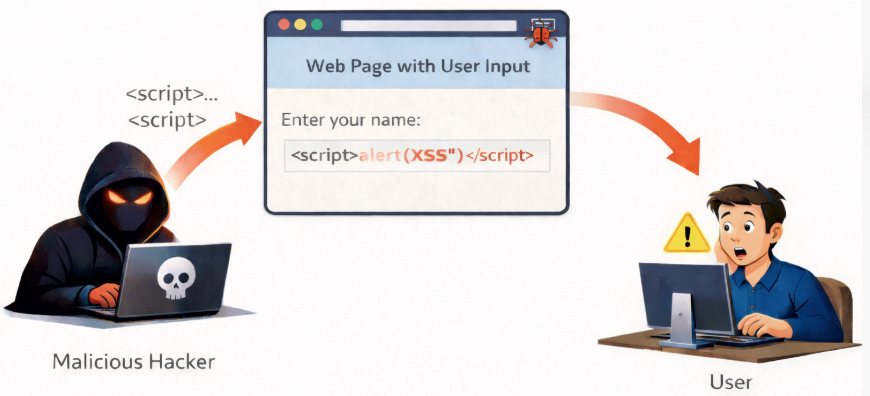
7. DOM-Based Attacks
What it is:
Attacks that manipulate the Document Object Model (DOM) directly in the browser.
Why it’s dangerous:
The server never sees the malicious activity.
Real-world example:
Malicious scripts manipulated DOM elements on e-commerce sites to steal payment info.
Risks include:
- Client-side data theft: Information is extracted directly.
- Unauthorized actions: Scripts perform unintended operations.
- Content manipulation: Page behavior or display is altered.
How to defend:
- Avoid unsafe DOM methods: Reduce manipulation risks.
- Validate client-side data: Ensure safe handling.
- Follow secure coding practices: Prevent logic flaws.
Key point:
DOM vulnerabilities often allow attackers to control page behavior from the client side.
8. Session Hijacking
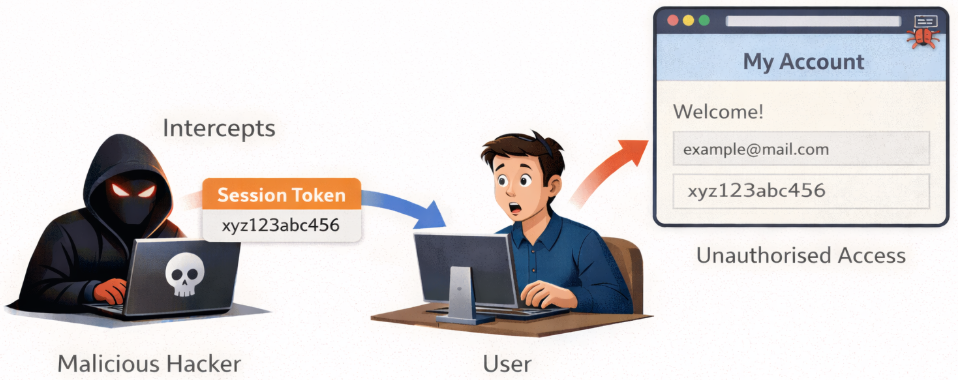
What it is:
Attackers steal session IDs to impersonate users.
Why it’s dangerous:
Data may be intercepted due to Insecure network connections, or Session data can be extracted due to XSS vulnerabilities.
Real-world example:
Attackers captured session cookies over unsecured Wi-Fi to access user accounts.
Risks include:
- Unauthorized access: Accounts can be taken over.
- Identity misuse: User actions may be impersonated.
- Data alteration: Stored information can be changed.
How to defend:
- Use HTTPS everywhere: Encrypt session data.
- Secure cookies properly: Apply HttpOnly and Secure flags.
- Regenerate sessions often: Reduce reuse risks.
Key point:
Protect session tokens and enforce secure communication.
9. Drive-By Downloads
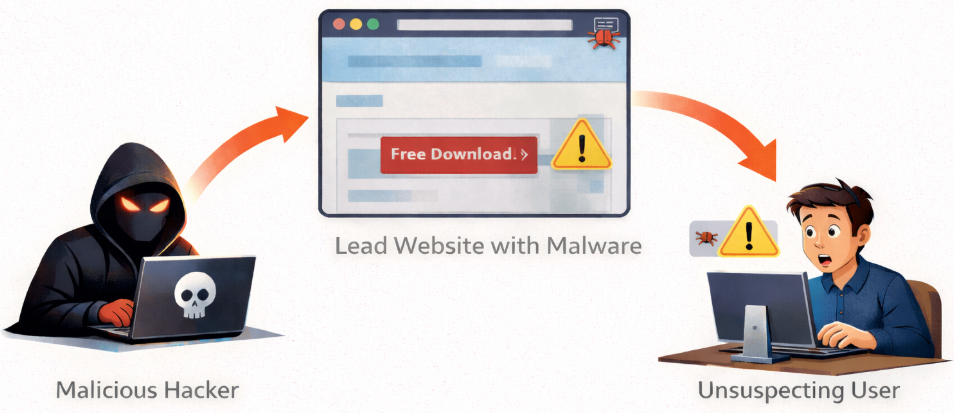
What it is:
Malware downloads automatically when visiting a compromised site. These threats automatically initiate unwanted downloads during page interactions.
Why it’s dangerous:
Users don’t expect danger from normal browsing.
Real-world example:
Visiting compromised websites triggered malware downloads without user consent.
Risks include:
- Device infection: Malicious software may install silently.
- Data loss: Files or information may be compromised.
- Unauthorized installations: Unknown programs may run.
How to defend:
- Keep browsers updated: Patch known vulnerabilities.
- Disable unnecessary plugins: Reduce attack surface.
- Use ad blockers cautiously: Limit harmful content exposure.
Key point:
Even simple browsing can trigger malware if websites are unprotected.

10. Phishing via Client-Side Scripts
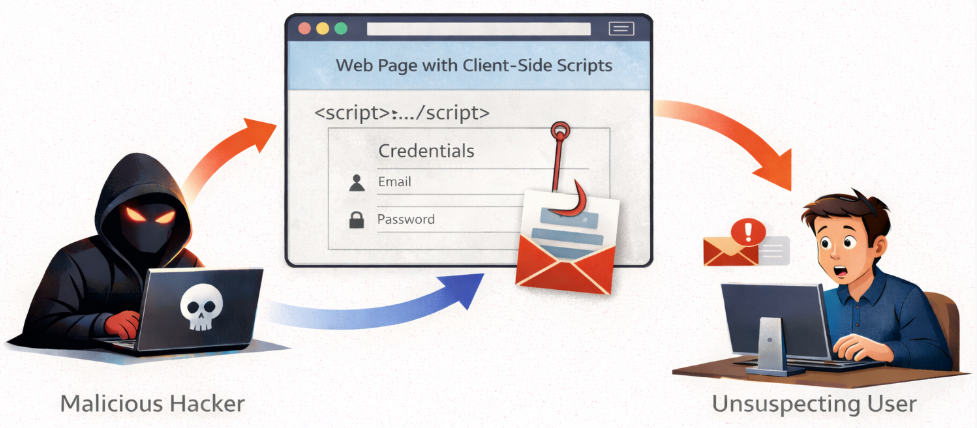
What it is:
Client-side phishing uses deceptive interface elements to collect sensitive data. Fake forms and login prompts powered by JavaScript.
Why it’s dangerous:
Looks exactly like the real thing.
Real-world example:
Malicious scripts on fake login pages stole credentials from users.
Risks include:
- Credential theft: Login details may be captured.
- Financial misuse: Unauthorized actions may follow.
- Account takeover: Full control may be lost.
How to defend:
- Educate users: Promote awareness of suspicious prompts.
- Verify URLs: Ensure correct destinations.
- Use browser warnings: Detect unsafe behavior.
Key point:
Scripts can mimic legitimate services to trick users into revealing sensitive information.
11. Insecure Client-Side (Local) Storage
What it is:
Sensitive data stored in localStorage or sessionStorage, and storing sensitive data in client-side storage exposes it to script access.
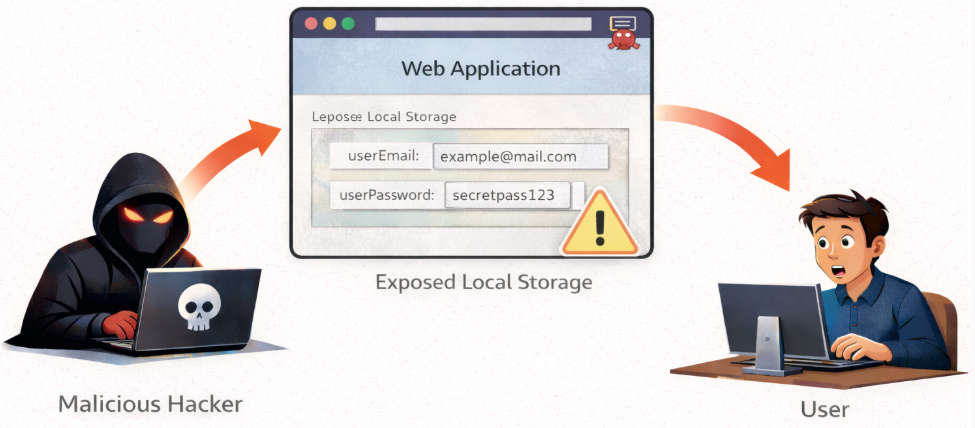
Why it’s risky:
JavaScript can easily access it.
Real-world example:
Storing tokens in localStorage led to account takeovers when attackers accessed users’ devices.
Risks include:
- Data exposure: Stored information may be accessed.
- Persistent XSS risks: Scripts can extract stored data.
- Session theft: Tokens may be compromised.
How to defend:
- Avoid storing secrets client-side: Keep sensitive data server-side.
- Use secure cookies: Apply controlled access settings.
Key point:
Sensitive data should never be stored in insecure client-side storage.
12. Insecure Client-Side Validation
What it is:
Insecure client-side validation occurs when applications rely only on browser-side checks to validate user input. Since client-side code is visible and can be modified, attackers can bypass or manipulate these validations.
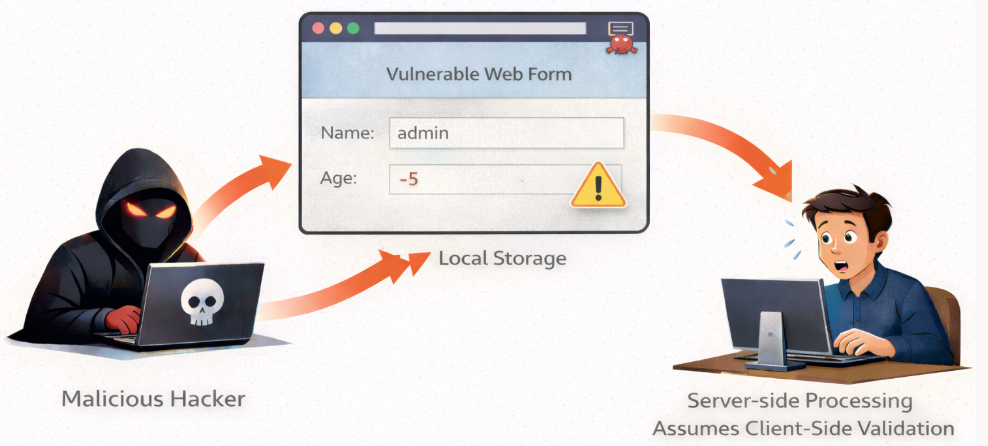
Why it’s dangerous:
Relying solely on client-side validation allows attackers to bypass checks.
Real-world example:
Attackers submitted SQL injection payloads because input validation only occurred in JavaScript.
Risks include:
- Bypassed restrictions: Validation rules can be altered.
- Data injection: Malicious inputs may pass through.
- Broken security assumptions: Trust boundaries are violated.
How to defend:
- Never rely on client-side validation alone: Treat it as usability only.
- Enforce server-side validation: Ensure true protection.
- Use layered validation: Combine client and server checks.
Key point:
Always validate and sanitize input on the server side as well as the client side.
How to Build a Strong Client-Side Defense
Effective client-side security requires a layered and proactive approach. No single control can stop every threat, but combined defenses significantly reduce risk.
Best practices at a glance:
- Use Content Security Policies: Restrict script behavior.
- Limit third-party scripts: Reduce external exposure.
- Secure cookies correctly: Protect session data.
- Educate users continuously: Improve awareness.
- Perform regular security audits: Identify weaknesses early.
Client-side security is not a single barrier, it works best as a layered defense system.
Conclusion
Client-side security plays a vital role in protecting modern web applications, as many threats originate directly within browsers and user-facing scripts. From script injection and session abuse to insecure storage and weak validation, these risks can bypass server-side defenses if not handled carefully. By understanding common client-side security threats and applying layered protection strategies, such as secure coding practices, controlled script usage, proper validation, and continuous monitoring, developers and organizations can significantly reduce exposure and build safer, more reliable web experiences. A strong client-side defense is not optional; it is a necessary part of modern application security.
FAQs
1. What is a client-side security threat?
A client-side security threat targets code and processes that run directly in the user’s browser or device, such as JavaScript, cookies, and local storage.
2. Why are client-side attacks difficult to detect?
These attacks often occur entirely within the browser and do not always interact with the server, making traditional server-side monitoring ineffective.
3. Is client-side security more important than server-side security?
Both are equally important. Server-side security protects backend systems, while client-side security protects user interactions and browser-based logic.
4. Can client-side validation alone prevent security attacks?
Client-side validation improves usability but should never be relied on alone. Server-side validation is essential for enforcing real security controls.
5. How often should client-side security be reviewed?
Client-side security should be reviewed regularly, especially after updates, dependency changes, or when adding new scripts or browser-based features.
Stop Wasting Time on Servers. Start Building Instead.
You didn’t start your project to babysit servers. Let ServerAvatar handle deployment, monitoring, and backups — so you can focus on growth.
Deploy WordPress, Laravel, N8N, and more in minutes. No DevOps required. No command line. No stress.
Trusted by 10,000+ developers and growing.