


Websites are expected to remain accessible at all times, which is why reliable uptime monitoring has become essential. Even short periods of unavailability can lead to missed visitors and reduced trust. In 2025, website reliability has become more important than ever due to increased online traffic and higher performance expectations.
Website uptime monitoring tools help website owners stay informed about their website’s availability and performance. These tools continuously check whether a website is reachable and notify users when an issue occurs. With the rise of advanced uptime monitoring solutions, businesses can now detect issues faster and maintain a smoother online experience. This article explains the 10 best website uptime monitoring tools for 2025 in a clear, easy-to-understand way so readers can confidently choose the right solution.
What Is Website Uptime Monitoring?
Website uptime monitoring is the process of checking whether a website is online and accessible to users. It measures availability by sending regular requests to the website and recording successful or failed responses.
If the website fails to respond, the monitoring tool identifies it as downtime and sends an alert. This allows website owners to quickly identify and resolve availability issues.
Why Website Uptime Monitoring Matters in 2025
Online users expect fast and uninterrupted access. Search engines also prioritize websites that maintain consistent availability. If a website frequently goes offline, it can result in reduced visibility and lower engagement.
Website uptime monitoring tools help detect problems early, minimize downtime, and maintain consistent access. In 2025, proactive monitoring is essential for maintaining credibility and performance.
How Downtime Affects SEO, Sales, User Trust, and Business Health
Downtime has a ripple effect. Search engines may reduce rankings if a site is frequently unavailable. Sales can drop instantly if users cannot access key pages. Trust erodes when visitors encounter repeated issues. Over time, this impacts the overall stability and growth of a business.
Essential Features of Uptime Monitoring Tools
When evaluating uptime monitoring tools, these essential features should be considered:
- Continuous Monitoring: Regular checks throughout the day
- Instant Notifications: Alerts when downtime occurs
- Response Time Tracking: Identifies slow loading issues
- Performance Reports: Logs uptime history and trends
- User-Friendly Interface: Easy setup and navigation
How Website Uptime Monitoring Works
Website uptime monitoring tools continuously check whether a website is accessible. They perform automated checks, send alerts during outages, run synthetic tests, monitor real user activity, generate status pages, and track performance trends. Together, these features provide visibility into website health.
Uptime monitoring tools send automated requests to a website at set intervals. If the website responds successfully, the status is recorded as operational. If it fails, the tool marks it as unavailable and sends a notification.
Most tools perform checks from multiple locations, helping confirm that outages are real and not location-specific. This process ensures accurate availability reporting.
Who Needs Uptime Monitoring:
Uptime monitoring is useful for:
- Bloggers who rely on consistent readership
- E-commerce owners where availability directly affects revenue
- SaaS businesses that must maintain service reliability
- Agencies managing multiple client websites
- DevOps teams responsible for infrastructure stability
What to Look For in a Uptime Monitoring Tool
Choosing the right monitoring tool depends on several important factors.
1. Monitoring Types
A strong tool supports multiple checks, including:
- HTTP/S, Ping, and Port monitoring to confirm basic availability
- Keyword or content checks to verify correct page loading
- SSL, DNS, and domain expiry tracking to avoid silent failures
- API monitoring for application endpoints
- Transaction and synthetic monitoring to simulate workflows
- Real User Monitoring (RUM) to analyze real visitor experience
2. Check Frequency & Global Locations
Check frequency determines how quickly issues are detected. Most tools range from 30-second checks to 5-minute intervals.
Global monitoring locations are equally important. Multi-region checks ensure issues are genuine and not limited to a single location, especially for globally accessed websites.
3. Alerting & Notification System
Alerts should be fast and flexible. Look for:
- Email, SMS alerts
- Push notifications
- Slack, MS Teams, Telegram integration
- Webhooks, PagerDuty, OpsGenie support
- Alert escalation and incident workflows
4. Reporting & Analytics
Reliable reporting helps with long-term planning:
- Uptime history and logs
- Downtime root-cause insights
- Performance charts and response time data
- SLA reports
- Monthly availability summaries
5. Ease of Use & Integration
A good tool should be intuitive. Dashboards must be easy to navigate, and integrations with CI/CD pipelines, GitHub, server logs, and monitoring stacks simplify workflows.
6. Pricing
Pricing varies widely:
- Some tools provide strong free plans
- Others focus on enterprise capabilities
- The goal is to balance cost vs features based on website size
7. Status Pages
Status pages improve transparency:
- Public status pages for users
- Private pages for internal teams
- Branding and customization options
Top 10 Website Uptime Monitoring Tools for 2025
1. Uptime Kuma (Free & Open-Source)
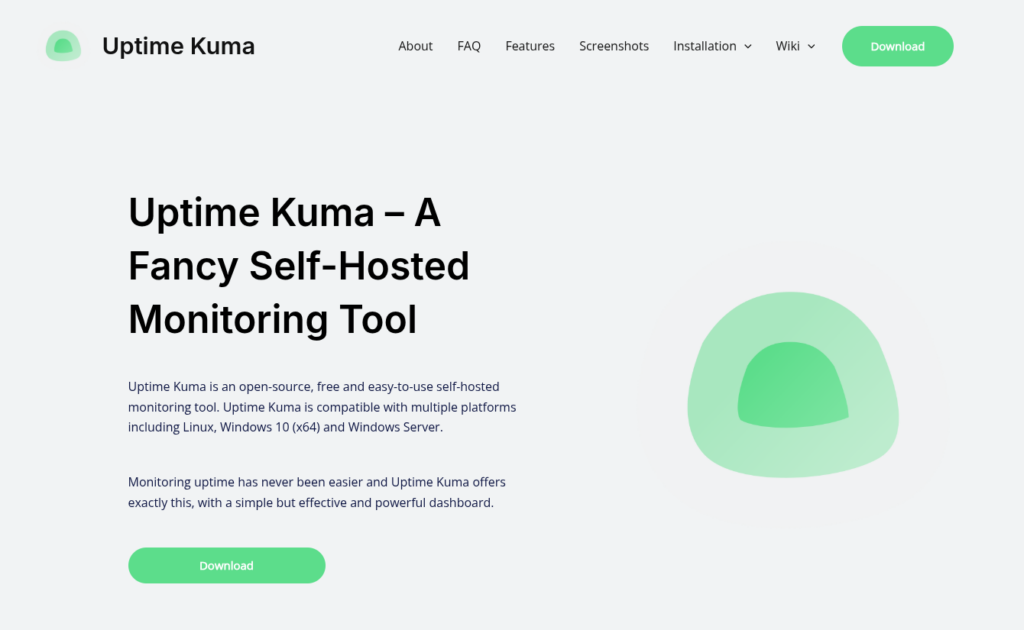
Uptime Kuma is a simple, self-hosted uptime monitoring tool designed for developers and website owners who want full control. It helps you track website availability, services, and response times through a clean and modern dashboard.
Key Features
- Self-hosted and completely free
- Monitors HTTP(s), Ping, TCP, DNS, Docker, and more
- Real-time status dashboard with history
- Notification support for email, Slack, Telegram, etc.
- SSL certificate expiry monitoring
Pros
- Easy to set up and use
- Modern and clean interface
- No usage limits since it’s self-hosted
Cons
- Requires your own server
- Not ideal for very large infrastructures
Best For:
Developers and small teams who want a lightweight, self-hosted uptime monitor.
If you don’t want to deal with manual installation or terminal commands, ServerAvatar makes using Uptime Kuma even easier.
ServerAvatar offers Uptime Kuma as a one-click application installer, allowing you to deploy it on your server in just a few minutes. You don’t need to worry about command-line setup, dependencies, or configuration hassles, everything is handled through a simple dashboard.
This makes Uptime Kuma accessible even for users who are new to server management.
2. UptimeRobot (Offers free and paid plans)
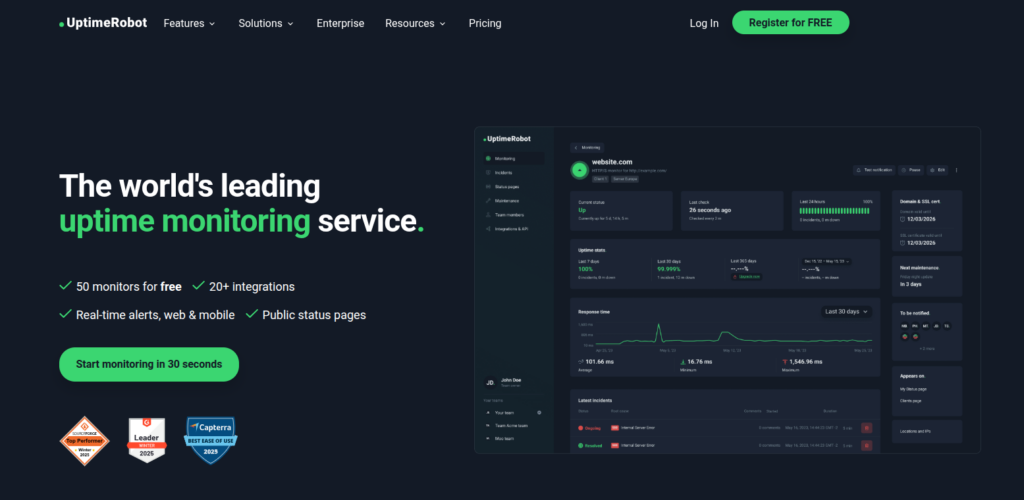
UptimeRobot is one of the most popular uptime monitoring tools worldwide. It’s known for being simple, reliable, and offering a generous free plan. It is ideal for bloggers, small businesses, and freelancers.
Key Features
- HTTP/S, Ping, Port, and Keyword monitoring
- SSL certificate monitoring
- Custom domain for status pages
- 30-second checks on premium plans
- Basic incident logs
Pros
- Very beginner-friendly
- Generous free plan
- Easy to set up
- Affordable pricing
Cons
- Limited advanced features
- Reporting is basic compared to other tools
Best For:
Blogs, portfolios, small websites, agencies that need simple uptime tracking.
3. Upptime (Free & Open-Source)
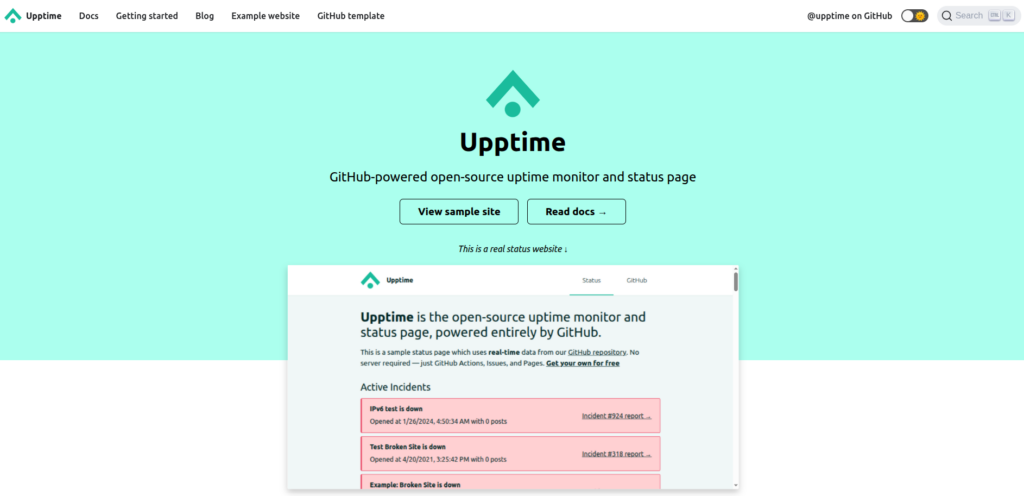
Upptime is a unique, open-source uptime monitoring tool built on GitHub. Instead of running your own server, it uses GitHub Actions and Pages to monitor websites and automatically generate a public status page.
Key Features
- Fully open source and serverless
- Runs using GitHub Actions
- Auto-generated public status page
- Uptime history stored in GitHub Issues
- Customizable branding and schedules
Pros
- No server or hosting needed
- Free to use with GitHub
- Transparent and public incident tracking
Cons
- Limited to GitHub ecosystem
- Less flexible than traditional monitoring tools
Best For:
Open-source projects and simple websites that want server-free monitoring.
4. Checkmate (Free & Open-Source)
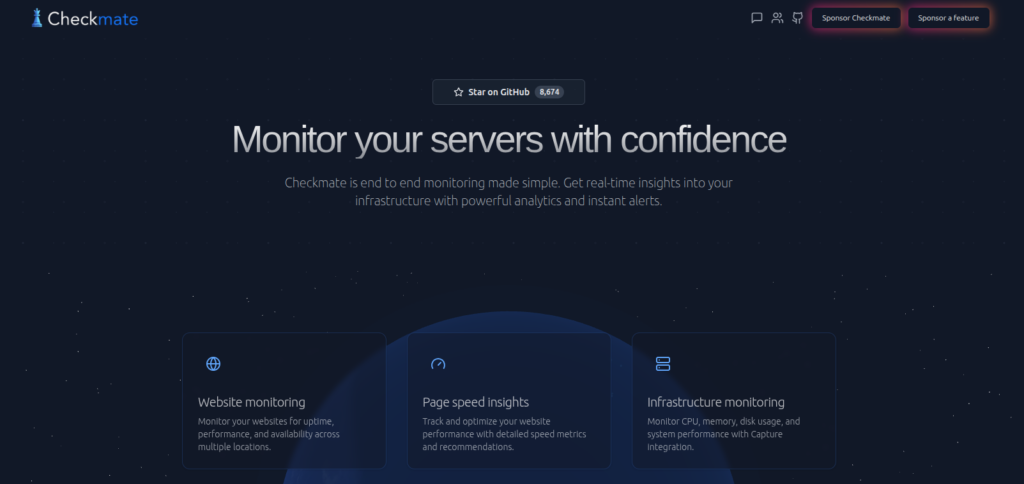
Checkmate is a self-hosted, open-source monitoring solution focused on uptime and service availability. It aims to balance simplicity with powerful real-time monitoring and incident tracking features.
Key Features
- Website and server uptime monitoring
- Real-time outage detection
- Incident tracking and alerts
- Clean dashboards with performance metrics
- Open-source and customizable
Pros
- Real-time monitoring capabilities
- Flexible self-hosting options
- Clean and easy-to-understand UI
Cons
- Smaller community compared to popular tools
- Fewer integrations out of the box
Best For:
Teams looking for a modern, self-hosted monitoring tool with real-time insights.
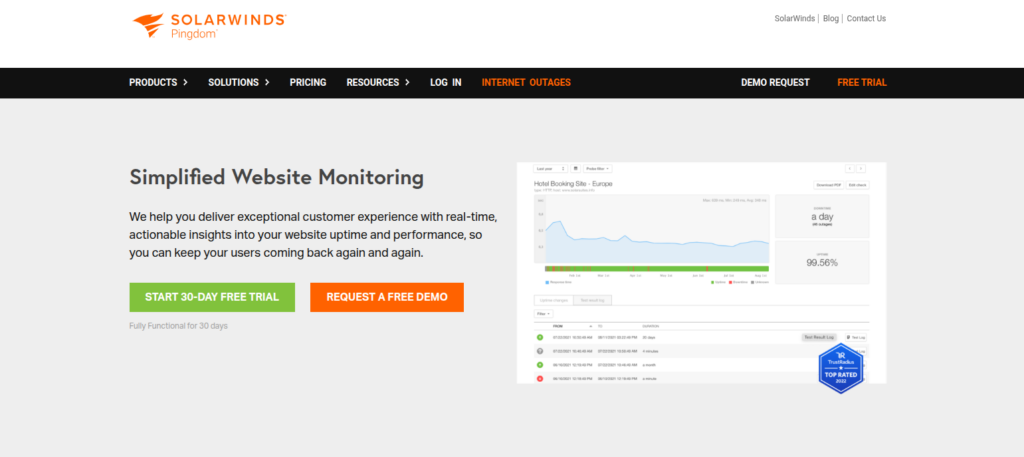
5. Pingdom (Offers paid plans)
Pingdom is a premium monitoring tool known for excellent performance insights and synthetic checks. It’s a top choice for growing and established businesses.
Key Features
- Uptime monitoring
- Detailed page speed reports
- Real User Monitoring (RUM)
- Transaction monitoring
- Global monitoring network
Pros
- Excellent data accuracy
- Beautiful dashboards
- Strong performance monitoring
Cons
- Expensive compared to other tools
- Learning curve for advanced features
Best For
E-commerce sites, large blogs, and businesses that value performance analytics.
6. StatusCake (Offers free and paid plans)
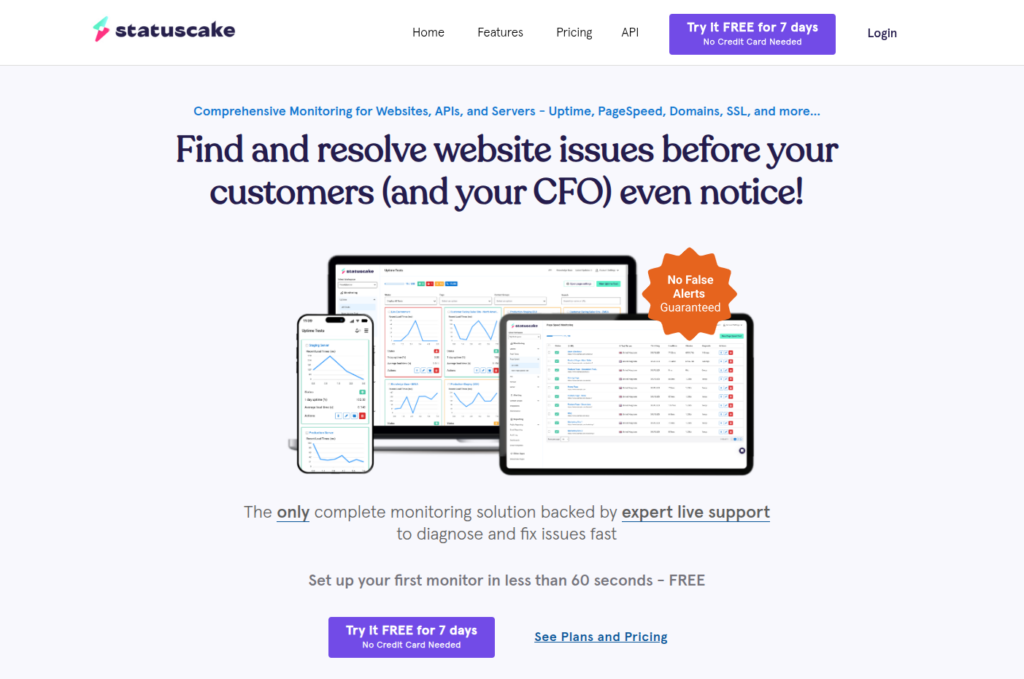
StatusCake is a flexible and powerful uptime tool with a strong focus on performance, domain monitoring, and SSL tracking.
Key Features
- 30-second checks
- SSL & domain expiry alerts
- Page speed monitoring
- Status pages
- Server monitoring
Pros
- Great value for money
- Fast check intervals
- Useful performance insights
Cons
- Interface feels a bit outdated
- Advanced features require paid plans
Best For
Small and mid-sized websites that need performance monitoring + uptime tools.
7. Site24x7 (Offers paid plans)
Site24x7 gives full monitoring for servers, websites, and networks. It’s one of the most comprehensive solutions available.

Key Features
- Website uptime monitoring
- Server and network monitoring
- Synthetic tests
- Real User Monitoring
- 120+ global monitoring locations
- AI-based anomaly detection
Pros
- Extremely feature-rich
- Supports enterprise infrastructure
- All-in-one monitoring
Cons
- Can be overwhelming for beginners
- Pricing increases with usage
Best For
Companies that want a complete monitoring ecosystem, not just uptime checks.

8. Better Stack (Offers free and paid plans)
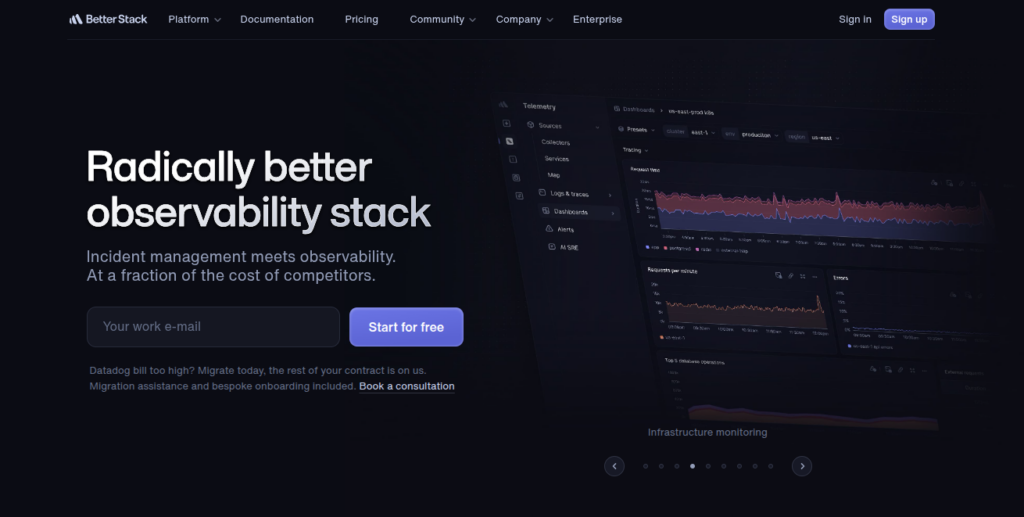
Better Stack combines website uptime monitoring with alerting and incident management in a single, modern platform. It focuses on detection and alerts.
Key Features
- Rapid downtime alerts
- Timeline-based incident tracking
- Organized status updates
Pros:
- Easy setup and clean dashboard
- Fast checks from multiple locations
- Built-in status pages and incident tracking
Cons:
- Limited advanced performance analytics
- Costs increase with more monitors
Best for:
Small teams, startups, and agencies needing simple uptime monitoring with alert management.
9. Cronitor (Offers free and paid plans)
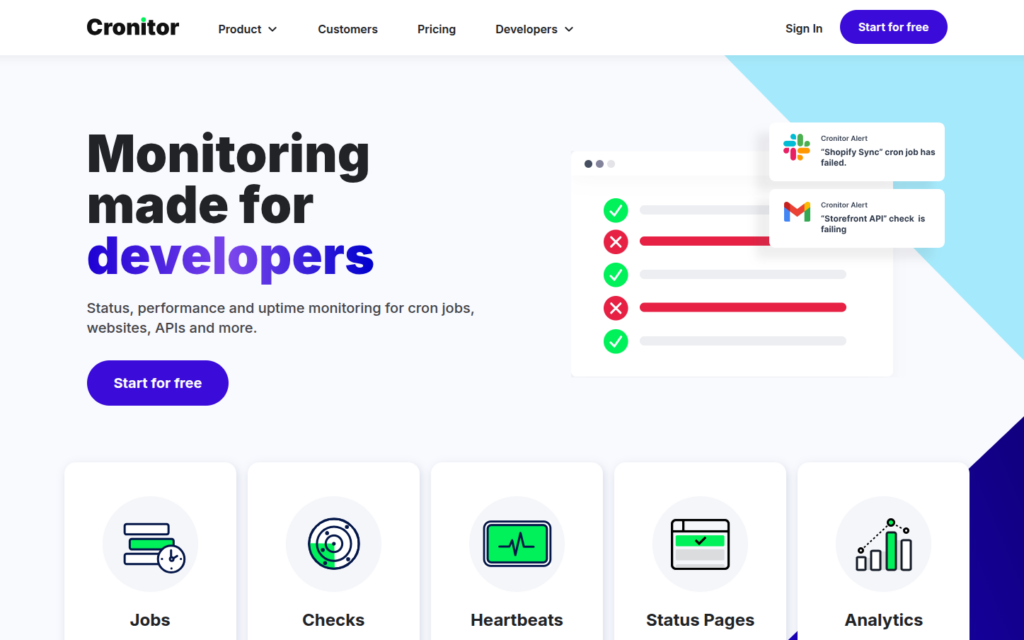
Cronitor is a flexible monitoring tool for websites, APIs, and servers with frequent global checks. It is developed for users who need uptime alerts as well as more than that.
Key Features
- Website and API uptime monitoring
- Cron job and scheduled task monitoring
- HTTP, HTTPS, and endpoint checks
- Global monitoring locations
- Flexible alerting with email, Slack, webhooks, and more
- Custom alert rules and monitoring intervals
- Detailed uptime and incident history
- Easy integration with DevOps tools and CI/CD pipelines
Pros:
- Supports websites, APIs, and endpoints
- High-frequency global monitoring
- Strong alert and integration options
Cons:
- Not ideal for non-technical users
- Advanced setup can feel complex
Best for:
Developers and DevOps teams monitoring APIs and backend services.
10. Uptrends (Offers paid plans)
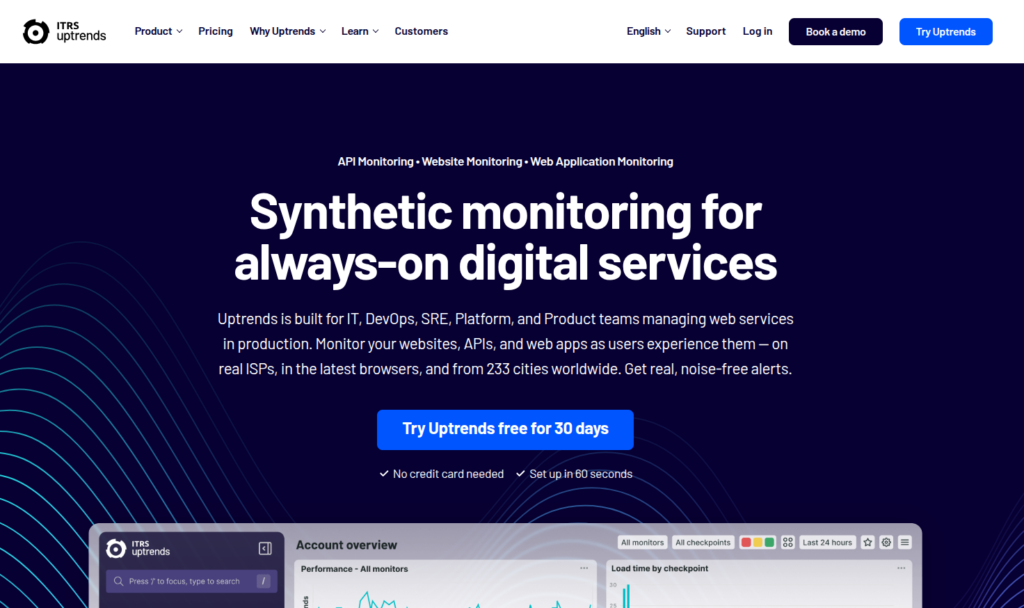
Uptrends offers powerful uptime and performance monitoring, especially known for its synthetic transaction checks.
Key Features
- Uptime monitoring
- Multi-browser checks
- RUM
- API monitoring
- Checkpoints in 220+ locations
Pros
- Great for performance
- Helpful dashboards
- Very accurate monitoring
Cons
- Pricing increases quickly
- Not the easiest for beginners
Best For
Performance-driven teams, SaaS companies, and global websites.
Website Uptime Monitoring Tools: Feature Comparison Table
The comparison table highlights key differences in features, helping you quickly identify which tool aligns best with your needs.
| Tool Name | Free Plan | Synthetic Monitoring | RUM (Real User Monitoring) | Status Page | Best For |
| Uptime Kuma | ✅ Yes | ✅ Yes | ❌ No | ✅ Yes | Developers, self-hosted monitoring |
| UptimeRobot | ✅ Yes | ✅ Yes | ❌ No | ✅ Yes | Small websites, bloggers |
| Upptime | ✅ Yes | ✅ Yes | ❌ No | ✅ Yes | Open-source projects, GitHub users |
| Checkmate | ✅ Yes | ✅ Yes | ❌ No | ✅ Yes | Small teams, self-hosted setups |
| Pingdom | ❌ No | ✅ Yes | ✅ Yes | ✅ Yes | Agencies, ecommerce sites |
| StatusCake | ✅ Yes | ✅ Yes | ❌ No | ✅ Yes | Mid-size projects |
| Site24x7 | ❌ No | ✅ Yes | ✅ Yes | ✅ Yes | Enterprises, SaaS |
| Better Stack | ✅ Yes | ✅ Yes | ❌ No | ✅ Yes | Agencies, small teams |
| Cronitor | ✅ Yes | ✅ Yes | ❌ No | ❌ No | DevOps, backend monitoring |
| Uptrends | ❌ No | ✅ Yes | ✅ Yes | ✅ Yes | Performance-focused teams |
How to Choose the Right Tool for You
Not every tool fits everyone. Ask yourself:
- Do I want simple alerts or detailed insights?
- How many websites do I want to monitor?
- Do I need performance tracking along with uptime?
Select a tool that is convenient for your requirements and plans. The best tool is the one you will actually use.
Tips to Maximize Uptime in 2025
- Use monitoring from multiple regions
- Enable alert escalation
- Schedule maintenance windows
- Track SSL and domain expiration
- Combine uptime and performance monitoring
- Maintain transparent status pages
How ServerAvatar Helps Maintain Website Uptime
Uptime monitoring tools are designed to detect problems, but preventing downtime often requires strong server management. This is where the server hosting and management platform, ServerAvatar, adds value.
What is ServerAvatar?
ServerAvatar is a platform to simplify the hosting and management of servers and applications. It simplifies the process of deploying and managing PHP and Node.js based web applications on servers.
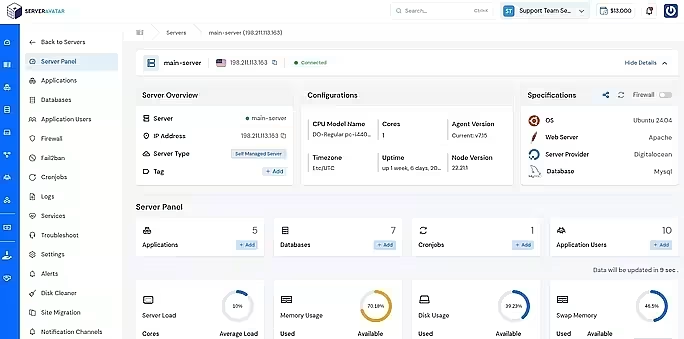
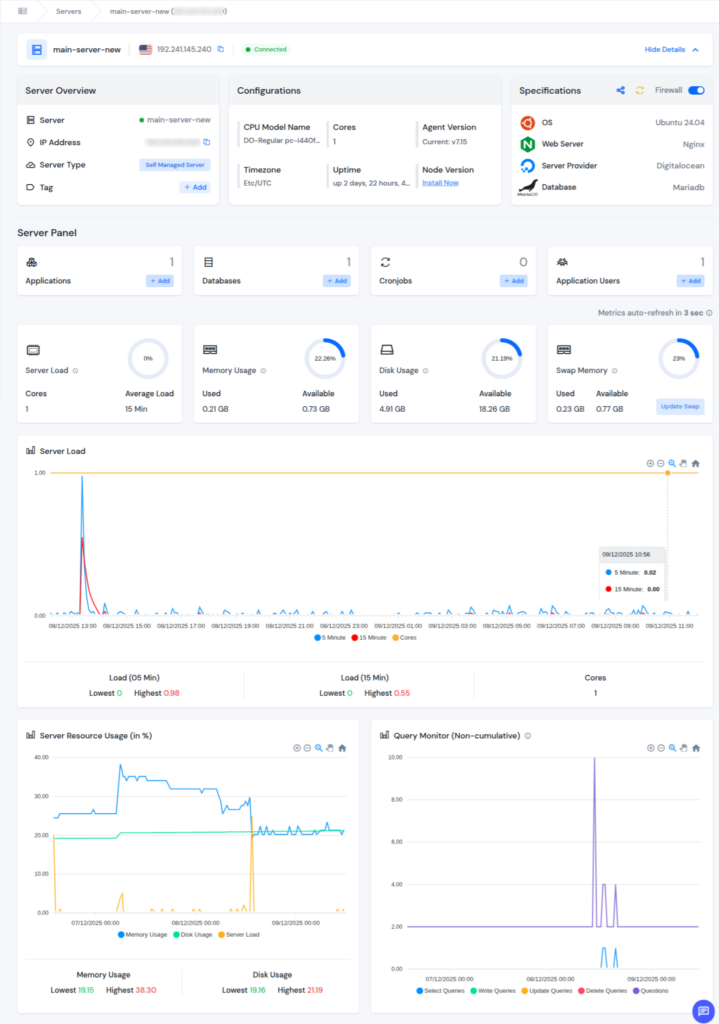
ServerAvatar provides real-time monitoring such as Server Load, Memory Usage, Disk Usage, Server Resource Usage, and Query Monitor for your server. Additionally, it allows users to monitor server logs, manage running services, and handle backups from a single dashboard, which reduces the risk of outages caused by misconfigurations or service failures.
Why Choose ServerAvatar?
If you want a solution that combines uptime monitoring, performance tracking, server management, and security, ServerAvatar saves you countless hours. Instead of juggling multiple tools, you get everything under one roof, from alerts to management.
It’s ideal for:
- Developers managing multiple client sites
- Agencies offering hosting or maintenance services
- Businesses that want reliable uptime, full server control
- Users who don’t want to handle complex command-line management
With ServerAvatar, you’re not just monitoring your server, you’re actively improving its performance, stability, and security.
Conclusion
Website uptime monitoring is no longer optional, it’s a critical component for maintaining user trust, maximizing revenue, and ensuring smooth business operations. By choosing the right monitoring tool, you can detect issues early, reduce downtime, and optimize performance to meet the high expectations of online users in 2025.
ServerAvatar take this a step further by providing real time monitoring. It connects to your server and gives you a clean, user-friendly dashboard where you can track everything, performance, resources, applications, logs, and overall health. It’s perfect for developers, agencies, and businesses that want more control without dealing with complicated DevOps tasks.
FAQs
1. What is website uptime monitoring?
It is the process of continuously checking whether a website is online and accessible, with alerts sent when downtime occurs.
2. Why is uptime monitoring important for SEO?
Frequent downtime can reduce search engine rankings, negatively impacting visibility and traffic.
3. Can small websites benefit from tools like ServerAvatar?
Yes, ServerAvatar is ideal for small to medium websites, offering automated server and uptime monitoring with easy dashboards.
4. What is the difference between beginner and advanced monitoring tools?
Beginner tools focus on ease of use and essential alerts, while advanced tools provide synthetic testing, real user monitoring, and performance analytics.
5. What makes ServerAvatar different from other monitoring tools?
ServerAvatar is more than just an uptime monitor. It provides complete server management, real-time monitoring, automatic alerts, app deployment, backups, security, team management, and premium support, all in one platform.
6. Is ServerAvatar suitable for multiple websites or clients?
Yes, ServerAvatar is ideal for developers and agencies managing multiple sites, offering team access, whitelabel options, and centralized server monitoring.