ServerAvatar Logo

Learn .

Dive into the world of server mastery! Discover articles on hassle-free deployments, smart configurations, efficient processes, and the best tips & tricks every developer needs to know.

How to Reduce HTTP Requests in WordPress to Improve Site Speed
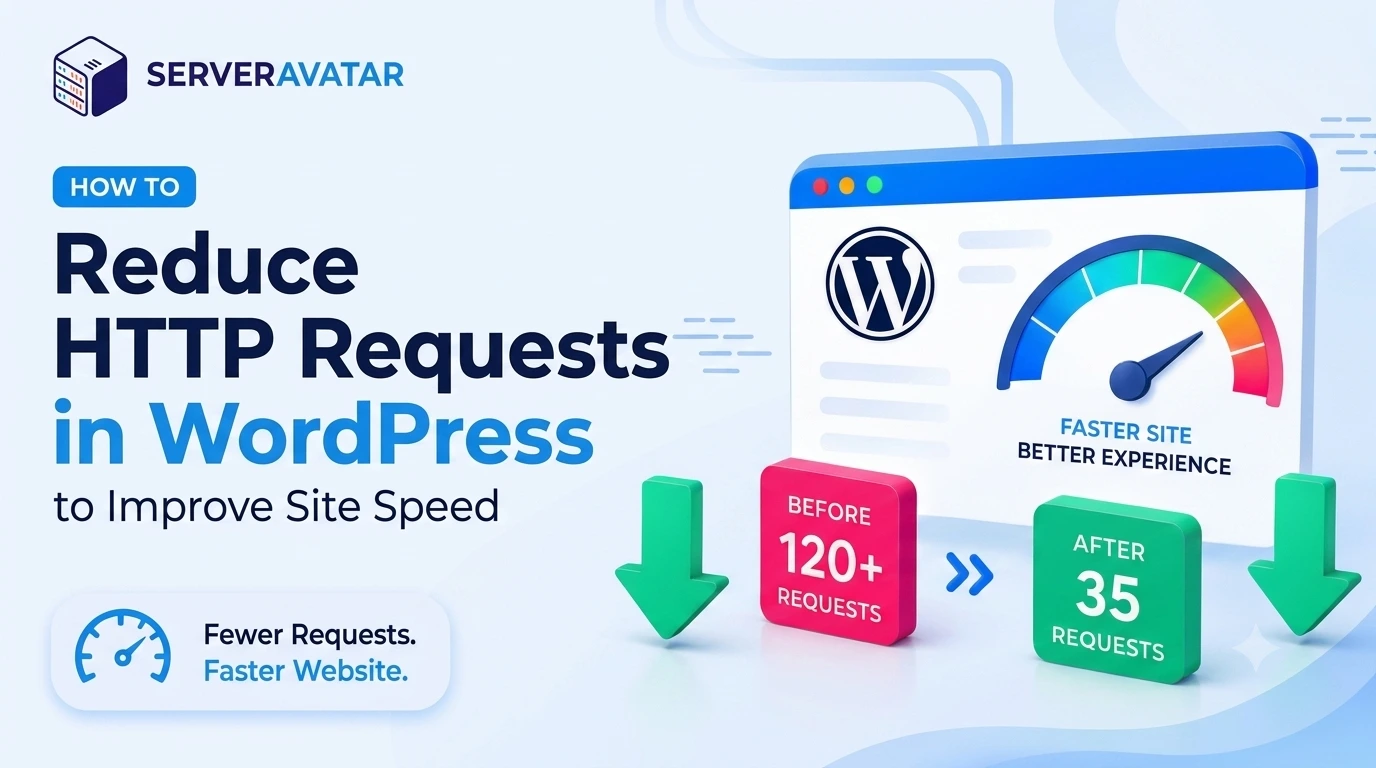
How to Reduce HTTP Requests in WordPress to Improve Site Speed
Every time someone visits your WordPress site, their browser has to do many things. To reduce HTTP requests, it first has a list of files it needs before it can show a single pixel. CSS files. JavaScript files. Images. Fonts. Tracking pixels. Font icons. Video embeds. Each item on that list is one HTTP request. And here’s the thing mo...
Read Full Article 👉

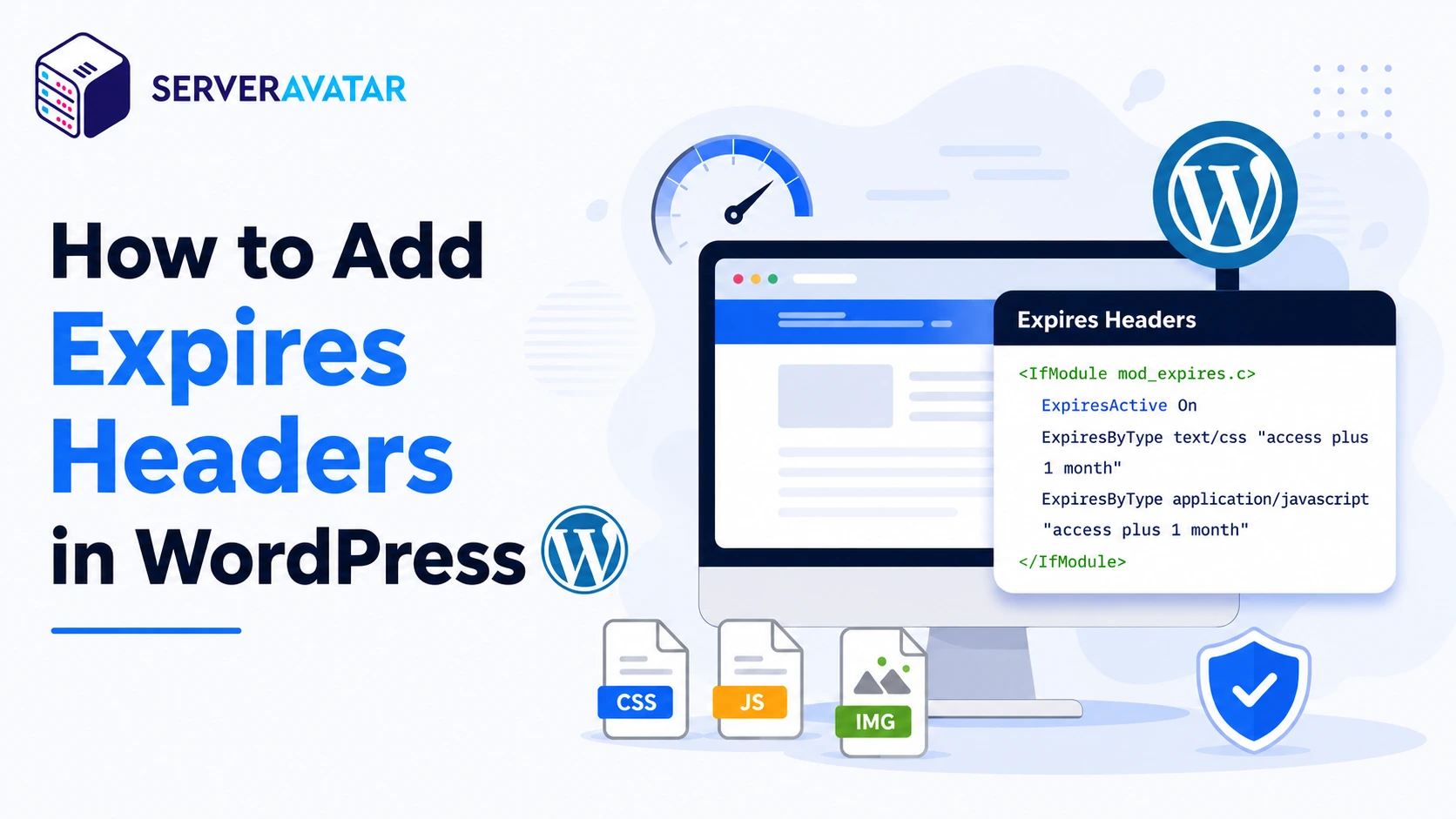
How to Add Expires Headers in WordPress

How to Add Expires Headers in WordPress
If you want to add expires headers in WordPress, it’s important to understand how browsers handle your website’s static files. Every time a visitor lands on your WordPress site, their browser downloads images, stylesheets, fonts, scripts, and other assets. If your server doesn’t instruct the browser to store these files local...
Read Full Article 👉

How to Speed Up WordPress Website With Object Cache Pro

How to Speed Up WordPress Website With Object Cache Pro
WordPress performance often becomes a challenge as websites grow. More plugins, traffic, and dynamic content can increase server load and slow down page delivery. While page caching helps with static content, it does not reduce database queries. This is where Object Cache Pro helps by storing frequently accessed data in memory, reducing databa...
Read Full Article 👉

Optimize WordPress Performance with Rewrite Rules & Cache

Optimize WordPress Performance with Rewrite Rules & Cache
When your WordPress site starts feeling slow, the first instinct is to blame your server or add another plugin. But more often than not, the real culprit is simpler, stale cache and broken rewrite rules that silently degrade WordPress Performance. These two issues are behind a surprisingly large share of WordPress performance problems. Page...
Read Full Article 👉

Why and How to Remove Unused WordPress Plugins Safely

Why and How to Remove Unused WordPress Plugins Safely
If your WordPress website feels slow, cluttered, or harder to manage than it should be, it may be time to remove unused WordPress plugins that are quietly weighing it down. Many site owners install plugins with good intentions, test features, add temporary tools, or try something new, and then forget about them. Over time, these unused plugins...
Read Full Article 👉

Deploy your first application in 10 minutes, Risk Free!

Learn how ServerAvatar simplifies server management with intuitive dashboards and automated processes.
  • No CC Info Required
  • Free 4-Days Trial
  • Deploy in Next 10 Minutes!