Cron
WordPress uses scheduled tasks for publishing, updates, backups, and plugin maintenance. The Cron page in WP Toolkit lets you choose how those tasks run (WP Cron or Server Side Cron) and manually trigger WP Cron events when needed.
A summary of the current cron method is also shown on the Overview page under Cron Scheduler.
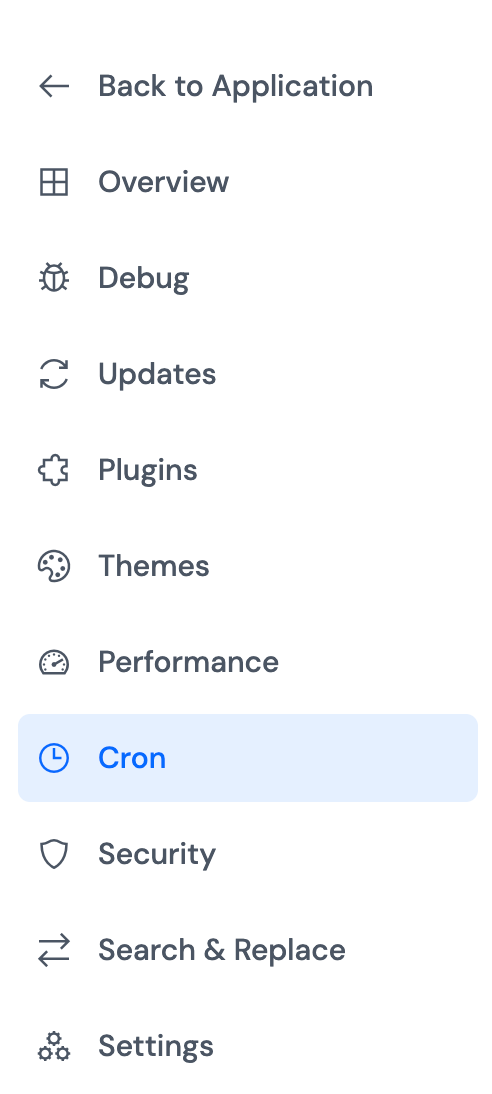
Accessing Cron
Step 1: Log in to your ServerAvatar account.
Step 2: Open the Server Dashboard → Applications → select your WordPress application.
Step 3: In the application panel sidebar, open WP Toolkit → Cron.
Cron Execution Method
Choose how WordPress scheduled tasks should run for this application.
| Method | When to use |
|---|---|
| WP Cron | Tasks run when your site receives visitors. Suitable for most sites with regular traffic. You can run due events manually on this page. |
| Server Side Cron | Tasks run on a real server cron schedule, without depending on site visits. Recommended for production sites that need reliable scheduling. |
Step 1: Under Cron Execution Method, select WP Cron or Server Side Cron.
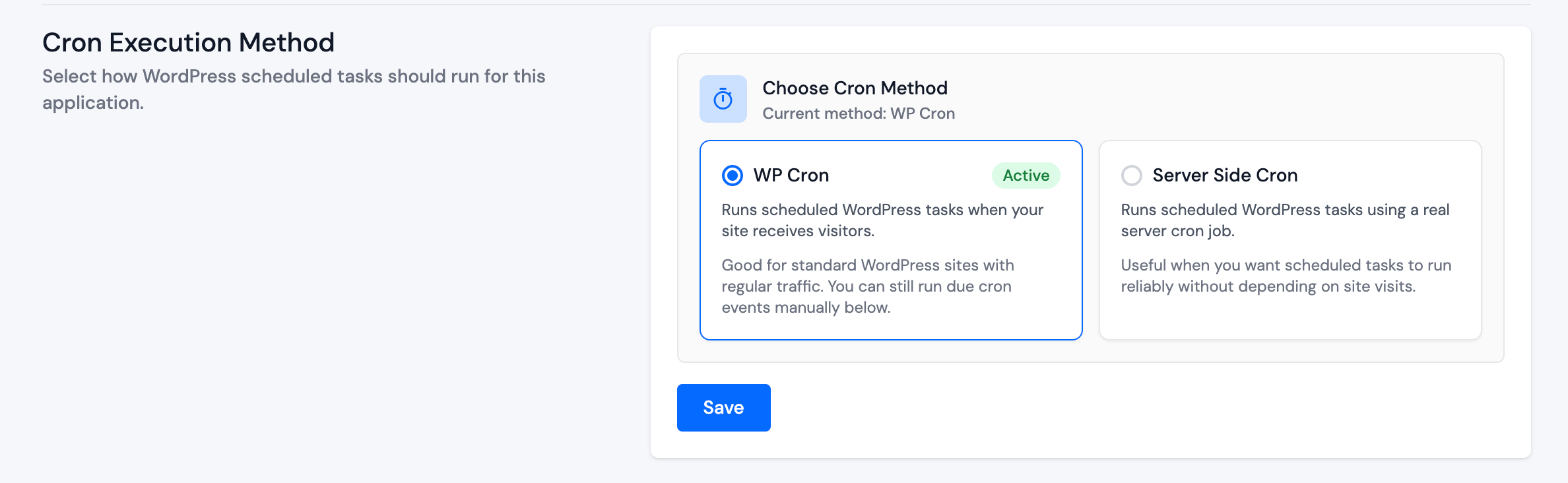
Step 2: Click Save.
The selected method shows an Active badge on its card. When you switch methods, the previous method is deactivated automatically.
WP Cron Actions
Use this section only when WP Cron is the active execution method. If Server Side Cron is active, manual WP Cron actions are disabled until you switch back to WP Cron.
The section shows how to run pending events on demand:
Step 1: Optionally enable Run all events to force every registered cron event to run immediately, including events whose scheduled time has not arrived yet. Use this for testing or troubleshooting only.
Step 2: Click Run Now:
- With Run all events unchecked: Trigger Due Events runs only events whose scheduled time has already passed.
- With Run all events checked: Trigger All Events runs every registered cron event.
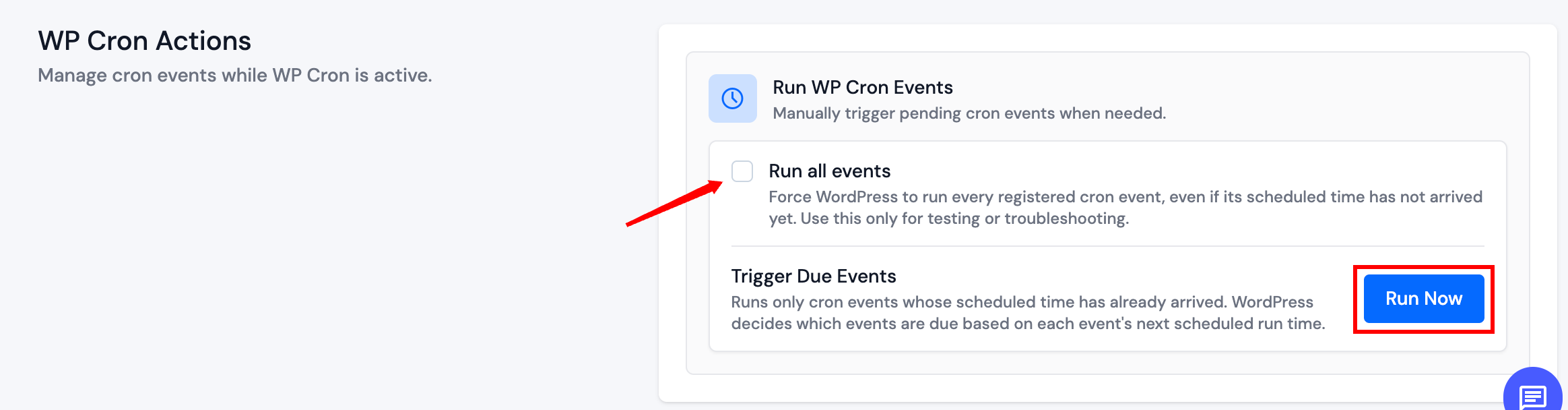
Run all events is not recommended for routine production use. It can run tasks before they are due and may cause unexpected load.
On Overview, the Cron Scheduler card shows the current method and, for WP Cron, how many events are due. Click Manage Cron to open this page.