Performance
The Performance page in WP Toolkit helps with permalink routing and cached content. Use it to regenerate rewrite rules after permalink changes and to clear stale cache when the site does not show recent updates.
Accessing Performance
Step 1: Log in to your ServerAvatar account.
Step 2: Open the Server Dashboard → Applications → select your WordPress application.
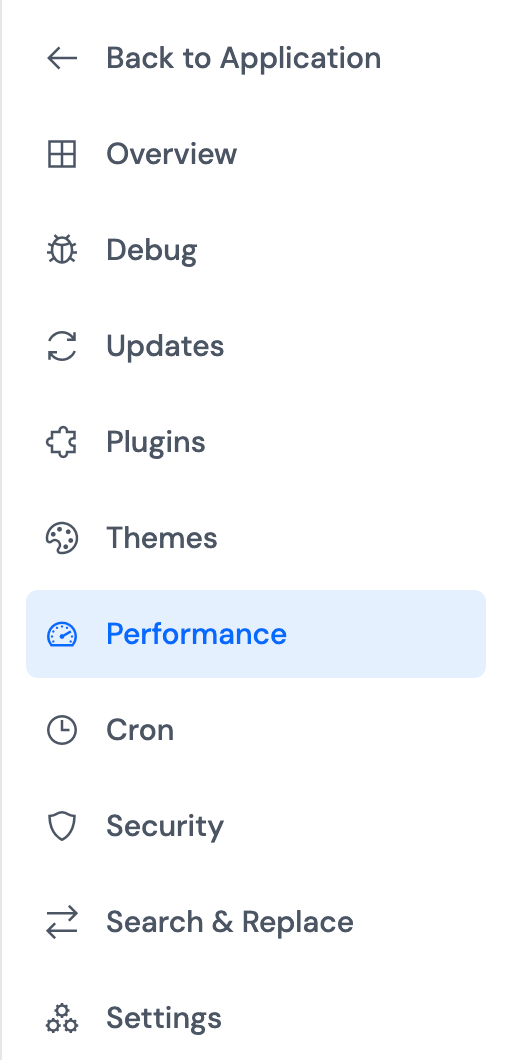
Step 3: In the application panel sidebar, open WP Toolkit → Performance.
Rewrite Rules
WordPress stores permalink rules in the database so URLs map to the correct posts and pages. After changing permalink structure or custom post types, rules may need to be regenerated.
Soft Flush rebuilds rewrite rules in the database. On single-site installs, a hard flush can also update .htaccess; the panel uses a soft flush when you click Flush Rewrite.
In the Rewrite Rules section, click Flush Rewrite and wait for confirmation.
Use this if permalinks return 404 errors after a settings change.

Cache Management
Caching plugins and server caches store generated pages or objects to speed up responses. After content or configuration changes, stale cache can make the site show old data.
In the Cache Management section, click Flush Cache to clear cached WordPress data for the application.
Run a cache flush after major updates or when changes do not appear on the front end.
